How to use VW T-Roc onboard controls
Getting comfortable with the VW T-Roc controls makes daily driving smoother and safer. The layout changes for each model generation, trim level, body style, and market specification, so knobs and touch surfaces may not be in the same place on every example. The powertrain configuration also affects how the selector and drive modes behave. Before relying on memory, take a slow look around your own cabin and match the symbols to the actions they perform. This guide explains the core logic so you can operate the main systems with fewer distractions and understand what the vehicle is telling you.
Direct answer
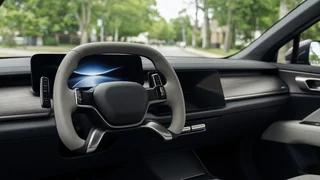
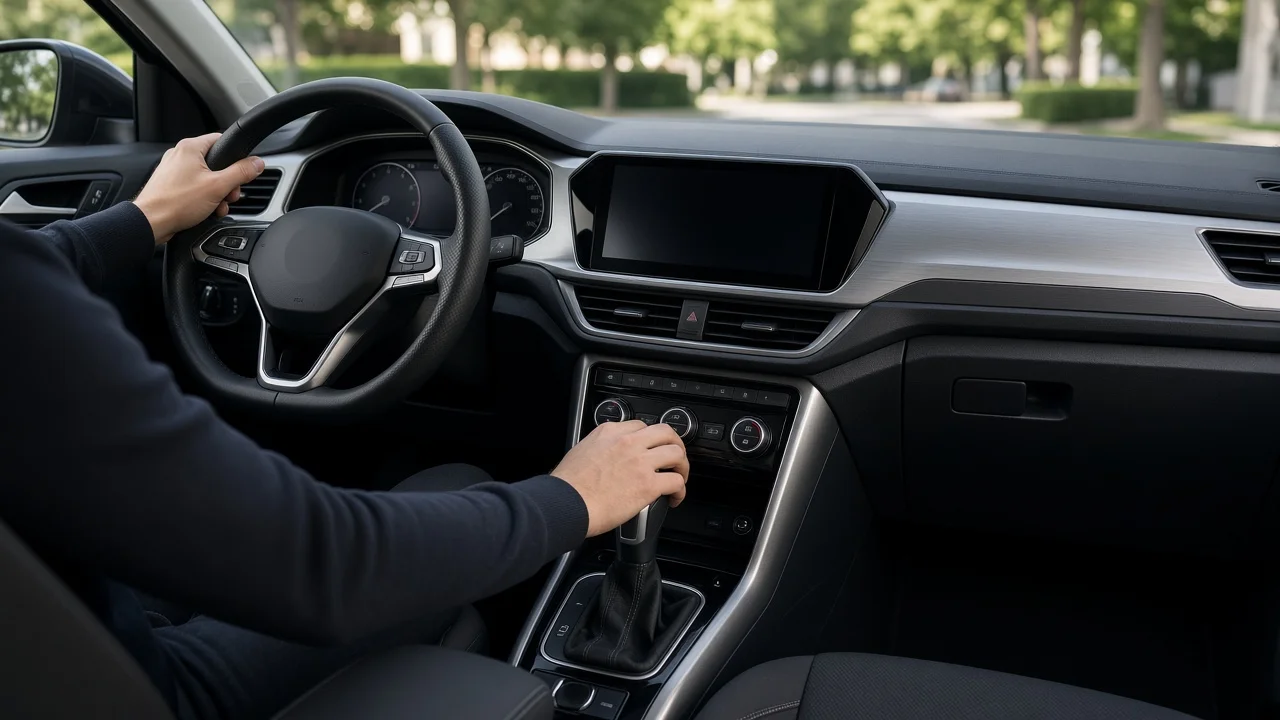
Most T-Roc controls cluster around the driver, with primary functions on and behind the steering wheel, the center stack, and the center console. The steering wheel switches commonly handle audio, phone prompts, instrument display menus, and cruise or limiter settings. The touchscreen or infotainment panel manages navigation, media, phone pairing, and many vehicle setup options. On the console you usually find the gear selector, an electronic parking switch, drive profile controls, and climate adjustments near the dash. Because trim level and model year alter labels, do not assume identical icon placement between different T-Roc vehicles.
Secondary controls operate through steering column stalks, overhead panel, and door panels. Typical wiper, turn signal, high beam, and rear wash functions are on the left stalk, though some light tasks may sit in a rotary knob beside the column. Mirror, window, and lock switches are usually in the door cards. The strongest way to learn is to sit with the ignition on while stationary and press each control gently to see the confirmation on the cluster or center screen. If a function behaves differently, the market specification or optional equipment in your particular powertrain configuration may differ from what a general description assumes.
How to proceed
Begin by setting the seat, mirrors, and steering wheel so every control stays within comfortable reach. With the vehicle parked and the ignition or electrical system active, scroll through the instrument display using the right steering wheel buttons. Notice how a short press changes a value and a long press may confirm or reset a menu item. For the center screen, press the climate or menu areas to open available functions, then use the home or back control to return. If the vehicle uses touch sliders for fan speed or temperature, drag slowly and watch the displayed number change rather than expecting a mechanical detent.
Next test the selector and parking switch while pressing the brake, keeping the transmission in Park or Neutral depending on your situation. Rotate the drive profile button only when the vehicle is stationary and the road is clear, because it can change accelerator response and steering feel. Review the owner's manual for your specific T-Roc if an icon remains unclear, especially before using assistance systems on the road. Vehicle-specific confirmation matters for manufacturer-dependent codes or warning lamps; seeing a light on the dash is a clue to interpret, not proof that a component has failed. When unfamiliar with a setting, practice in a safe, stationary location until the action becomes automatic.