Honda pilot bluetooth pairing pin
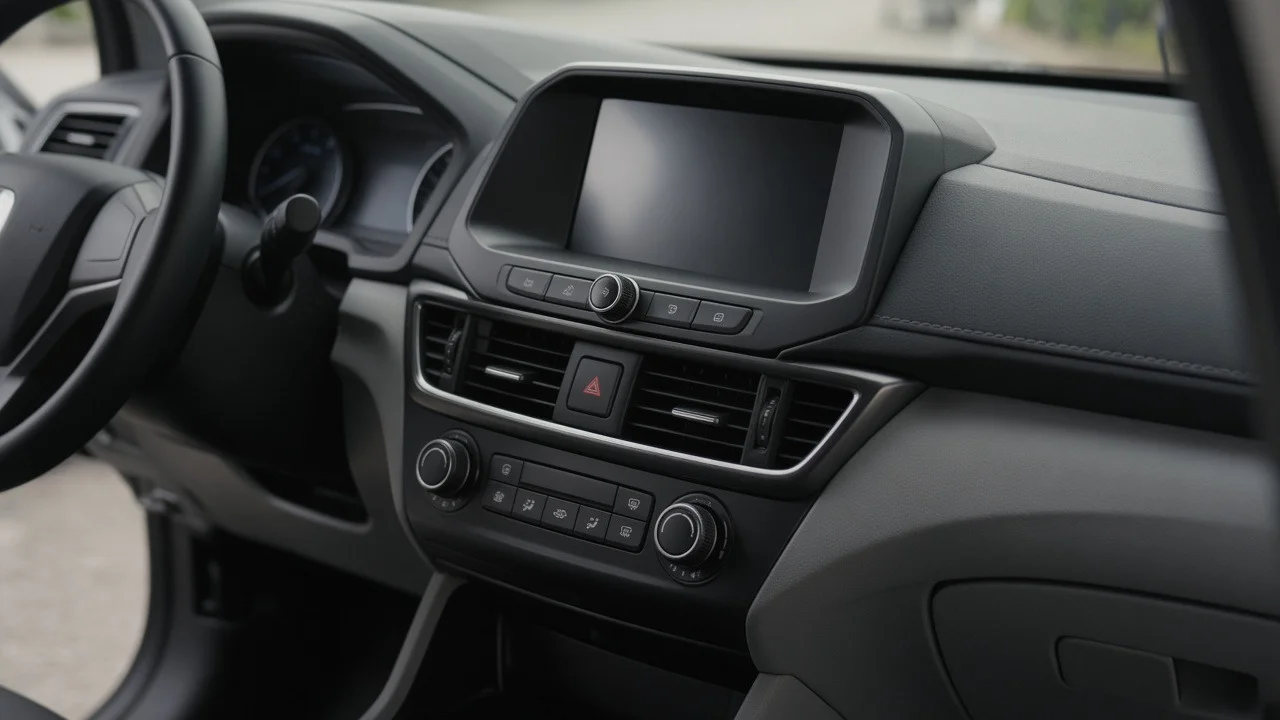
Bluetooth pairing in a Honda Pilot can stall at the moment the system asks for a PIN. The request for a “honda pilot bluetooth pairing pin” usually means the phone and the vehicle are not completing the handshake automatically. In many cases the accepted value is a short default code or the prompt is resolved by confirming a number displayed on the phone matches the vehicle screen. Understanding the pairing flow, connection settings and software compatibility helps you get past this step without entering the wrong passkey repeatedly.
Essential answer
The essential answer is that most Honda Pilot Bluetooth systems use a simple default pairing code, commonly 0000, when the phone requires one. Some older HandsFreeLink implementations accept 1234 as well. The correct response depends on the audio unit generation and how the phone initiates the device pairing sequence, so what works on one model year may not apply to another.
When the Pilot displays its own six-digit code during pairing, no PIN needs to be invented. The phone should show the same number, and you confirm both. If the phone asks for a code before the vehicle shows one, try the common four-digit defaults or check the connection settings on the phone for a prompt that was dismissed. Clearing previous Bluetooth profiles from both the phone and the Pilot often resolves repeated incorrect-PIN messages.