GBT Car Kit Bluetooth PIN: What to Enter and Where to Find It
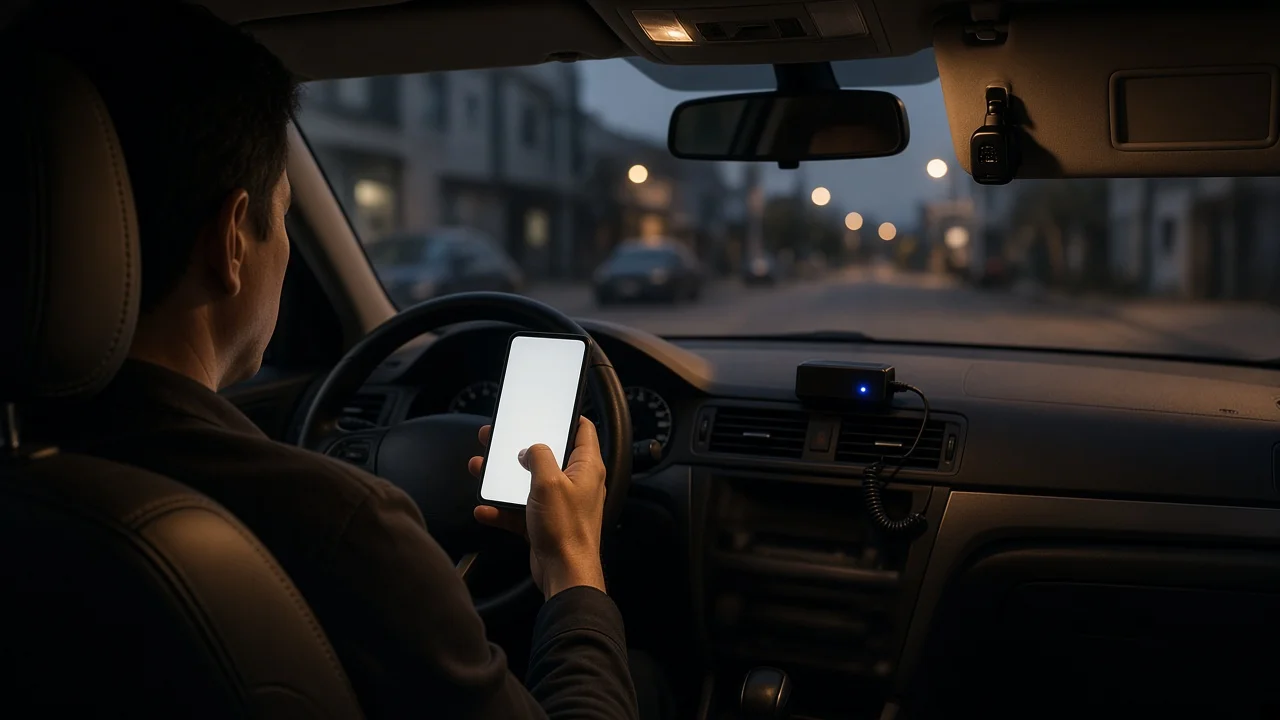
If your phone is asking for a PIN while you pair a GBT car kit, you need the pairing code set by the kit's manufacturer. No confirmed documentation for GBT car kits was available for this guide, so we cannot state the exact PIN for your unit. What follows explains what the PIN is, which codes car kits in general tend to use, and how to confirm the right one for your device.
The short answer
Try the PIN printed in the kit's manual, on its packaging or on a label on the device itself. If none of those are available, simple factory codes such as 0000 or 1234 are widely used across Bluetooth car kits and hands-free accessories. These are general category conventions, not a confirmed GBT specification. Your model may use a different code, or it may not ask for a PIN at all.
What the Bluetooth PIN actually does
A Bluetooth PIN, sometimes called a passkey, is a short code that both devices must agree on before they create a trusted connection, known as a pairing. Once paired, the phone and car kit remember each other, so the PIN is normally needed only the first time. After that, the kit should reconnect automatically when it is powered and in range.
The PIN is not a password for your phone or your car. It only authorizes the link between the two devices. Entering it on the phone tells the phone that it is talking to the device you intended.
Why some kits ask for a PIN and others do not
Whether a PIN appears depends mostly on the version of Bluetooth pairing the car kit supports. This is the main factor that changes the answer.
Pairing method | What you see on the phone | Typical devices; Legacy PIN pairing (older Bluetooth versions) | A prompt to type a fixed code, often four digits | Older or basic hands-free kits and FM transmitter kits; Secure Simple Pairing, numeric comparison | A six-digit number to confirm matches on both devices | Kits with a screen or display; Secure Simple Pairing, no display | No PIN prompt; you just accept the connection | Many newer kits without a screen
Secure Simple Pairing was introduced with Bluetooth version 2.1 and is designed to reduce or remove the need to type fixed codes. If your phone pairs with the GBT kit without asking for anything, that is normal behavior for a kit using this method, and there is no PIN to look for.
How to confirm the PIN for your GBT kit
Check the quick-start guide or manual that came with the kit; the pairing code is usually listed in the Bluetooth setup section. Look for a sticker on the kit's body, the back of the unit or the original box. If the kit has a screen, watch it during pairing; some kits display the code or a confirmation number. If no code is documented, try the common factory defaults 0000 and 1234, one at a time. If the documentation is missing, contact the seller or the listing where you bought the kit and ask for the pairing PIN for your exact model.
Making sure the kit is ready to pair
Entering the right PIN only works if the kit is in pairing mode, sometimes called discoverable mode. On many car kits, this happens automatically the first time they are powered on, or after holding the main call or power button for a few seconds until an indicator light flashes. The exact button sequence for GBT kits is not confirmed here, so follow the manual for your unit.
If pairing fails even with a code that should be correct, remove any old entry for the kit from your phone's Bluetooth device list, power-cycle the kit, and start pairing again. Some kits also remember only a limited number of phones, and clearing previous pairings through a reset can help; check your manual for the reset procedure.
What this guide could not confirm
No verified specifications for GBT car kits were found, including the factory PIN, supported Bluetooth version, button layout or reset procedure. "GBT" may also be used on more than one product or on unbranded kits sold under different listings, so behavior can vary between units. Treat the default codes above as reasonable first attempts rather than confirmed values, and rely on your kit's own documentation or seller when it is available.