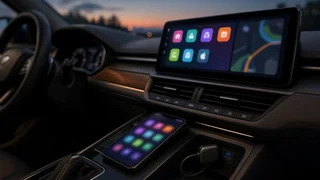
Hieha radio steering wheel controls
Steering wheel controls are a key part of modern vehicle integration, letting drivers manage audio without taking hands off the wheel. Aftermarket radios like Hieha units can support this feature, but the connection is not always automatic. The controls work through a vehicle-specific steering wheel interface that translates resistive button signals into commands the head unit can read. Compatibility depends on the radio’s key-learning input, the adapter wiring, and the vehicle’s original control circuit. This overview explains how that chain fits together and what to check before assuming a feature is missing.
Essential answer
Hieha radio steering wheel controls generally refer to the ability of certain Hieha aftermarket head units to accept commands from factory buttons on the steering column. The radio usually includes a dedicated key wire or a settings menu where button functions are mapped. This is not a universal standalone feature. The circuit must include a compatible interface adapter, because the vehicle’s original switches send analog resistance values that a radio cannot decode by itself. Without that translation layer, the head unit sees no input and the buttons remain inactive.
Practical interpretation starts with device pairing and connection settings. If the steering wheel interface box is wired to the radio and the key-learning screen responds when a button is pressed, the basic hardware path is working. If no response occurs, the likely gaps are software compatibility between the Hieha firmware and the adapter protocol, an unconnected control wire, or the wrong vehicle selection inside the adapter. Confirming those connections is the first diagnostic step before replacing the radio or the vehicle controls.