How to Connect Bluetooth to a Freightliner Truck
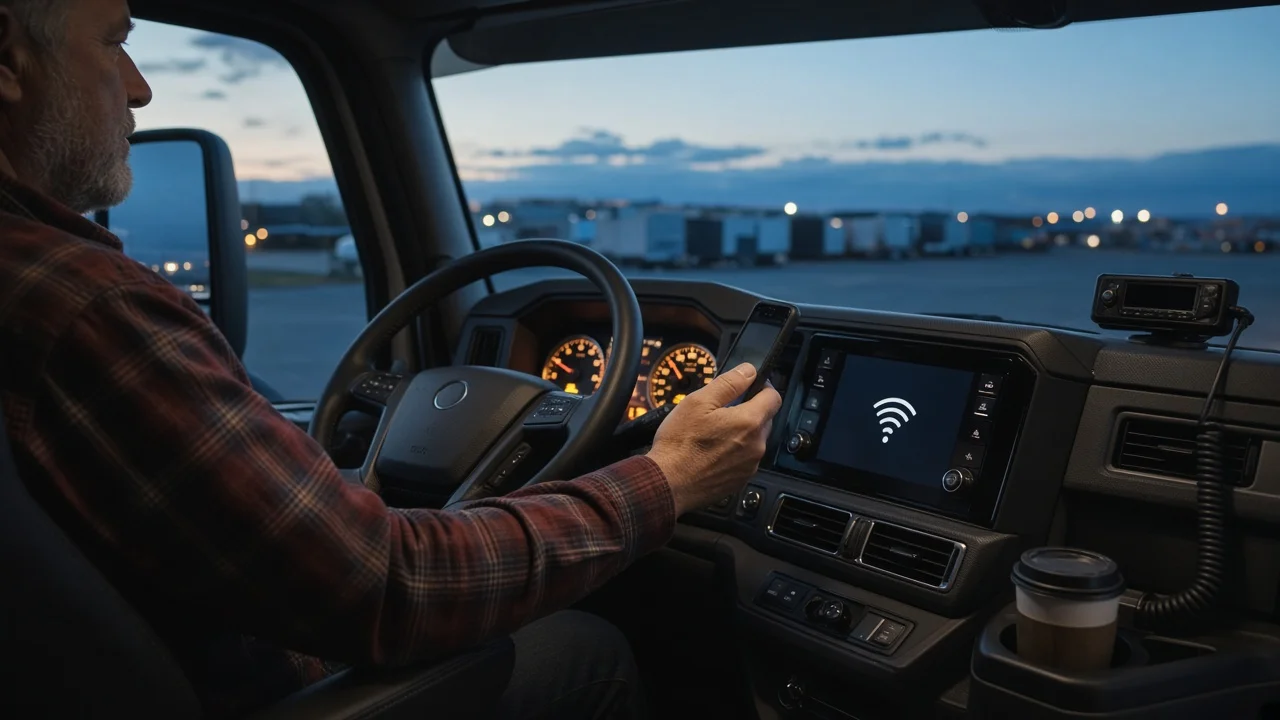
To connect Bluetooth to a Freightliner, first confirm the truck has a Bluetooth-capable radio or infotainment unit. Then turn on Bluetooth on your phone, put the truck's head unit into pairing mode through its phone or Bluetooth menu, select the truck on your phone, and confirm the matching code on both screens. Most connection problems come from the hardware, not the pairing itself. Freightliner trucks are built to fleet and buyer specifications, so the radio in one Cascadia or M2 can differ from another of the same model year. Whether your truck supports hands-free calls, audio streaming or steering wheel control depends on the head unit installed in it.
What Determines Whether Your Freightliner Has Bluetooth
Freightliner offers several radio and infotainment options, and these have changed across model generations. Some trucks have a basic AM/FM unit with no wireless features. Others have a factory head unit with Bluetooth hands-free calling and audio streaming. Some fleets fit aftermarket or telematics-integrated units instead. The vehicle model alone does not tell you which one you have.
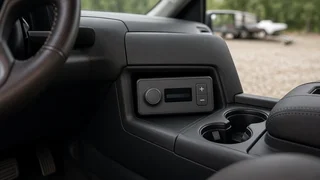
Look at the radio faceplate for a Bluetooth symbol, a phone button, or a phone icon on the screen. Check the head unit's menus for entries labeled Phone, Bluetooth, Connectivity or Setup. Look for a microphone near the headliner, overhead console or A-pillar, which usually means the truck was built for hands-free calling. Check the steering wheel for phone, voice or call answer and end buttons. If the truck is a fleet unit, ask the fleet or maintenance department what radio was specified. They can often tell you faster than the menus can.
If none of these turn up, the factory radio probably does not support Bluetooth. Options for that case are covered further down.
Before You Start Pairing
Park the truck and set the parking brake. Many vehicle systems block new device pairing while the vehicle is moving, and pairing at a stop is safer in any case. Turn the ignition to accessory or run so the radio stays powered. Turn on Bluetooth on your phone and keep the phone unlocked and close to the dash. Update your phone's operating system if an update is pending. Software compatibility between newer phones and older head units can cause dropped connections or missing features. If the truck has been used by other drivers, expect several old phones in its paired-device list. Many head units limit how many devices they store.
Step-by-Step: Pairing a Phone With a Freightliner Head Unit
Menu names and button layouts differ between radio models, so treat the steps below as the general sequence most units follow. If your screen uses different wording, look for the closest match. The owner's or operator's manual for your specific radio is the authority on exact menu paths.
1) On the head unit, open the phone, Bluetooth or setup menu. On units without a touchscreen, this is usually done with the menu or phone button and a rotary knob. 2) Choose the option to add, pair or connect a new device. The radio will enter pairing mode and may show its device name. 3) On your phone, open the Bluetooth settings and wait for the truck's radio to appear in the list of available devices. 4) Select the radio's name on the phone. 5) Compare the numeric code shown on the phone and the truck screen. If they match, confirm on both. Some older units ask you to type a fixed PIN instead. That PIN is listed in the radio's manual and is often a simple default such as a string of zeros or a short number sequence. 6) When the phone asks, allow access to contacts and call history if you want names and recent calls to appear on the truck's display. 7) If the radio supports audio streaming, allow media audio as well so music, podcasts and navigation prompts play through the truck speakers.
How to Confirm the Connection Works
The head unit shows the phone's name and a connected status or Bluetooth icon. Place a short test call while parked. Check that the call audio comes through the truck speakers and that the other person can hear you clearly through the cab microphone. If your truck supports streaming, switch the radio source to Bluetooth audio and play something from the phone. If the truck has steering wheel controls, test answer, end and volume on that test call. Turn the truck off and back on to confirm the phone reconnects automatically.
Steering Wheel Controls and Vehicle Integration
On trucks with a factory Bluetooth radio, the steering wheel interface usually lets you answer and end calls, change volume, and sometimes start voice commands without taking your hands off the wheel. These controls work through the truck's wiring and electronic network, so they generally work only with the radio they were designed for. If the factory radio is replaced, steering wheel buttons often stop working unless a compatible steering wheel interface adapter is installed between the truck's harness and the new head unit.
Troubleshooting Common Bluetooth Problems
Symptom | Likely cause | What to try; Truck does not appear on the phone | Radio not in pairing mode, or pairing mode timed out | Restart the pairing step on the head unit and refresh the phone's device list right away; Pairing fails or the code is rejected | Old pairing record or wrong PIN | Delete the truck from the phone and the phone from the truck, then pair again from the start; Cannot add a new phone | Paired-device memory is full | Remove unused devices from the head unit's device list; Calls connect but there is no audio | Audio routed to the phone or a headset | During a call, choose the truck or car audio output on the phone; Other person hears echo or road noise | Microphone placement, cab noise or volume set too high | Lower in-cab volume, close windows, and keep vents from blowing at the microphone; Music will not stream | Radio supports calls only, or media audio permission is off | Check the phone's Bluetooth device settings for the truck and enable media audio, if offered; Phone disconnects repeatedly | Software compatibility issue or interference | Update the phone, turn off battery-saving modes that restrict Bluetooth, and ask a dealer about radio software updates
If the radio freezes or won't respond at all, a power cycle often clears it. Turn the truck fully off, wait briefly, and restart. Don't disconnect batteries or pull fuses unless you know how this affects other systems in your truck. Persistent faults, a dead microphone, or a radio that won't power on belong with a Freightliner dealer or a qualified truck electrical technician.
Options for Freightliner Trucks Without Factory Bluetooth
Older or base-spec trucks can still get hands-free calling and audio. The right choice depends on how much integration you want and whether the truck belongs to you or a fleet.
Replacement head unit: An aftermarket radio with Bluetooth gives the fullest feature set. Commercial truck dash openings and wiring do not always match passenger-car parts, so a vehicle-specific dash kit, wiring harness and possibly a steering wheel interface adapter may be needed. Bluetooth interface adapter: Some adapters connect to the existing radio's auxiliary or expansion input and add calling or streaming while keeping the factory unit. Whether one fits depends on the radio model. Auxiliary-input receiver: If the radio has an aux jack, a small Bluetooth receiver plugged into it can stream audio. These usually offer limited or no call integration through the truck. Standalone hands-free devices: Visor-mounted speakerphones and Bluetooth headsets need no installation and are widely used by drivers. For drivers who spend long hours on calls, a noise-canceling headset often gives the clearest call audio in a loud cab.
For fleet trucks, get approval before changing the radio or wiring. Fleets may have telematics, camera or communication equipment tied into the cab electronics, and unapproved changes can interfere with them.
Hands-Free Use and Driving Rules
In the US, federal rules restrict commercial motor vehicle drivers from holding a mobile phone to make calls while driving. Many states add their own requirements. A working Bluetooth connection is one way to stay hands-free. Even so, pairing, changing settings and browsing contacts should be done while parked. Check current federal and state requirements, as well as any company policy, for the rules that apply to your operation.
Summary
Connecting a phone to a Freightliner is usually quick once you know the truck has a Bluetooth-capable radio. Park the truck, put the head unit in pairing mode, select it on your phone, confirm the code, and test a call. If pairing fails, clearing old device records on both sides fixes most problems. If the truck has no factory Bluetooth, an interface adapter, replacement head unit or standalone headset can add hands-free calling. Fleet trucks need approval before any hardware changes.