DMV Registration Online: What You Can Do Online and How to Complete It
The Short Answer
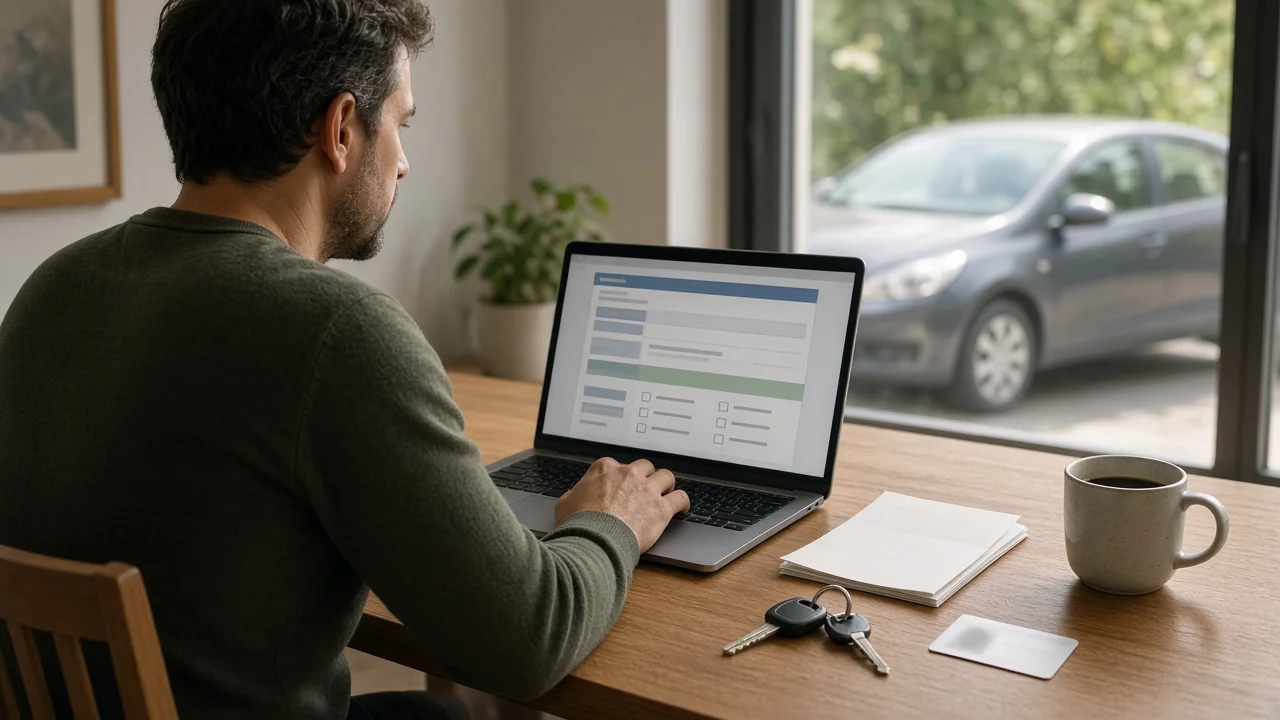
In the United States, many state motor vehicle agencies let you handle vehicle registration online, but what you can do online depends on your state and your situation. Renewing an existing registration is the task most commonly available online. Registering a vehicle for the first time, such as after buying from a private seller or moving from another state, often requires an in-person visit or extra paperwork, because the agency may need to inspect the vehicle, verify its title or confirm your identity.
Vehicle registration is the record that links a specific vehicle to its owner in a given state and authorizes it to be driven on public roads. It is separate from the title, which shows legal ownership. Registration usually has to be renewed periodically. Title transfers, by contrast, generally happen only when ownership changes.
Fees, renewal intervals, deadlines and eligibility rules are set by each state and sometimes by county. This guide does not list specific amounts or dates because they vary by jurisdiction and change over time. Check your state agency for the current figures.
Which Agency Handles Registration
"DMV" is a common shorthand, but agency names differ from state to state. Depending on where you live, registration may be handled by a Department of Motor Vehicles, a Bureau of Motor Vehicles, a Motor Vehicle Division, the Secretary of State or a county tax or clerk office. Use the official government website for your state. Third-party sites may look official and charge added service fees.
Situations That Change the Answer
Renewing a current registration in the same state: often eligible for online processing if nothing else blocks it. First-time registration of a newly purchased vehicle: dealers often handle this for you. Private-party purchases may need title transfer steps that cannot always be finished online. Moving from another state: frequently requires an in-person visit, a vehicle identification number (VIN) verification or surrendering the out-of-state title. Registration expired for a long time: some states restrict online renewal after a certain lapse and may add penalties. Inspection or emissions requirements: in states or counties that require them, a passing result may need to be on file before you can renew. Outstanding issues: unpaid tickets, tolls, taxes or insurance lapses can place a hold that blocks online renewal until resolved.
What to Have Ready
Exact requirements vary, but online systems commonly ask for some combination of the following:
Your license plate number; The vehicle identification number (VIN), a 17-character code found on the dashboard near the windshield, the driver-side door jamb and your title or insurance card; A renewal notice or PIN, if your state mailed one; Proof of current auto insurance, or insurer details your state can verify electronically; Your driver's license or ID number; A current odometer reading, if requested; Proof of a passing inspection or emissions test, where required; A payment method accepted by the agency, such as a credit card, debit card or bank account
How to Register or Renew Online, Step by Step
1) Confirm your state's official motor vehicle agency and find its online registration or renewal service. 2) Check eligibility. Most online systems tell you early in the process whether your vehicle and situation qualify. 3) Clear any requirements first, such as an inspection, an emissions test or unpaid fines that would block the transaction. 4) Enter your vehicle and owner details exactly as they appear on your existing records. 5) Review the vehicle information, mailing address and insurance details shown on screen. Update your address if your state allows it during the transaction, or change it separately first so documents arrive at the right place. 6) Review the itemized fees, then pay. 7) Save or print the confirmation page or receipt, and keep any confirmation email.
How to Verify the Result
After submitting, make sure the registration actually went through:
Keep the confirmation number or receipt until your new registration documents arrive. Some states allow a printed receipt to serve as temporary proof. Confirm whether yours does. Watch for the new registration card and, if your state uses them, license plate stickers or decals. Mailing times vary by state. Check that the plate number, VIN, owner name and expiration date on the new documents match your vehicle. If documents do not arrive within the time frame your state gives, use the agency's online status lookup if one exists, or contact the agency with your confirmation number. Place the registration card where your state requires, usually in the vehicle, and apply any sticker as instructed.
When Online Isn't an Option
If the online system rejects your transaction, it usually names the reason, such as a hold, a missing inspection or an ineligible transaction type. Resolve that issue first, then try again. If your situation requires in-person service, many agencies offer appointments, and some states allow renewal by mail or at self-service kiosks. Check which alternatives your state offers before you go so you bring the right documents.
Information Gaps to Keep in Mind
This guide covers general principles of online vehicle registration in the US. It does not provide state-specific fees, renewal periods, grace periods, late penalties, processing times or eligibility cutoffs, because those depend on your jurisdiction. Rules for specialty vehicles such as commercial trucks, trailers, motorcycles and electric vehicles, which some states charge extra fees for, may also differ. Confirm all details with your state's official agency before relying on them.