Engine Light on a Ford Fiesta: How to Diagnose It
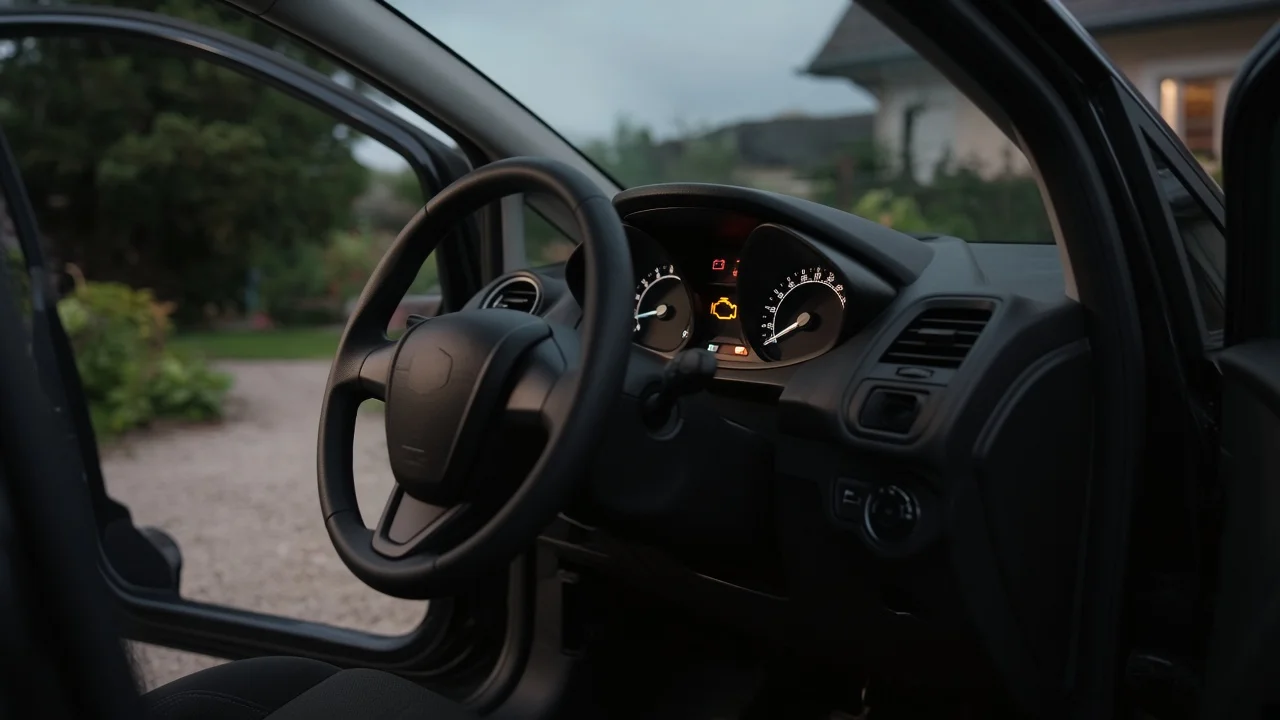
An engine light on a Ford Fiesta means the engine control module has detected a fault in an emissions, ignition, fuel or related powertrain system. The light does not identify the failed part. Your next step is to read the stored diagnostic codes and interpret them against your car's symptoms. How the light behaves matters most. A steady light usually allows careful driving to a diagnosis. A flashing light signals an active fault that can cause damage, so you should reduce load or stop driving.
Steady vs. Flashing: What the Light Is Telling You
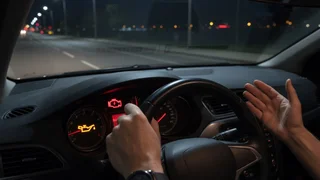
The check engine light, also called the malfunction indicator lamp (MIL), has two meaningful states. Treat them differently.
Steady light, car drives normally: a fault has been confirmed and stored. It can be minor, such as a fuel-vapor leak, or an early sign of something developing. Get the codes read soon, but you rarely need to stop immediately. Steady light with obvious symptoms: rough running, hesitation, stalling, unusual smells or reduced power mean the fault is affecting how the engine runs. Diagnose it promptly and limit driving. Flashing light: on OBD-II vehicles this typically indicates an active misfire severe enough to damage the catalytic converter. Unburned fuel can overheat the converter. Ease off the throttle, avoid hard acceleration and heavy loads, and arrange diagnosis before further driving if the flashing continues.
Many Ford models, including Fiestas of this era, also use an amber wrench-shaped indicator for powertrain or transmission faults. That light is separate from the check engine light. If it appears, especially on automatic-transmission cars, mention it when you have the car scanned, because transmission-related codes may be stored in a different module.
Know Your Fiesta's Engine Configuration
Diagnostic advice depends on which Fiesta you have. In the US market, the Fiesta was sold from the 2011 to 2019 model years. Engine configuration affects which codes are possible and which components are involved. For example, a three-cylinder engine can only log misfires on cylinders one through three. Check your owner's documentation or VIN decode to confirm your car's engine and model year.
Engine (US Fiesta) | Layout | Diagnostic notes; 1.6L naturally aspirated four-cylinder | Four cylinders, no turbo | Most common configuration. Misfire codes can reference cylinders 1–4. 1.0L EcoBoost | Turbocharged three-cylinder | Offered in later model years. Turbo, boost and intake-leak faults become possible causes of power loss. 1.6L EcoBoost (Fiesta ST) | Turbocharged four-cylinder | Performance model. Boost-related codes and driving-style factors deserve extra attention.
Transmission choice also matters. Fiestas with the dual-clutch automatic can show drivability complaints such as shudder or hesitation that feel like engine problems but originate in the transmission. A full-system scan helps separate the two.
Step One: Read the Diagnostic Codes
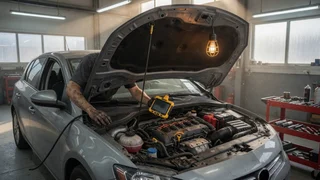
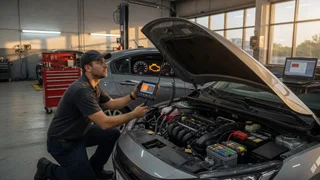
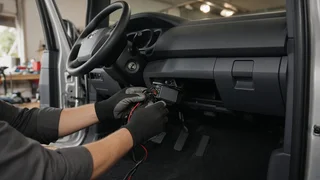
Every US-market Fiesta has a standard OBD-II diagnostic port under the dashboard on the driver's side. You can read stored codes with an inexpensive handheld scanner or a Bluetooth adapter and phone app. Many auto parts stores will also read codes for you. A professional scan tool can read Ford-specific codes from other modules, such as the transmission or body control modules, that basic readers may miss.
Record every code, including pending codes, not just the first one shown. If your tool shows freeze-frame data, note it. This snapshot records conditions when the fault set, such as engine temperature, speed, load and fuel trim. Don't clear codes before writing them down. Clearing erases freeze-frame data and resets readiness monitors, which can hide the problem and delay an emissions inspection. Treat a code as a direction to investigate, not proof that a specific part has failed.
Common Code Families and What They Point To
Generic OBD-II codes start with P0 and mean the same thing on any make. The table below covers code families that commonly appear on small gasoline cars like the Fiesta. These are general definitions, not a list of known Fiesta defects.
Code range | General meaning | What to investigate; P0300–P0304 | Random or cylinder-specific misfire | Spark plugs, ignition coils, injectors, vacuum leaks, compression; P0171 / P0174 | System running lean | Intake or vacuum leaks, mass airflow sensor contamination, fuel delivery; P0172 / P0175 | System running rich | Leaking injectors, sensor faults, fuel pressure issues; P0420 | Catalyst efficiency below threshold | Catalytic converter condition, oxygen sensors, exhaust leaks, an underlying misfire or fuel problem; P0440–P0457 | Evaporative emissions (EVAP) system | Fuel filler seal or cap, purge valve, vent valve, EVAP hoses; P0128 | Coolant temperature below thermostat regulating temperature | Thermostat stuck open, coolant temperature sensor; P0130–P0167 | Oxygen sensor circuit or heater faults | Sensor, wiring, connector or exhaust leak near the sensor; P0299 (turbo engines) | Turbocharger underboost | Boost leaks, intercooler hoses, wastegate or turbo control faults
Matching Codes to Symptom Conditions
Codes become more useful when you compare them with what you notice while driving. Note when the problem happens: cold or warm engine, idle or acceleration, highway or city, after refueling or randomly. Then use the checks below.
Light appeared shortly after refueling, car runs normally
This pattern often points to an EVAP system code. Inspect the fuel filler. Many Fiestas use Ford's capless filler neck rather than a screw-on cap. Look for debris, damage or a flapper that doesn't seal fully. If your car has a cap, make sure it is tight and the seal isn't cracked. The light may take several drive cycles to turn off after a fix. If an EVAP code returns, a smoke test at a shop can find small leaks in hoses or valves.
Rough idle, shaking or hesitation
Misfire codes paired with roughness suggest an ignition, fuel or air problem in one or more cylinders. A common shop technique is to swap the ignition coil from the misfiring cylinder to another cylinder. If the misfire code follows the coil, the coil is the likely cause. If it stays put, look at the spark plug, injector, or compression in that cylinder. Check your service history: worn spark plugs past their replacement interval are a frequent contributor.
Loss of power, especially on turbocharged engines
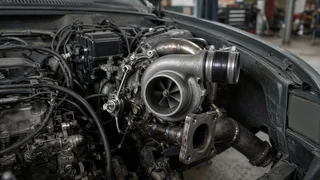
On the 1.0L EcoBoost and the ST, power loss with an engine light may be an underboost condition. Listen for hissing under acceleration and inspect visible intercooler and intake hoses for splits or loose clamps. On any Fiesta, the engine computer may limit power to protect the engine, sometimes called limp mode. This should be diagnosed rather than driven on indefinitely.
Temperature gauge rising or coolant warnings
If the temperature gauge climbs toward hot, a coolant warning appears, or you see steam or smell sweet coolant, pull over safely and switch the engine off. Don't open the coolant reservoir while the engine is hot. Once cool, check the coolant level and look for leaks under the car and around hoses. Overheating can cause severe engine damage, including head gasket and cylinder head failure. Continuing to drive an overheating engine is not advisable, so arrange a tow if the cause isn't obvious.
No obvious symptoms, light stays on
Catalyst, oxygen sensor and slow-response sensor codes often appear without noticeable drivability changes. They are still worth addressing because they can affect fuel economy and emissions inspection results. With a P0420, rule out misfires, exhaust leaks and sensor faults before replacing the catalytic converter.
When to Stop Driving or Get Professional Diagnosis
The engine light is flashing. The temperature gauge is high, or there is steam or a coolant leak. Low oil pressure or a red oil warning appears alongside the engine light. You notice burning smells, smoke from the exhaust or engine bay, or fuel odor. The car stalls, won't restart, or loses significant power in traffic. Codes point to internal engine, turbocharger or transmission faults that need specialized tools. Codes return repeatedly after basic repairs.
In these cases, a technician with Ford-capable scan equipment can view live data, run component tests and compare readings against manufacturer specifications. Those steps go beyond what a basic code reader can do.
Check Service History, Recalls and Bulletins
Before paying for parts, review the car's service history for overdue maintenance such as spark plugs, air filter, coolant service and oil changes. Look up open safety recalls for your VIN through a Ford dealer or the federal recall lookup tool. Ask a dealer or independent shop whether any technical service bulletins apply to your model year and engine. Bulletins describe known issues and updated repair procedures. Some resolve engine light concerns with a software update rather than a part replacement.
After the Repair: Confirming the Fix
After a repair, the light may turn off on its own after the system confirms the fault is gone, or a technician may clear it. Either way, the car must complete its readiness monitors, the self-tests the engine computer runs during normal driving, before it will pass an OBD-based emissions inspection. That usually takes a mix of cold starts, city driving and steady highway speeds over several days. If the same code returns, the original diagnosis was incomplete or a second fault exists. Bring the full code history and your notes on symptom conditions to the next inspection.
Bottom Line
An engine light on a Ford Fiesta is a starting point, not a verdict. First, confirm whether the light is steady or flashing. Then read and record all diagnostic codes and match them to your engine configuration and the conditions when the fault appears. Simple checks like the fuel filler, visible hoses and maintenance history solve some cases. A flashing light, overheating, oil pressure warnings or major power loss call for stopping and getting a professional inspection.