Connect RNS 315 steering wheel controls
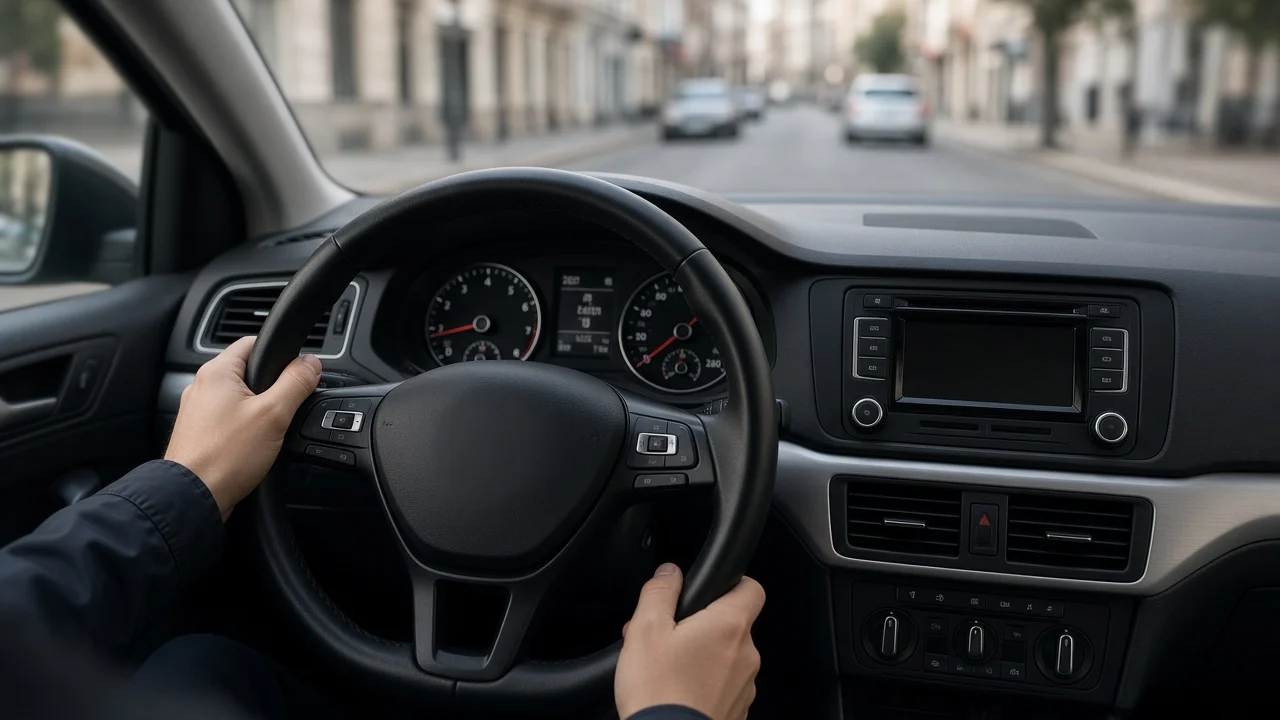
Linking the buttons on your steering wheel to an RNS 315 head unit often requires more than just plugging in the radio. The factory controls send data through the vehicle’s comfort or infotainment network, and the RNS 315 must interpret those signals correctly. Drivers usually investigate this when a replacement unit stops responding to volume, track, mute, or phone keys. The connection path depends on the vehicle platform, the existing wiring, and whether an interface adapter or software setting is required. This overview explains what the integration involves and how to approach the setup without assuming a single cable fixes every car.
Essential answer
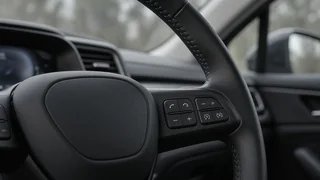
The RNS 315 steering wheel controls question is about integrating the buttons mounted on the wheel with the factory radio or a retrofit installation. The direct answer is that these controls are normally supported through a steering wheel interface that translates the button presses into commands the head unit understands. The exact method depends on the vehicle’s original wiring and the RNS 315 variant. In many Volkswagen and related platforms, this communication travels over a data bus rather than separate wires for each button.
When the RNS 315 is the original factory unit, the steering wheel controls usually work through the same connection settings the car was built with. If the radio was swapped from another vehicle or the steering wheel was replaced, the head unit may need vehicle integration coding or a compatible interface adapter. Device pairing is not involved for hardwired buttons; instead, the radio must recognize the control messages from the steering column module. Without that recognition, the buttons can remain dead even if the radio powers on and plays audio normally.
Procedure
Before changing any hardware, verify how the current system behaves. With the ignition on, test each steering wheel button and note whether the RNS 315 shows any reaction, such as a volume change, track skip, or mute symbol. Also check whether the illumination around the buttons works. If the buttons do nothing at all, the problem is often a missing signal translation or an incompatible steering wheel interface rather than a failed button set. A scan tool that can read vehicle modules may show communication faults pointing to the steering column electronics or the radio.
Installation or correction generally means confirming the appropriate interface adapter for the vehicle platform is present and connected between the steering wheel wiring and the RNS 315. Some setups require the radio to be coded so it knows the button messages are coming from the wheel. If the unit was installed without the adapter, the steering wheel controls cannot operate. Follow the specific wiring and adaptation steps supplied with the interface module for the vehicle, and avoid guessing wire positions. After any coding change or connection repair, cycle the ignition and test each button again to make sure the radio responds consistently.