Clarion Bluetooth Interface Selection
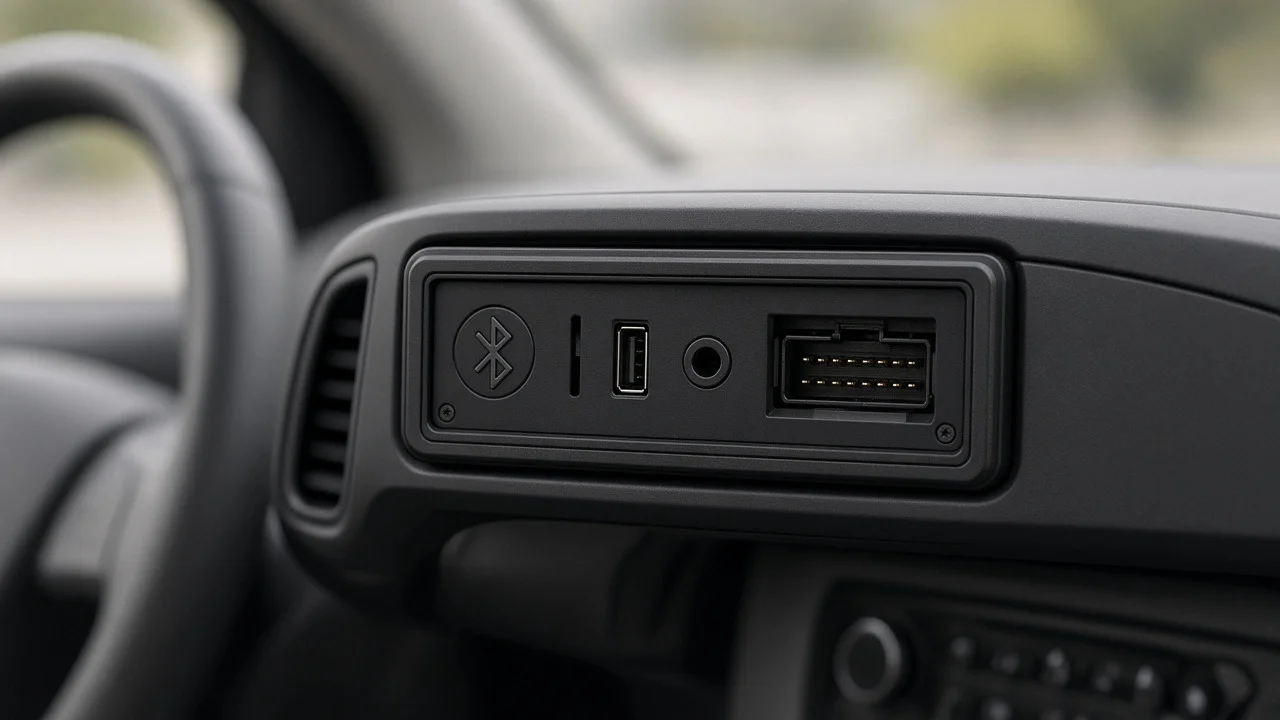
Choosing the right Clarion Bluetooth interface depends more on how the module connects to the head unit and vehicle than on the Bluetooth name alone. A compatible interface adapter turns an older Clarion stereo into a hands-free and audio streaming source, but the connection settings, software compatibility, and steering wheel interface behavior vary by platform. Device pairing must also work with the phone and the radio firmware. The following guidance explains what to check so the selected unit actually functions with your Clarion setup.
The direct answer
The direct answer is that you should select a Clarion Bluetooth interface or adapter that is explicitly listed for your head unit’s rear connection type, control protocol, and operating voltage. Some Clarion radios require a dedicated module, while others accept a universal adapter through the auxiliary or CD changer port. If the interface uses the changer socket, the head unit must support changer emulation by the adapter; otherwise hands-free audio may not route correctly.
Before buying, confirm whether your Clarion unit already has a Bluetooth-ready data port or needs an intermediary adapter. Connection settings often depend on the radio recognizing the module at startup. The phone pair appears through the head unit only after the module completes its startup handshake with the receiver. A mismatch in firmware or connector style can prevent the Bluetooth source from appearing, even when phone pairing succeeds.