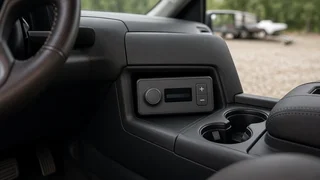
Discovery 4 Bluetooth Module Selection: What to Check Before You Buy
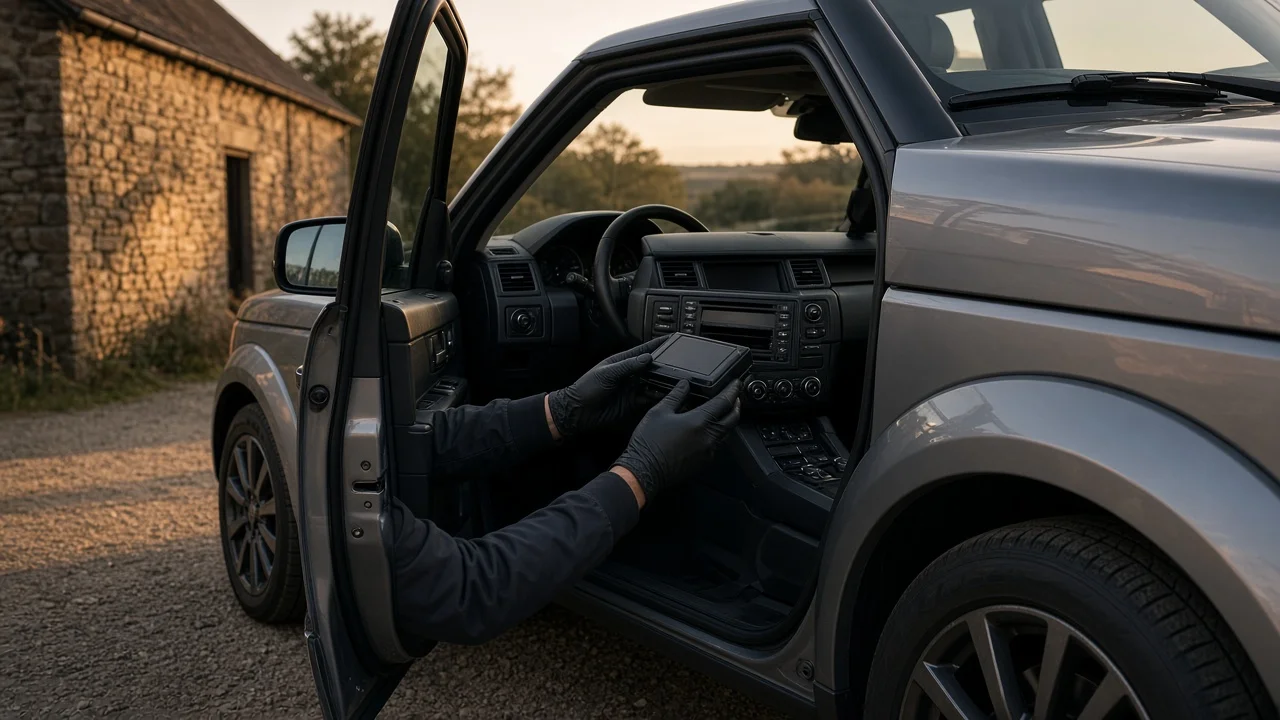
The right Discovery 4 Bluetooth module depends on one question: does your vehicle already have factory Bluetooth telephone hardware? If it does and calls have stopped working, the usual fix is a matching replacement for the original module, configured to the vehicle. If it never had Bluetooth, or you want features the factory system lacks, you are choosing between a factory-style retrofit, which needs wiring and configuration software, and an aftermarket interface adapter, which is often simpler but integrates less completely. Model year, market and audio specification can change which of these paths works, so confirm those before buying anything.
Start by Identifying Your Vehicle Correctly
In the US, this generation was sold as the Land Rover LR4, while most other markets used the Discovery 4 name. Parts listings use both names, so a US buyer searching for a Discovery 4 Bluetooth module will often find parts that are listed for the LR4 or for overseas vehicles. Do not assume the same name means the same part. Check every listing against your own vehicle details.
• Model year: the infotainment and telephone hardware changed during the production run, and parts are not always interchangeable across years. • Market: US, European and other market vehicles can differ in radio frequencies, software and supported features. • Audio and infotainment specification: the standard system, upgraded audio and navigation-equipped versions can use different modules and configurations. • Existing equipment: whether the vehicle shows a phone menu, has a roof or headliner microphone, and has phone buttons on the steering wheel. • VIN: the most reliable way to match a part, because it lets a parts supplier or dealer identify the original build specification.
Rule Out a Settings or Pairing Problem First
If the vehicle already had Bluetooth and it has become unreliable, confirm the module has actually failed before you buy a replacement. Many apparent module failures turn out to be device pairing or connection settings issues.
• Delete the phone from the vehicle's paired device list and delete the vehicle from the phone, then pair again from scratch. • Check whether the vehicle's stored device list is full. Older systems often hold only a limited number of phones. • Try a different phone. If a second phone pairs and makes calls normally, the problem is more likely software compatibility between your phone and the older system than a hardware fault. • Check that the phone's Bluetooth permissions allow contacts and call access for the car. • Separate the symptoms: no pairing at all, pairing but no call audio, poor call audio, or a missing phone menu point toward different causes.
Newer phones sometimes behave poorly with older vehicle Bluetooth stacks. A replacement module with the same original software may not fix that kind of issue, so pin down which type of problem you have before spending money.
Your Main Options
Option | Best suited to | Main trade-offs; Factory replacement module | Vehicles that already had factory Bluetooth and have a confirmed module fault | Must match part specification; may need configuration with dealer-level software; keeps original features but also original limitations; Factory-style retrofit | Vehicles built without Bluetooth where owners want the original look and controls | Needs the correct module, wiring, microphone and vehicle configuration changes; usually specialist work; Aftermarket interface adapter | Owners who want calls and streaming without full factory integration, or newer phone features | Integration varies by product; steering wheel and screen functions may be partial or absent; Standalone hands-free kit | Owners who mainly want legal hands-free calling at low complexity | Little or no vehicle integration; separate controls and speaker or uses an audio input
Choosing a Factory Replacement Module
When the original module has failed, matching it is the priority. The cleanest approach is to read the part number from the existing unit and compare it with the replacement, or have a parts supplier look up the correct part by VIN. A part with a similar appearance and connector can still carry different software or be intended for a different market.
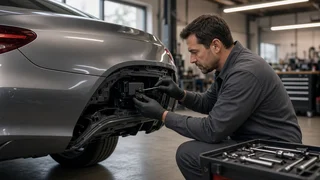
Used modules from salvage vehicles are common, but they bring extra risk. The module may be from a different year or market, and some control modules in vehicles of this era need to be configured or programmed to the car before they work properly. Ask the seller which vehicle the part came from, including model year and market, and find out in advance whether your installer can do any configuration it needs.
Retrofitting Factory Bluetooth
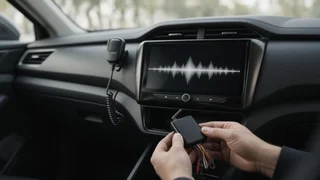
Adding factory Bluetooth to a vehicle that was built without it is more involved than swapping a part. A complete retrofit typically involves the telephone module itself, a wiring connection into the vehicle's existing systems, a microphone, and changes to the vehicle configuration so the infotainment system and steering wheel recognize the new feature. That configuration step is done with dealer-level diagnostic software, which most owners do not have, so plan on a dealer or independent Land Rover specialist being involved.
Retrofit kits are sometimes sold as plug-and-play. Before buying, ask exactly what the kit includes, which model years and specifications it covers, whether configuration is required, and whether the seller supports that step. If any of these answers is vague, factor in the likely cost of specialist labor before deciding.
Aftermarket Interface Adapters
An interface adapter connects to the vehicle's audio system and adds Bluetooth functions such as hands-free calling and, on many products, audio streaming. Vehicle integration varies a lot between products. Some show information on the factory screen and work with steering wheel buttons, while others use the factory system only as an audio input and leave control to the phone or a separate button.
• Confirm the adapter lists your model year and audio specification, not just the Discovery 4 or LR4 name in general. • Ask how it connects: to a specific connector behind the head unit, to an existing auxiliary input, or another way. Vehicles of this era can use a network connection that some generic adapters cannot work with. • Check what it does with calls: whether call audio plays through the vehicle speakers, where the microphone goes, and whether it mutes the radio during a call. • Check steering wheel interface support: whether the phone and audio buttons on the wheel will answer calls, end calls and adjust volume. • Check whether the adapter conflicts with existing factory Bluetooth if your vehicle already has it. • Look for firmware update support, which can help with software compatibility as phones change.
Call Audio Quality Considerations
Call quality depends as much on the microphone and its placement as on the module. A factory microphone placed in the headliner near the driver generally picks up speech better than a clip-on microphone left on the dashboard. If you are reusing a factory microphone with a new module, confirm the two are compatible. If the people you call complain about echo or background noise after installation, check microphone position and the vehicle's call volume before assuming the module is faulty.
Steering Wheel Controls and Vehicle Integration
Many owners care most about keeping the steering wheel phone buttons working. With a correctly configured factory module, wheel controls normally work as designed. With an aftermarket product, wheel support depends on whether the adapter can read the vehicle's control signals. If a listing does not say clearly which wheel functions are supported on your model year, assume they may not all work and ask the seller before buying.
Pre-Purchase Checklist
• Confirm the model year, market and audio or navigation specification, ideally by VIN. • Decide whether you are repairing existing factory Bluetooth or adding it for the first time. • For replacements, match the part number on your original module. • Ask whether configuration or programming is needed and who will do it. • Confirm which call, streaming and steering wheel features are actually supported on your exact vehicle. • Check what is included: wiring, microphone, mounting hardware and instructions. • Check the return policy, particularly for used or electrical parts, in case the module turns out to be incompatible. • Get an installation quote if the work goes beyond plugging in a matching replacement.
Choosing Your Next Step
If your vehicle had factory Bluetooth and a fresh pairing on more than one phone does not fix it, get a VIN-matched replacement module and confirm configuration support before you buy. If your vehicle never had Bluetooth and you want factory-level integration, budget for a specialist-installed retrofit. If you mainly want dependable hands-free calls and streaming with less work, an interface adapter that explicitly lists your model year and specification is usually the practical choice. Expect less complete integration with an adapter than with a factory system.