Choosing an OBD2 Scanner for BMW
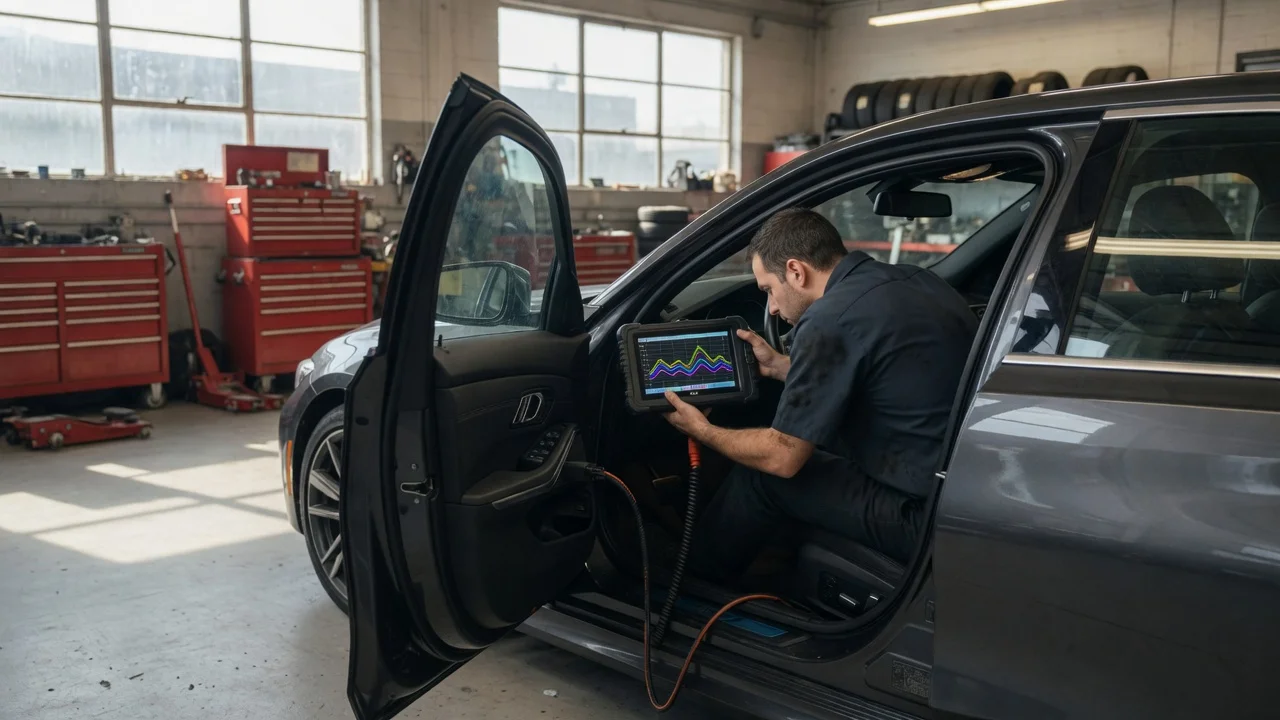
Quick answer
Most BMWs from 1996 onward have a standard OBD2 port, so a basic OBD2 scanner can read emissions-related engine codes. If you want to read BMW-specific modules such as ABS, transmission, airbags, battery management, or electronic parking brake, you will usually need a scanner or app that supports enhanced BMW diagnostics. The best choice depends on the model year, the job you intend to do, and whether you plan to use a phone app, a handheld tool, or a laptop.
What a BMW OBD2 scanner can read
A generic OBD2 scanner reads the powertrain and emissions systems that federal or regional regulations require to be standardized. It can retrieve stored and pending diagnostic trouble codes, clear them, and display basic live data such as coolant temperature, engine speed, vehicle speed, fuel trim, and oxygen sensor readings.
BMW vehicles also have manufacturer-specific systems behind separate electronic control units. These often include the ABS and stability control, transmission control, airbag or safety restraint system, instrument cluster, body electronics, climate control, headlight or lighting modules, battery registration functions, and electronic parking brake service mode. A generic scanner may not see those modules at all.
OBD2, BMW-specific protocols, and model-year differences
The OBD2 port is not the only diagnostic interface used on BMWs. Older models may also use the round 20-pin BMW diagnostic connector under the hood, typically before OBD2 became fully standard across the lineup. Some vehicles from around 1996 through the early 2000s have both connectors, and full module access may require the round connector or an appropriate adapter.
Compatibility can change within a generation or after a facelift, so a claim such as "works with all BMWs" should be checked against the specific market, build year, model, and engine. A scanner that reads engine codes on one BMW may not read ABS or battery registration on an earlier or later model.
Scanner types and common options
Handheld code readers: inexpensive and useful for reading and clearing basic engine codes, with limited BMW coverage. Enhanced handheld scanners: more expensive tools that add support for selected BMW systems and service functions. Phone or tablet apps with a Bluetooth or Wi-Fi adapter: widely used for live data and coding-oriented work, but capability depends on both the app and the adapter. Laptop or PC software with an interface cable: common for deeper diagnostics, module coding, and service functions on supported models.
The same hardware can behave differently with different software. For example, a Bluetooth adapter may work with one app for engine diagnostics and another app for BMW-specific modules, with different supported functions and model coverage.
What to check before buying
Model year, region, and whether the vehicle uses an OBD2 connector, the round under-hood connector, or both. The exact systems you need to access: engine only, or also ABS, airbags, transmission, battery registration, and parking brake service. Whether the tool supports the intended functions as one-time features, subscriptions, or paid unlock packages. Whether the seller states compatibility for your specific chassis, market, and module rather than advertising generic all-model coverage. The total cost, including adapters, software licenses, app subscriptions, and possible update fees.
Pricing and availability can vary by region and retailer, and advertised prices may not include required software or updates. No current price comparison is supplied here, so confirm the complete purchase price and included coverage before deciding.
How to choose by use case
If you only want to read and clear an engine-related check engine light, a basic OBD2 scanner is usually the most straightforward choice. If the fault is in another system or the light remains after clearing, enhanced BMW coverage may be necessary.
For ABS, airbag, transmission, or battery-related work, prioritize a tool that lists the exact modules and service functions supported for your BMW. If the vehicle needs battery registration after replacement, check that the scanner can perform that procedure on your model and year rather than assuming all enhanced tools can do it.
For occasional home use, a phone app and adapter may offer broad flexibility at a lower entry cost, but the app agreement, adapter compatibility, and update policy should be understood first. For frequent workshop-style diagnostics or coding, a dedicated handheld or PC-based system may be more practical, though it may cost more and still require model-specific coverage checks.
Limitations and gaps to watch for
This guidance does not include a specified scanner model comparison, verified pricing, or a compatibility table for individual BMW chassis codes. Those details should be checked against the manufacturer's published compatibility data for the exact vehicle before purchase. If the available product information does not state coverage for the needed module and model year, treat that as an open question rather than assuming it will work.