Choosing an OBD2 Scanner for Windows
The answer in brief
For most Windows users, the practical choice is an OBD2 adapter that connects over USB, Bluetooth or Wi-Fi and works with Windows diagnostic software. The decision is less about the scanner brand alone and more about matching the adapter's communication type, supported OBD2 protocols, software license and the vehicle's model year and market. A low-cost ELM327-style adapter can read basic powertrain data on many vehicles, but it is not automatically the right tool for advanced manufacturer-specific diagnostics.
What to check before committing to a purchase
Confirm the adapter connection type that your Windows computer can use. USB adapters usually need a driver and may create a virtual COM port. Bluetooth adapters must be paired through Windows and then assigned to the diagnostic software. Wi-Fi adapters create a local network connection, but a Windows laptop may need its Wi-Fi switched between the adapter and normal internet access unless the laptop has a second adapter or supports simultaneous connections.
Check the vehicle side before relying on a generic scanner. OBD2 became mandatory for many gasoline vehicles in the United States from the 1996 model year, but market and powertrain differences exist. Diesel vehicles, older imports and some light-duty models can follow a different timetable or support arrangement. A scanner that works on one 1997 vehicle may not read every system on another vehicle of the same year.
Separate the adapter cost from the software cost. Some Windows software is free for basic trouble-code reading and live data, while advanced functions such as bidirectional control, coding, service resets or manufacturer-specific modules may require a paid license, a particular adapter brand, or both. The advertised price of an adapter is not the total ownership cost when the intended software requires a subscription or an unlocked version.
Try to verify compatibility claims against the exact model year, market, trim and powertrain. A compatibility list that names a broad model range can hide differences in engine control units or body modules. Where the seller's list is vague, treat advanced coverage as unconfirmed rather than assuming full support.
How OBD2 scanners work with Windows
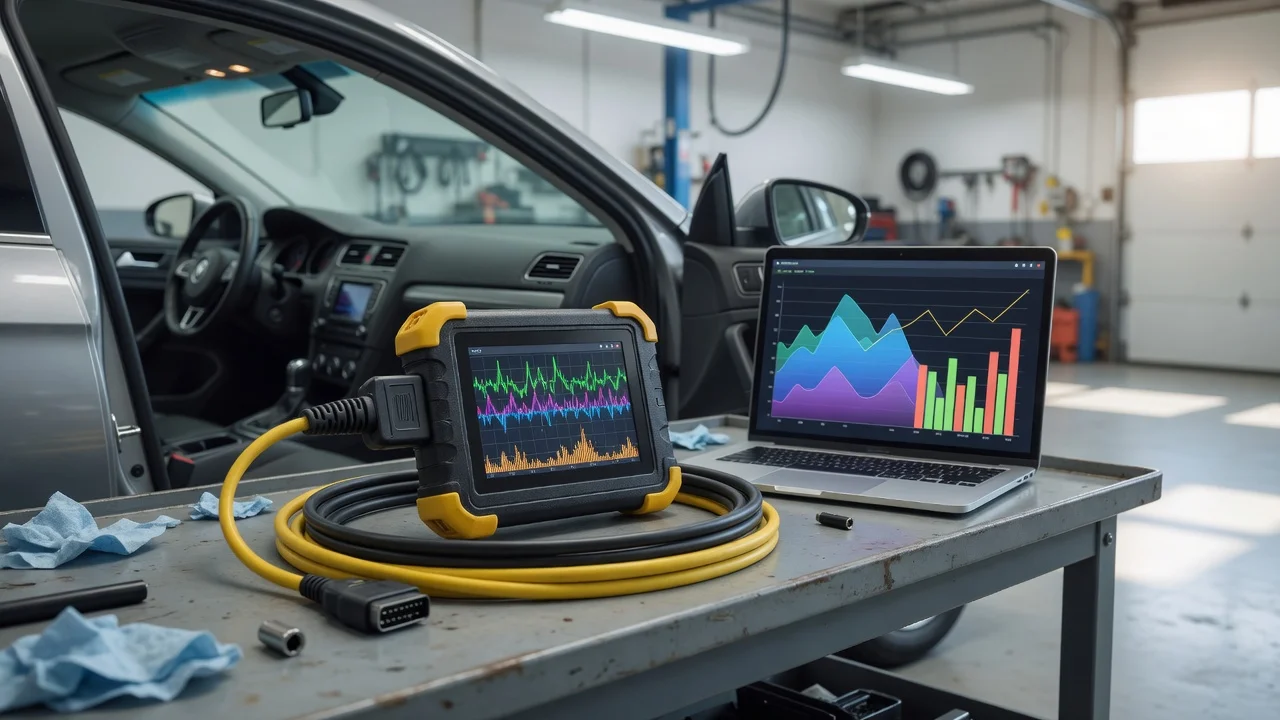
An OBD2 scanner for Windows is usually two pieces: the hardware interface connected to the vehicle's diagnostic connector and the software that interprets the data. The hardware handles the physical and protocol layer. The software sends commands, decodes responses and displays trouble codes, freeze-frame data, sensor values or readiness monitor status.
OBD2 includes several signaling protocols. Older vehicles may use ISO 9141, KWP2000 or a J1850 variant, while later vehicles commonly use CAN. An adapter described as "all OBD2 protocols" is more likely to suit a mixed household fleet than one limited to CAN only.
Comparing adapter types
Connection type | Typical Windows setup | Practical trade-off; USB | Driver and COM port selection; cable stays attached | Reliable connection, but cable length and port placement matter; Bluetooth | Pair in Windows, then select the assigned serial port | No cable, but pairing and port assignment can be less predictable; Wi-Fi | Join the adapter's network and enter its address in software | Convenient wireless range, but may conflict with normal internet access
For a simple first purchase, a USB ELM327-style adapter is often the easiest to configure because there is no wireless pairing step. The trade-off is physical: the cable must reach the diagnostic port and the laptop must remain within reach. Bluetooth removes the cable but adds a pairing layer that varies by adapter and Windows version. Wi-Fi offers the most freedom from the vehicle, yet can interrupt the laptop's ordinary network connection during diagnosis.
Software changes what the hardware can do
The same adapter can produce different results with different Windows applications. Basic software usually reads standardized powertrain data and may show oxygen sensor values, engine speed, coolant temperature and fuel trims. That is enough for many check-engine-light questions but not for every repair task.
Manufacturer-specific functions such as ABS bleeding, transmission adaptation, electronic parking brake service or module coding normally require software designed for that vehicle family and a compatible adapter. Do not assume that an adapter labeled as factory-level or full-system automatically performs these operations in the Windows application you plan to use.
Useful checks for a buying decision
• Confirm the diagnostic connector is actually OBD2 for the vehicle's market and model year. • Match the adapter's supported protocols to the vehicle's powertrain and control modules. • Choose USB, Bluetooth or Wi-Fi based on the Windows PC type and how far the laptop will be from the port. • Check whether the intended Windows software supports that exact adapter, especially for advanced functions. • Include software license, activation and update costs when comparing adapter prices. • Verify any full-system or manufacturer-specific claim against the exact trim and powertrain before relying on it.
What the supplied information does not establish
No tested purchase price, completed transaction range or specific adapter model can be quoted from the supplied evidence. Prices found in advertising should not be treated as confirmed transaction prices. Similarly, no ranking of named scanner models is possible here because performance figures must use the same vehicle, software version and test conditions for a fair comparison.
If the goal is only to read and clear a basic check-engine light on a compatible gasoline vehicle, a modest USB or Bluetooth ELM327-style adapter with the correct protocol support is a sensible starting point. If the work requires make-specific modules, service procedures or coding, narrow the search by the vehicle family and confirm the adapter's compatibility with both the software and the exact model before buying.