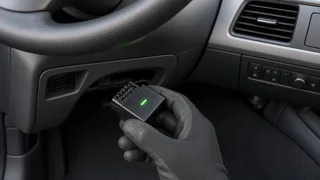
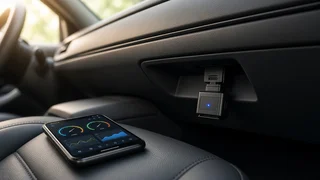
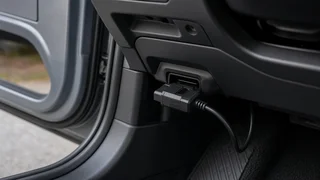
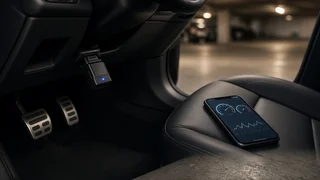
Carista OBD2 Bluetooth Adapter
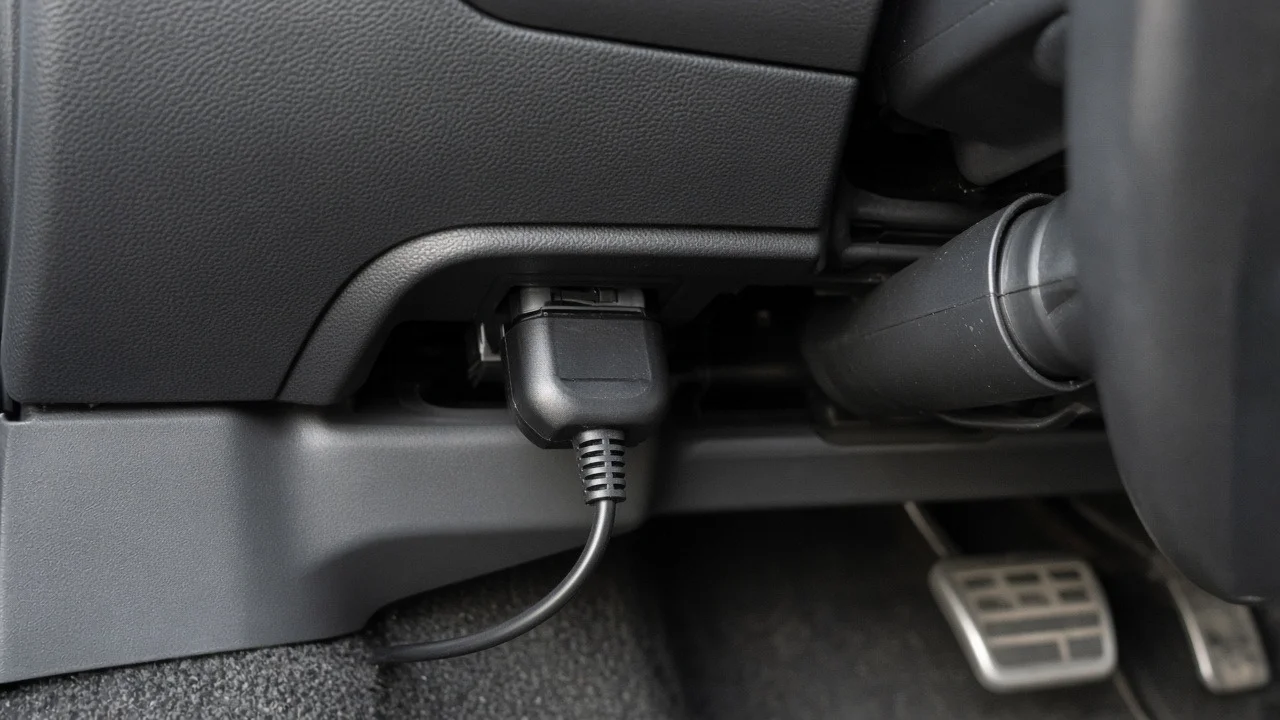
Choosing a Bluetooth OBD2 interface is usually about how easily the phone app connects, how quickly the module wakes up, and whether it works cleanly with a vehicle’s diagnostic and customization systems. A Carista OBD2 Bluetooth adapter is designed to bridge that gap for iPhone, iPad, and Android users, but the purchase decision depends on pairing behavior, app support, and the intended tasks beyond basic fault code reading. Understanding the connection settings and vehicle integration helps avoid buying hardware that is only partially useful for your needs.
The direct answer
For most shoppers, the sensible choice is to buy the adapter as an app-connected package rather than as a standalone generic dongle. The hardware should pair through the phone’s Bluetooth menu and then communicate with a compatible diagnostic app to read codes, view live data, and access supported vehicle-specific functions. A dongle that does not wake promptly or drops its connection after the engine starts creates more frustration than value.
Software compatibility is the deciding factor. A Carista-style interface may work with the brand’s app for guided diagnostics and select customization features while also exposing standard OBD2 data to other apps. However, extended vehicle integration and steering wheel interface behavior can vary by model and manufacturer, so a buyer should confirm which functions are supported before relying on the device for anything beyond generic powertrain codes.