Buying Key Fob Batteries at Walmart: What to Check First
The short answer
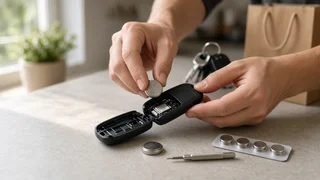
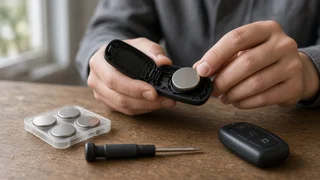
Walmart is a reasonable place to look for a replacement key fob battery, because most remote fobs run on standard lithium coin cells, the same small, flat batteries used in watches, scales and other household electronics. The condition that matters most is knowing the exact battery code your fob uses before you shop. A coin cell that looks similar but has a different code may not fit or make reliable contact. This article does not confirm current prices, brands or stock at any particular Walmart store, so check those yourself before making a trip.
Identify the battery your fob uses
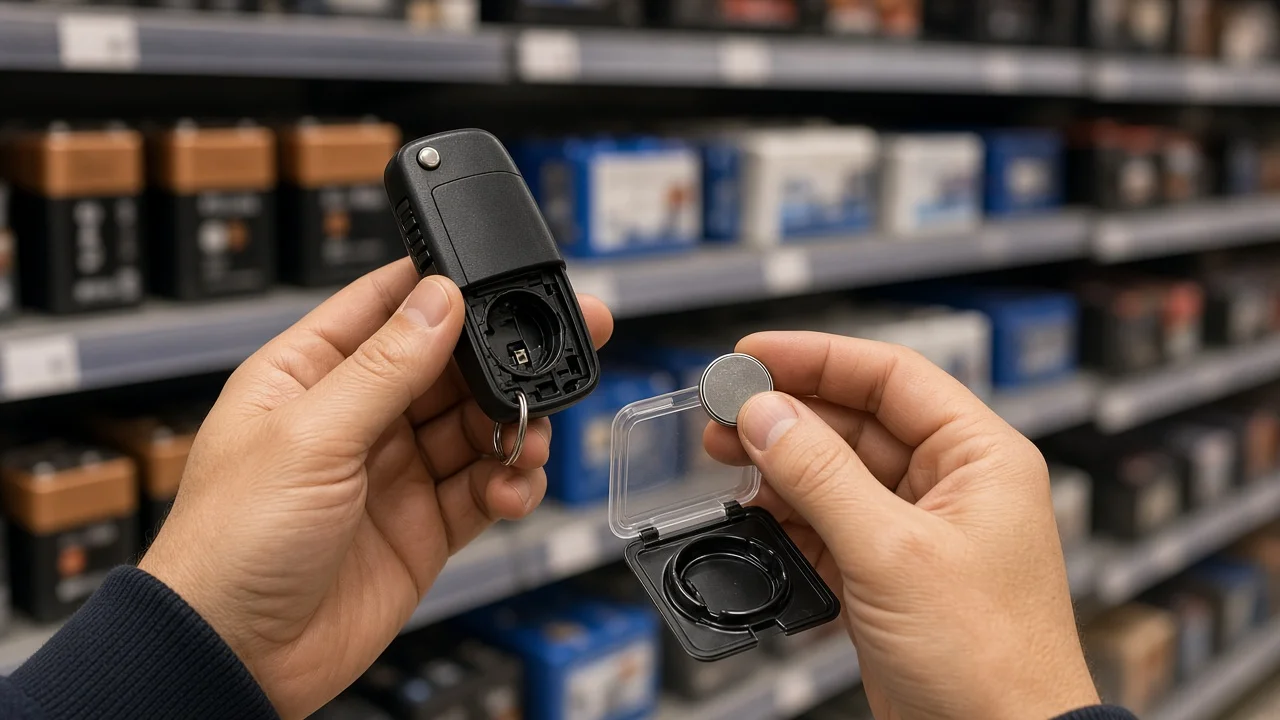
Fobs differ by manufacturer, model year, market and trim, and even two fobs for the same vehicle can use different batteries if one is a basic remote and the other is a proximity or keyless-entry key. Don't assume your fob matches another vehicle's, or even an earlier generation of your own model. Use one of these sources to confirm the code:
The code printed on the battery already in the fob, which is the most direct check. The owner's manual, usually in the section on key or remote battery replacement. The dealer's parts or service department, if you give them your VIN (vehicle identification number).
How to read a coin cell code
Lithium coin cells are commonly labeled with a code such as CR2032, CR2025, CR2016 or CR1620. Under the standard naming convention, "CR" indicates a lithium manganese dioxide chemistry, the first two digits give the diameter in millimeters, and the last two digits give the thickness in tenths of a millimeter. A CR2032 and a CR2025 therefore share a 20 mm diameter but differ in thickness: about 3.2 mm versus about 2.5 mm. That difference can decide whether the battery seats securely in the fob, so buy the exact code rather than a close neighbor. Some packaging adds extra letters or brand-specific numbers; the core code is what to match.
Check for exceptions before you buy
Two-battery fobs: some remotes take two stacked cells, so you may need a multi-pack or two singles. Non-replaceable or rechargeable keys: some fobs, particularly certain display or smart keys, have a sealed or rechargeable battery that a store coin cell won't replace. Your owner's manual should say if this applies. Different symptoms: if a new battery doesn't restore function, the cause may be the fob itself, its programming or the vehicle's receiver rather than the battery.
What to confirm about the purchase itself
No confirmed information was available on Walmart's current prices, which brands it stocks, whether a specific code is in stock at your local store, or whether any store will install the battery for you. If you need the battery the same day, check store availability for your exact code before you go. When comparing packages, look at the battery code, the number of cells in the pack and, if printed, the expiration or best-by date. Coin cells slowly lose charge in storage, so a multi-pack is only good value if you'll use the spares before they expire.
Store spares safely
Coin cells pose a serious hazard if swallowed, especially by children, because they can cause internal injury quickly. Keep spare batteries in their original packaging, out of reach of children and pets, and dispose of used cells according to local battery recycling guidance.
Next step
Open the fob or check the owner's manual, write down the exact battery code and how many cells it takes, and confirm the fob's battery is user-replaceable. With that information, buying the right coin cell at Walmart or any other retailer is a simple match.