Bluetooth OBD2 Adapter for FORScan
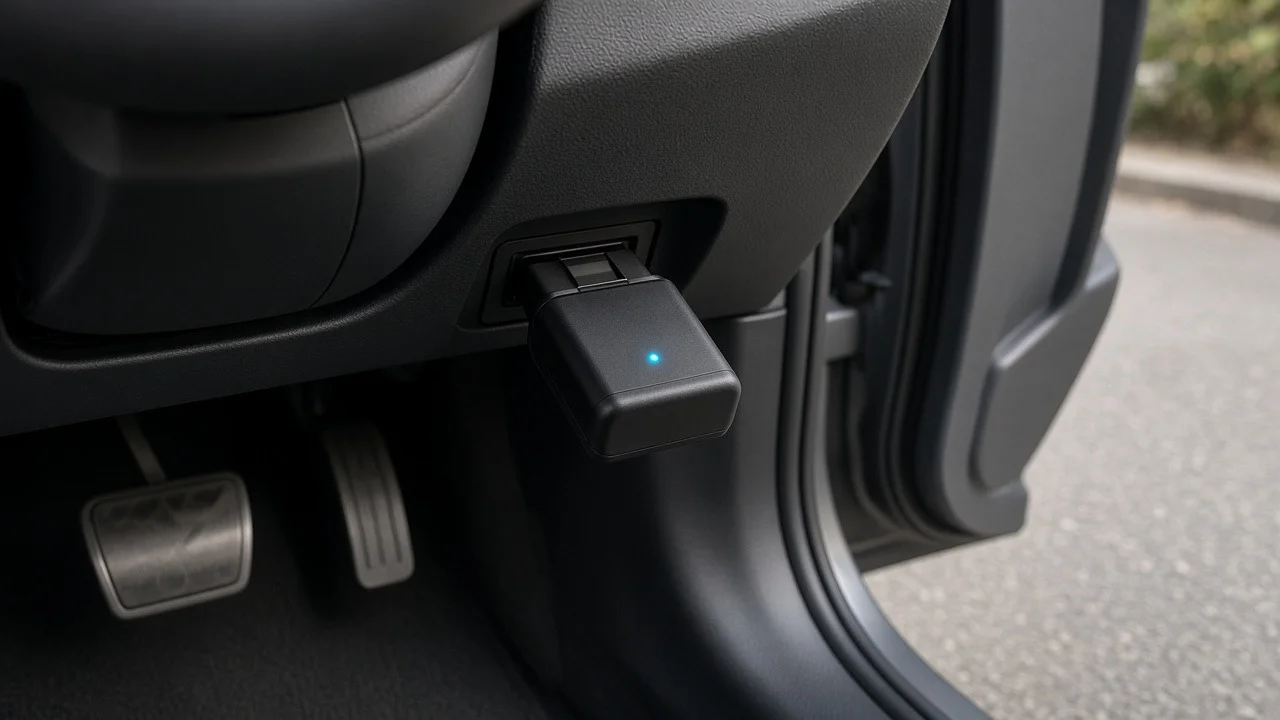
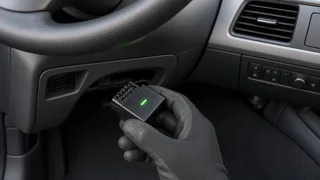
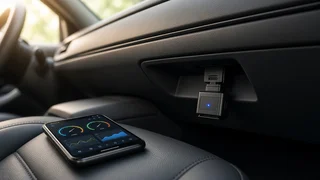
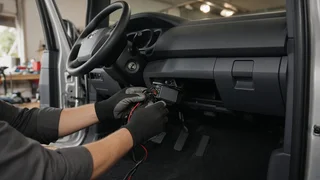
Choosing a Bluetooth OBD2 adapter for FORScan comes down to whether the wireless interface can reliably expose Ford-specific modules without dropping mid-session. FORScan depends on a clean ELM327 or compatible command link, and not every generic adapter behaves the same. The most useful setup is one that pairs predictably with a laptop or phone, stays connected while reading high-speed and medium-speed networks, and does not require an automatic switch that fights the software. The sections below explain the direct answer for most buyers and the conditions that change it.
The direct answer
For most users, the better choice is a v1.5 ELM327-style adapter with an external MS-CAN/HS-CAN switch, not a fully automatic unit. FORScan can use a quality automatic adapter, but the switched design gives predictable access to the medium-speed Ford network while avoiding the connection negotiation that some phones and laptops handle poorly. The adapter should provide a stable Bluetooth serial link and report the correct ELM327 version during initialization, because FORScan uses that identification to enable manufacturer-specific commands.
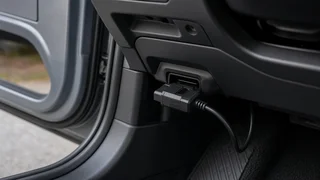
A generic Bluetooth OBD2 adapter may work for basic engine data and fail when FORScan attempts deeper vehicle integration or module service functions. Therefore, the practical answer is to buy a unit described as compatible with FORScan and Android or Windows Bluetooth, verify the firmware responds correctly during the first connection settings check, and keep the link free from other connected devices. If full module coverage matters more than convenience, a wired or switched adapter is the safer purchase path.