Best Professional OBD2 Scanners: How to Choose a Workshop Tool
Start with the intended use
Before comparing professional diagnostic scanners, define the vehicles you will test, where the tool will be used, and what the repair workflow needs to accomplish. A professional OBD2 scanner has to do more than read a stored trouble code. In a workshop, it typically needs to connect quickly, show live data during a road test, support manufacturer-specific systems, and keep records for later reference.
Start by listing the vehicle makes and model years that pass through the shop. Note whether the scanner will be used mainly for engine diagnostics or for broader tasks such as ABS, airbag, transmission, battery, steering, or body module work. Also check whether you need to perform service resets, adaptation procedures, or key and module coding. These requirements affect which professional diagnostic scanner fits the workload.
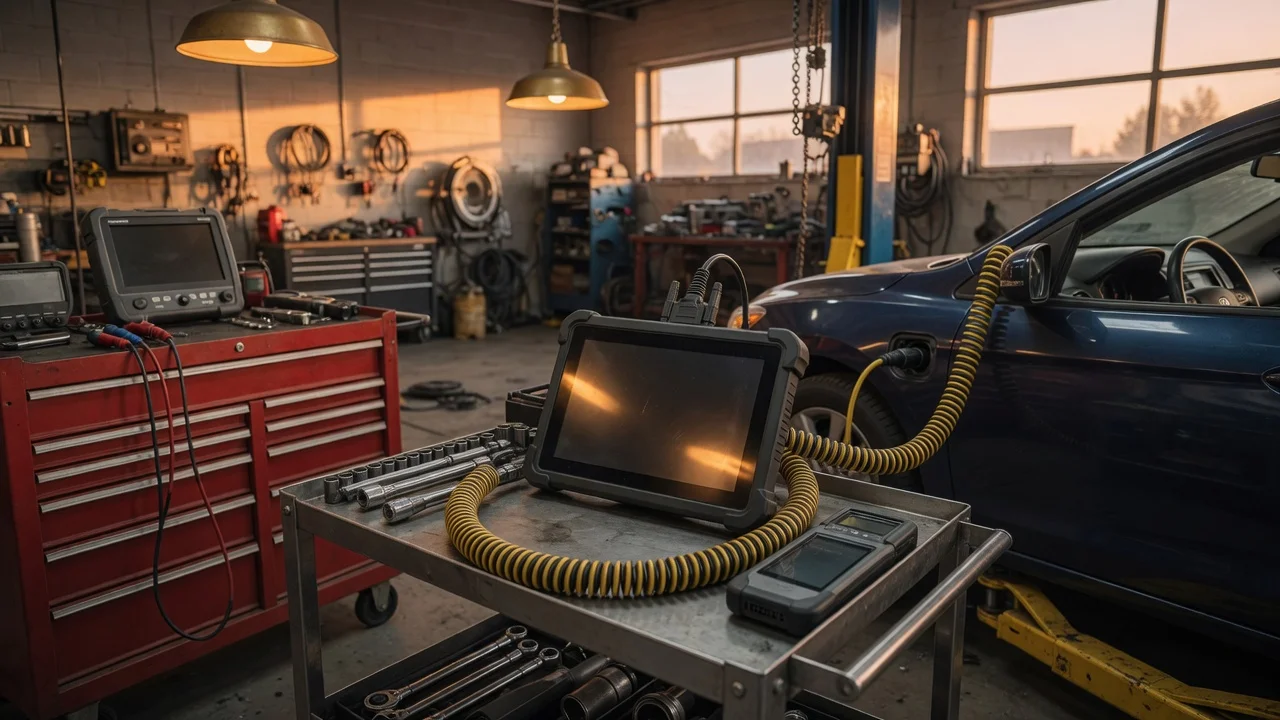
Consider the physical environment as well. A handheld unit may be faster to carry between bays, while a tablet-based tool or a diagnostic interface paired with a laptop can provide a larger display and easier data logging. If the scanner will be used near lifts, tool carts, or outdoors, evaluate the charging method and cable length. The result should be a tool that supports the vehicle mix, the diagnostic depth, and the daily movement of technicians.
Features that matter
A professional OBD2 scanner is not defined by a single specification. Look at what it can actually access and control. Basic generic OBD2 functions include reading and clearing emission-related diagnostic trouble codes, viewing freeze frame data, checking monitor status, and reading live powertrain data. Workshop-grade tools add systems beyond the powertrain and may include bidirectional controls, allowing a technician to command a component to operate for testing.
Relevant capabilities to compare include the number of supported vehicle systems, active tests, service functions, data logging, and reporting. Some tools display multiple live data parameters on one screen, while others allow custom parameter selection. Fast refresh rates can help when diagnosing intermittent faults or watching sensor behavior during a drive, but do not assume that a larger number of parameters automatically means a faster or more precise reading.
Pay attention to access and cost structure. Some diagnostic hardware requires a subscription for software updates, manufacturer data, or continued access to certain functions. A tool may support the vehicle you need only after a paid update or with a specific software package. Ask whether the advertised coverage is built into the version you are buying or depend on additional modules. Also check where repair information is displayed: not every professional diagnostic tool includes wiring diagrams, guided tests, or component locations.
Check compatibility
OBD2 hardware compatibility starts with the vehicle connector and protocol support. Many professional diagnostic scanners support the common OBD2 protocols used in passenger vehicles and light trucks, but coverage can vary by region, model, and control module. Confirm that the scanner supports the required communication protocols for the vehicles you service and that the diagnostic connector adapter, if any, fits the workspace.
Software compatibility is equally important. Some scanners run in a browser or require a Windows application, while others use Android or iOS apps and a Bluetooth or Wi-Fi interface. Check whether the software works with your existing tablets, laptops, or phones and whether updates require an internet connection. Also consider data storage and export. A workshop may need to save diagnostic reports, print them, or transfer them to another system without relying on a proprietary cloud account.
Power and connection details affect daily use. A diagnostic interface may draw power from the vehicle, while a separate display unit may need charging. If the tool uses a cable, verify that its length and connector placement work with the vehicles and lift positions in your shop. If it uses wireless communication, check whether the connection remains stable enough for interactive tests, not just code reading. Supported file formats matter if you plan to export logs or share reports.
Build a shortlist
Use a concrete requirements checklist to reduce the options. Write down the vehicle systems that must be accessible, the service functions you need, the required update model, and the software platforms you can support. Then compare each scanner against the same list instead of looking only at brand or display size.
A useful shortlist may include questions such as: Does it read and clear codes on the required modules? Can it perform the needed active tests and resets? Which vehicles and model years are covered without an extra subscription? Does it run on your existing hardware? How are updates delivered, and what do they cost? Can reports be saved, printed, or exported in a format your team can use?
When the shortlist is ready, test only the tools that satisfy the checklist. If possible, try the software on a known vehicle and compare how quickly it identifies modules and displays live data. Pay attention to the daily workflow, not just the specification sheet. The best professional OBD2 scanner for one shop may be different from the best choice for another, because the right tool is the one that matches the vehicle mix, required diagnostic depth, and service procedures already in use.