Best Professional OBD2 Scanners: Choosing a Tool for Workshop Use
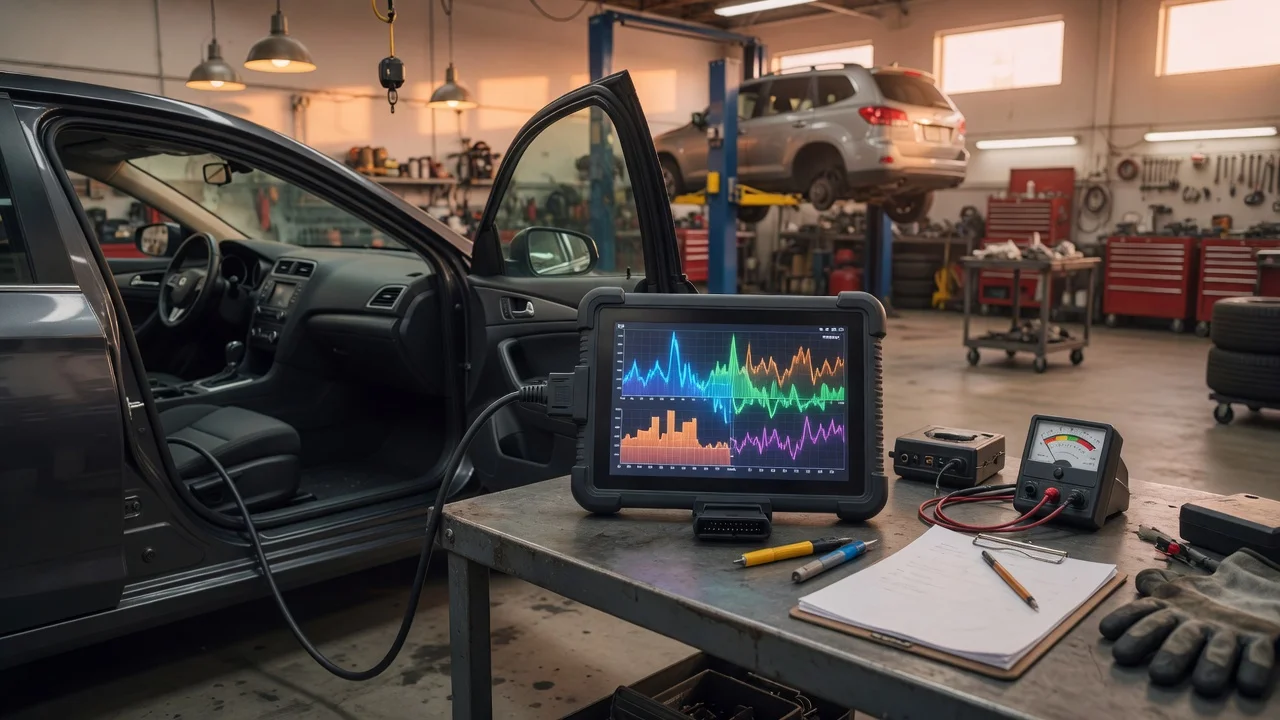
Start with the intended use
A professional diagnostic scanner is a workshop tool, so the first step is to define what the technician will actually do with it. Daily work may include reading fault codes, viewing live data, running actuator tests, resetting service indicators or coding modules. A mobile mechanic has different needs from a shop that handles several vehicle brands and model years. Consider whether the scanner will be used at the vehicle, moved between bays or connected to a PC. Check the available power source, whether a cabled or wireless connection suits the workflow, and whether the workshop policy allows third-party software or cloud access. These working conditions determine which tool shape is practical before looking at advanced functions.
Features that matter
Professional OBD2 scanners differ mainly in how deeply they can communicate with vehicle systems. Basic OBD2 functions cover emissions-related engine faults and freeze frame data. Enhanced or manufacturer-level diagnostics can reach modules for ABS, airbags, transmission, body control, parking assistance and other systems. Look for bidirectional control if the job requires commands such as cycling an actuator, running a fuel pump test or performing an electronic parking brake service. Another relevant distinction is coding and adaptation support, which allows matching new parts to the vehicle in supported modules. Do not treat the presence of a feature in the specification as a guarantee of equal performance on every brand or model year. Coverage lists describe intended compatibility, not measured results for every possible repair case.
Check compatibility
Compatibility starts with the vehicles entering the workshop, not with the scanner brand alone. Confirm the supported OBD2 protocols, diagnostic connector type and vehicle communication standards for the target makes, regions and model years. For a handheld tool, check that the operating system or built-in software receives the updates needed for newer vehicles. For an interface used with an app, verify the operating system, connector, power delivery and any required driver installation. Some tools are sold with coverage for one manufacturer, while others include multi-brand packages that may require a paid subscription to remain current. Read the update policy before purchase: a scanner that cannot receive relevant updates may lose practical value as new vehicle models enter the shop. Also verify whether the tool stores data locally or requires an account and internet access, because that affects privacy and record handling.
Build a shortlist
Use a concrete requirements checklist instead of starting from ratings or brand impression. Write down the vehicle makes and model years that must be supported, the systems to access, the diagnostic actions to perform, and the physical form factor that fits the daily workflow. Include the update mechanism, license cost and any account or connection requirements. Then compare tools only against that list. A useful shortlist may include one handheld unit for quick roadside or bay work and one PC or tablet interface for deeper programming tasks, but only if both needs are confirmed. Record how each candidate handles the essential jobs and mark unsupported or unknown capabilities as open questions to verify with the seller. The best professional diagnostic scanner for a given workshop is the one that covers its actual fleet and service tasks without adding complexity the team will not use.