AutoZone Free OBD2 Scanning: What to Check Before Visiting
What the Free Scan Usually Means
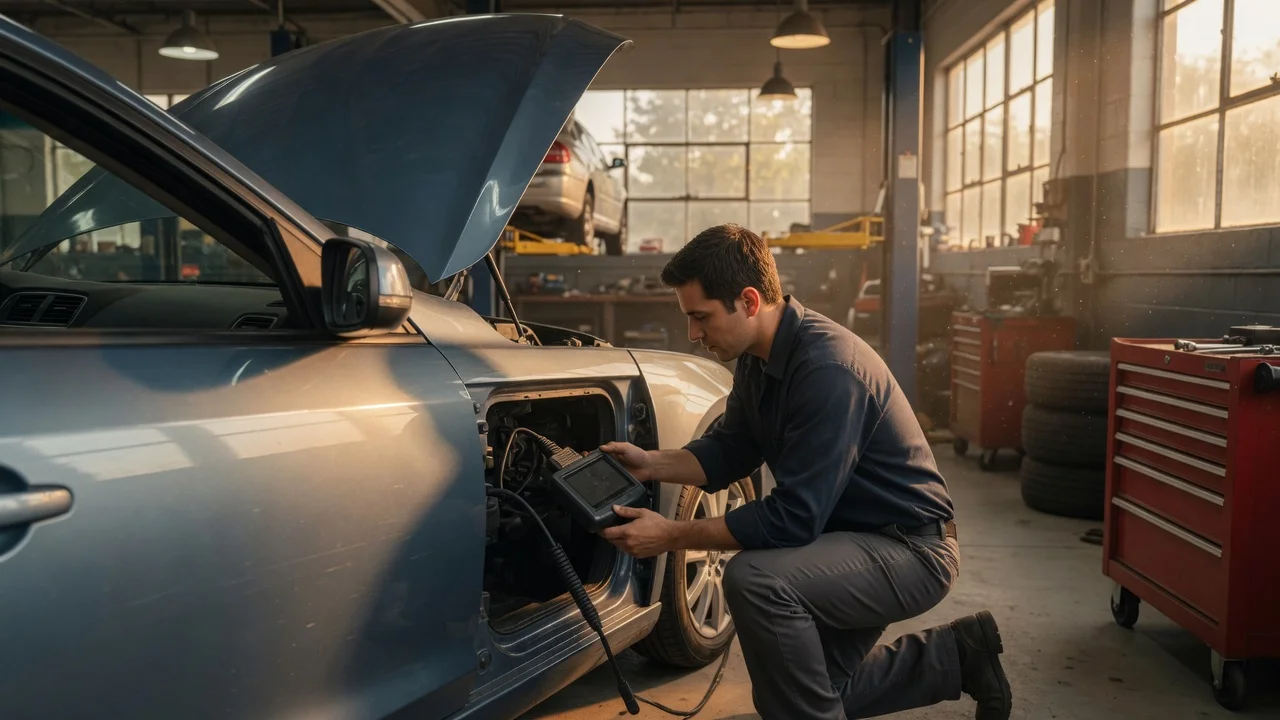
AutoZone has long promoted a free service in the United States where a store employee connects a scan tool to a vehicle's OBD2 port and reads diagnostic trouble codes. In practice, the service is generally free rather than a charged diagnostic appointment, but availability is not guaranteed at every store. Local staffing, store policy, equipment condition and safety rules can all change whether a specific location is willing to scan on a given day.
What OBD2 Scanning Does
The OBD2 port is the vehicle's standardized access point for emissions-related diagnostics. A scanner communicates with the engine control module and other connected computers to request stored powertrain-related trouble codes, and it may show freeze-frame data captured when a fault occurred. AutoZone's counter-level tools are typically code readers rather than full professional scan tools, so they can retrieve basic codes but may not access manufacturer-specific body, chassis, airbag or anti-lock brake modules.
What to Check Before You Visit
• Confirm the specific store still offers the service: The policy is common but not uniform. • Ensure the check engine light is currently on or clearly intermittent: A code may not be stored if the fault is inactive and the light has cleared. • Know that the vehicle must normally be at the store: Employees generally need physical access to the OBD2 port. • Check whether the store employee is permitted to scan at that moment: Weather, staffing or store policy may limit service. • Bring basic information about your year, make, model and engine: This helps the employee interpret the code and narrow possible causes.
How to Use the Result
A trouble code identifies a system symptom area rather than proving one component has failed. A code such as P0301 indicates a cylinder 1 misfire, but the cause could be an ignition component, fuel delivery problem, mechanical condition, wiring issue or something else. AutoZone staff commonly use the code to suggest likely replacement parts, which can be useful guidance, but it is not a substitute for testing the suspected circuit or component.
What to Do After the Scan
• Write down or photograph every code, including pending codes if shown. • Note freeze-frame details such as engine temperature, RPM and fuel trim if available. • Do not clear the code without a plan: Clearing it may also erase readiness monitors and useful freeze-frame data. • If the light is flashing, treat it as a potentially serious condition that may require reduced or stopped driving. • Use the code as a starting point for testing, not a final diagnosis.
When a Free Scan Is Not Enough
For intermittent faults, manufacturer-specific codes, active safety system warnings or drivability concerns without a stored code, a basic code reader may show nothing useful. A professional diagnostic scan with live data, bidirectional controls and module coverage can be more appropriate. The free service is most helpful when a check engine light is on and the stored code points to a common emissions or powertrain issue.