Autel OBD2 Scanners: How to Choose a Model
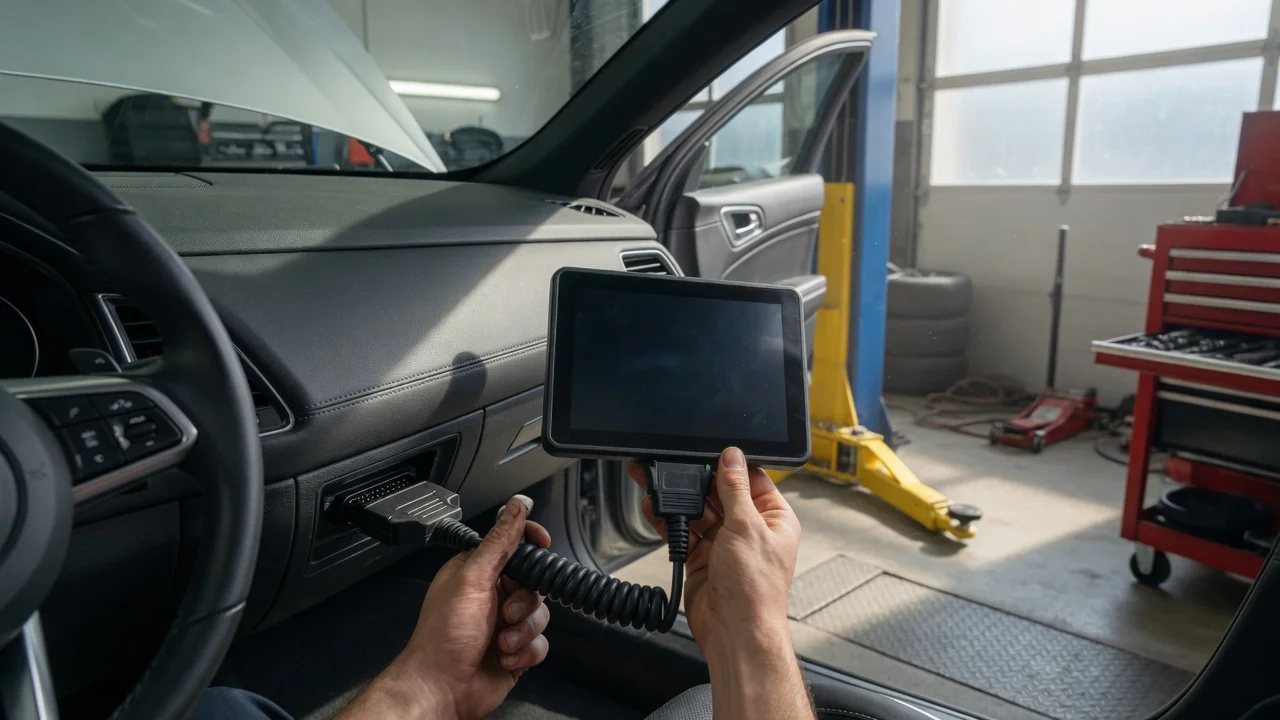
Start with the intended use
Choose an Autel OBD2 scanner by starting with the vehicle, the repair environment, and what you need the tool to show. A home user checking an engine light has different requirements from a mobile technician performing bidirectional tests or a shop handling several vehicle brands. The connection matters just as much as the diagnosis depth: some models work over a cable, while others use Bluetooth or Wi-Fi with a phone, tablet, or computer.
Identify the result you need before comparing models. If you only want to read and clear diagnostic trouble codes, a simpler handheld or dongle-style model may be enough. If the work involves service resets, live data, actuation tests, or programming, the scanner must be capable of those functions for the specific vehicle. Also consider whether the tool will stay in one location or be carried between vehicles, because display type, battery use, and update access affect daily workflow.
Features that matter
The core function of an OBD2 scanner is communication with the vehicle's electronic control units. Basic models cover engine and emissions systems under OBD2 rules. More advanced Autel devices add access to systems such as ABS, airbag, transmission, body control, and parking assistance, but coverage varies by vehicle make, model, and year. Treat listed system coverage as capability documentation, not a guarantee that every function will work on every car.
Diagnostic functions are a practical dividing line. A basic workflow reads codes, displays live data, and clears confirmed faults. More advanced scanning may include freeze frame data, component testing, adaptations, special service procedures, and coding. If the intended work requires sending commands to a component or performing a reset, check whether the specific Autel model supports that operation for the vehicle you service.
Also compare the interface and update model. A color touchscreen can make graph viewing and menu navigation easier, while a phone app may use screen space you already carry. Software updates can change coverage and vehicle communication, so confirm how the model receives updates and what is included after purchase. Do not assume that a newer update adds indefinite support for all vehicles or that advertised coverage reflects the current installation.
Check compatibility
Compatibility starts with the vehicle connector and communication protocols. OBD2 vehicles use the 16-pin diagnostic connector, but protocol support can differ by age and manufacturer. The vehicle, not only the scanner, determines which data can be accessed. Check the Autel model documentation for the specific make, model, year, and system before relying on it for anything beyond standard OBD2 engine diagnostics.
For app-based and PC-based models, confirm the required mobile operating system, app version, and connection method. A scanner may need Bluetooth pairing or Wi-Fi setup, and the phone or tablet must meet the minimum OS version. For wired tools, check the cable and connector type. Power is also relevant: some scanners draw power from the vehicle diagnostic port, while others may have an internal battery or require external power for certain operations.
Updates and accounts can be part of compatibility too. Some Autel tools require registration or software activation before full operation, and language or regional coverage may differ. Privacy and file handling should be verified with the device and app settings for any tool that shares data over a network. Do not treat a scanner's network behavior as a promise; check how reports, logs, and vehicle records are stored or transmitted.
Build a shortlist
Create a checklist from the actual work, not from the feature list alone. Start with the highest-priority requirement: the vehicle or vehicles the scanner must support, the systems to diagnose, and the service procedures to perform. Then add practical constraints such as connection type, display preference, available devices, and how the tool will receive updates.
For each candidate, record what is documented by the manufacturer and leave unknown or unverified items open. Compare only the capabilities that can change the repair result. This helps eliminate models that look similar in a catalog but differ in vehicle coverage, functional depth, or update terms. A shortlist is complete when every remaining model covers the minimum checklist and the choice comes down to workflow and support rather than a guess.