AstroAI Tire Pressure Gauge Blinking and Battery Replacement
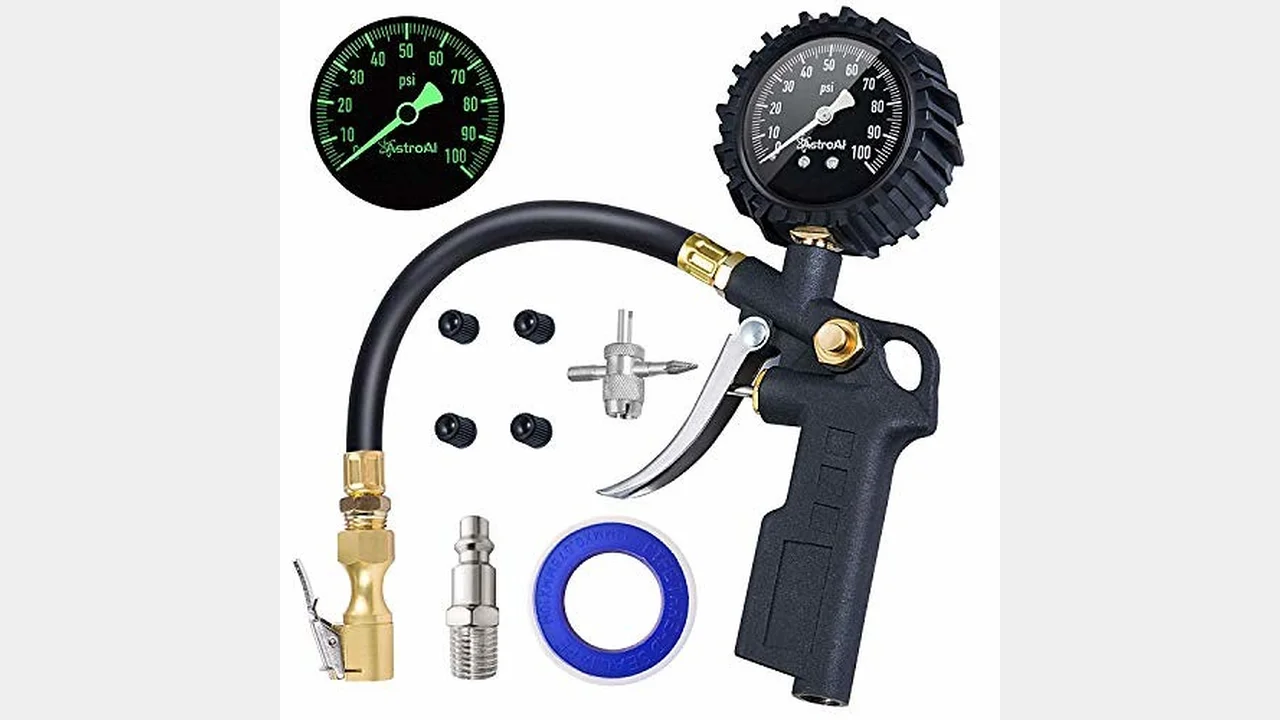
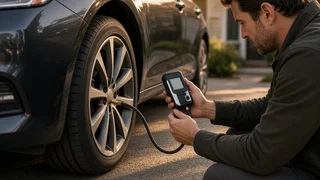
A blinking display on an AstroAI tire pressure gauge usually signals a low internal battery or an interrupted pressure reading rather than a failed sensor. Owners often see flickering numbers right before the tool shuts down, or a single flashing digit when the valve connection is imperfect. Because this pocket-sized instrument relies on a small coin cell or similar battery, the display depends on stable voltage. Interpreting that blink correctly helps you decide between replacing the battery, reseating the gauge on the valve stem, or checking whether the reading is outside the supported measurement range.
Essential answer
The most common reason an AstroAI tire pressure gauge blinks is that its coin-cell battery has fallen below the voltage needed to hold the digital display steady. When the battery weakens, the screen may flash during a reading, show partial digits, or turn off immediately after contact with the valve stem. Replacing the battery with the size indicated inside the battery compartment usually restores normal operation. Because gauge designs vary, open the housing carefully and match the old cell type, orientation, and polarity before reassembling the unit.
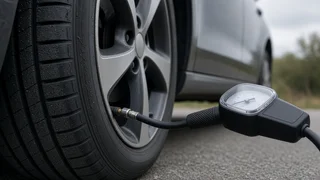
A blinking display can also appear when the gauge is not firmly seated on the Schrader valve. A momentary connection lets pressure enter the sensor in pulses, producing an unstable measurement and a flashing screen. Press the gauge straight onto the valve, avoid an angled fit, and listen for a brief hiss that stops when the seal is complete. If the reading stabilizes afterward, the battery may still be fine. If the flicker continues with a firm connection, battery replacement is the next practical step.