2008 Scion xB Oil Reset Guide
Direct answer and scope
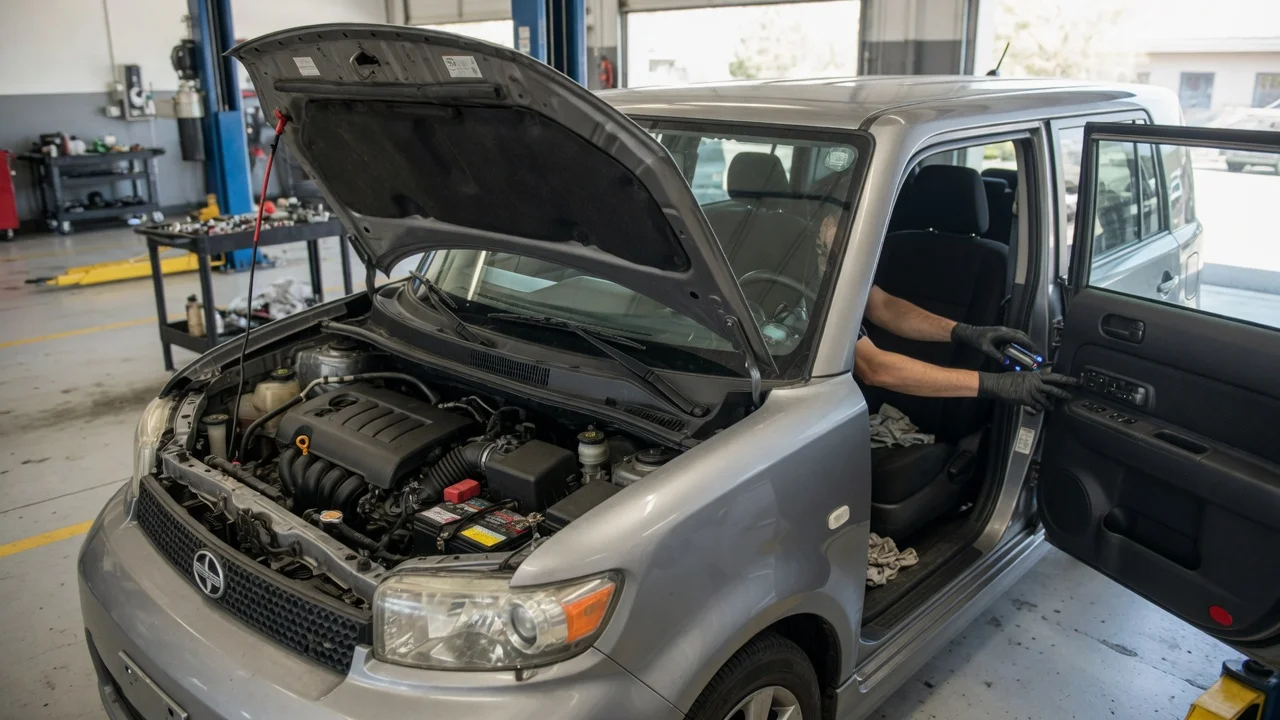
For the 2008 Scion xB, resetting the maintenance required oil reminder is done through the odometer trip button, not through a dashboard menu or infotainment screen. The reset tells the vehicle that fresh engine oil has been installed and clears the illuminated maintenance light until the next service interval. This procedure applies to the second-generation xB sold in the North American market with the standard 2.4-liter four-cylinder engine. The reset does not require a scan tool, and it can be completed in under a minute with the ignition on and the engine off.
What the maintenance required light means
The 2008 Scion xB uses a mileage-based maintenance reminder rather than an oil-condition sensor. Once the vehicle is driven a set distance, the light turns on to indicate that an oil change is due according to the factory schedule. Resetting the light after changing the oil restarts that distance countdown. Because the system does not analyze the condition of the oil itself, the light will not adapt to severe driving such as repeated short trips, towing, or dusty conditions. Under those circumstances, the owner may need to change the oil earlier than the reminder suggests.
Reset procedure
To reset the oil maintenance light on a 2008 Scion xB, turn the ignition to the on position without starting the engine. Make sure the odometer is showing the total mileage, not a trip meter reading. If a trip meter is displayed, press the trip button briefly until the total odometer appears. Then turn the ignition off.
Press and hold the trip odometer reset button. While continuing to hold the button, turn the ignition back to the on position without starting the engine. Keep holding the button. On the 2008 xB, the odometer display shows a series of dashes or a countdown, and then the maintenance light clears and the normal mileage returns. Release the button once the display returns to normal. Start the engine to confirm the light remains off.
If the light does not clear
The most common reason the reset fails is that the trip button was released too early or the odometer was set to a trip meter instead of total mileage. Repeat the procedure and hold the button for several seconds after turning the ignition on. If the warning stays illuminated, the issue may be unrelated to the maintenance reminder, such as a different warning light or an instrument cluster fault. The 2008 Scion xB also has separate warning indicators for low oil pressure or a check engine condition; those are not cleared by the oil reset procedure and should be diagnosed separately.
Choosing the correct oil for a reset-to-service interval
After resetting the reminder, the vehicle should be filled with an engine oil that meets the requirements for the 2.4-liter engine. The owner’s manual for the 2008 Scion xB calls for SAE 5W-20 or 0W-20 engine oil, depending on conditions, with the oil level brought to the full mark on the dipstick. The oil capacity with a filter change is about 4.5 quarts, but the owner should verify the level rather than rely on a premeasured amount. Using the correct viscosity and checking the level after the first start helps keep the reminder interval meaningful.
Limits of the reset process
The reset procedure clears only the service reminder. It does not reset the engine control unit, change the odometer, or affect any stored diagnostic trouble codes. If the 2008 Scion xB has been driven well past the reminder interval or has an oil consumption concern, resetting the light will not correct the underlying condition. A documented service record should still be kept, since the reminder only tracks distance and does not provide proof of maintenance.