Verizon Car Wi-Fi Hotspot
A Verizon car Wi-Fi hotspot turns cellular signal into a travel-ready internet connection, but the right setup depends on vehicle integration and plan details. Before comparing hardware, consider how the hotspot connects to the vehicle, how many devices will share data, and where coverage will be used. Connection settings and pairing methods affect daily convenience, especially when passengers stream or work on the road. A thoughtful purchase starts with matching the hotspot type to your driving habits rather than chasing the fastest advertised speed.
The direct answer
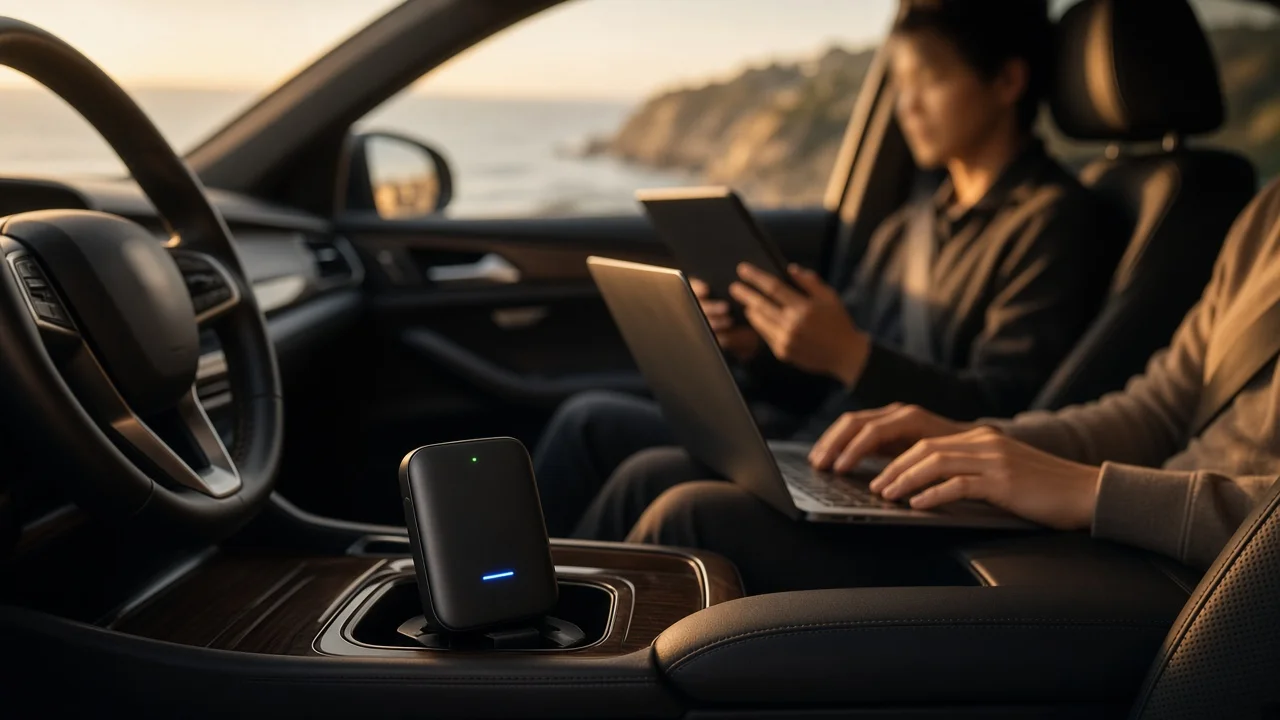
The most practical Verizon car Wi-Fi hotspot for most buyers is either a factory-connected vehicle system added through the Verizon plan or a standalone OBD-II or 12-volt plug-in hotspot, conditioned on how the vehicle is wired and how often the hotspot is used. A built-in modem ties into the vehicle antenna for steadier signal, while a portable plug-in unit moves between cars without permanent installation. Either can create a usable cabin network if the selected plan supports enough high-speed data for your typical week.
Before buying, check the vehicle integration path. A plug-in hotspot draws power from an accessory socket or diagnostic port and pairs through a short setup routine in the connection settings, which usually works immediately but may sit awkwardly in some cabins. An integrated system requires confirming that the vehicle infotainment or telematics module supports Verizon service and that no separate interface adapter is needed. The better choice depends on whether you value easy removal or cleaner, more stable onboard integration.