Toyota Prius Bluetooth Setup
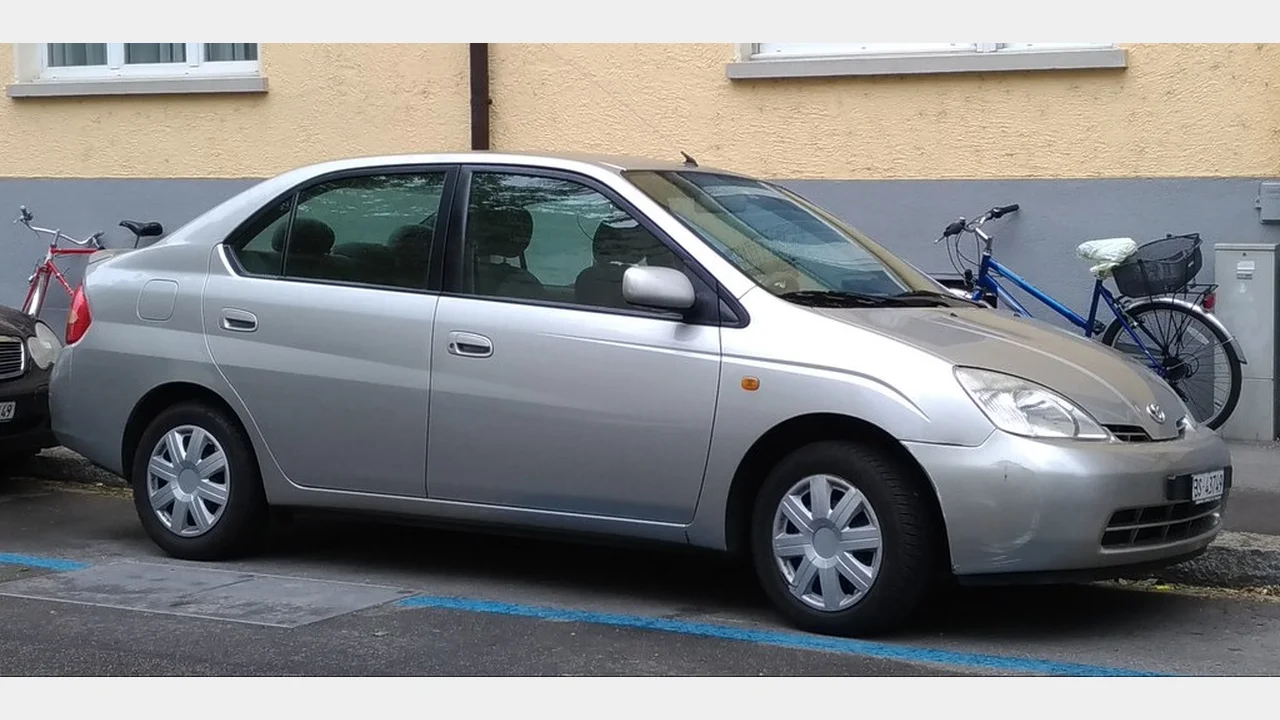
Connecting a phone to a Toyota Prius through Bluetooth makes hands-free calls and audio streaming part of the normal drive. The process centers on letting the car’s audio system and the phone discover each other, confirm a passkey, and store the connection settings for later use. For many owners, the first attempt to connect to Prius Bluetooth fails because the system is not in the correct discoverable mode, an old device occupies a pairing slot, or software compatibility limits the handshake. The basic routine is straightforward once the vehicle and phone are prepared.
Essential answer
The essential step in a Toyota Prius Bluetooth setup is registering the phone as a paired device through the vehicle’s audio or multimedia interface. This device pairing process creates a trusted wireless link that the car remembers. Once paired, the Prius can route calls and media from the phone through its speakers and microphone, and the steering wheel interface can often control track selection, volume, and call answer functions.
The exact menu names and button paths vary among Prius generations and audio packages, so the request to connect to Prius Bluetooth does not always have one identical sequence. Some systems require using the voice prompt or setup button, while others rely on the touchscreen. An interface adapter or aftermarket radio may use different menus. If the phone does not appear or the connection drops immediately, it usually means the vehicle is not actively searching, the phone is connected to another nearby device, or the software compatibility between the phone and the vehicle integration system needs attention.
Procedure
Begin by parking the vehicle and keeping the phone within reach. Turn on the audio system, then open the Bluetooth section of the setup or phone menu and choose the option to add or pair a new device. At the same time, enable Bluetooth on the phone and open its available-device list. When the Prius system shows a pairing code, confirm that the same number appears on the phone before accepting. This prevents the phone from linking with another nearby car.
After approval, the system will usually ask whether to allow contacts, message access, and media audio; granting these choices supports phone calls and music control. The steering wheel interface should then respond to call and audio commands if the package supports those functions. Finally, turn Bluetooth off and on again or restart the vehicle to confirm the phone reconnects automatically. If pairing fails, clear unused devices from memory, check that no other phone is actively connected, and try again with the system in discoverable mode.