Reset Dodge Durango oil life
The short answer
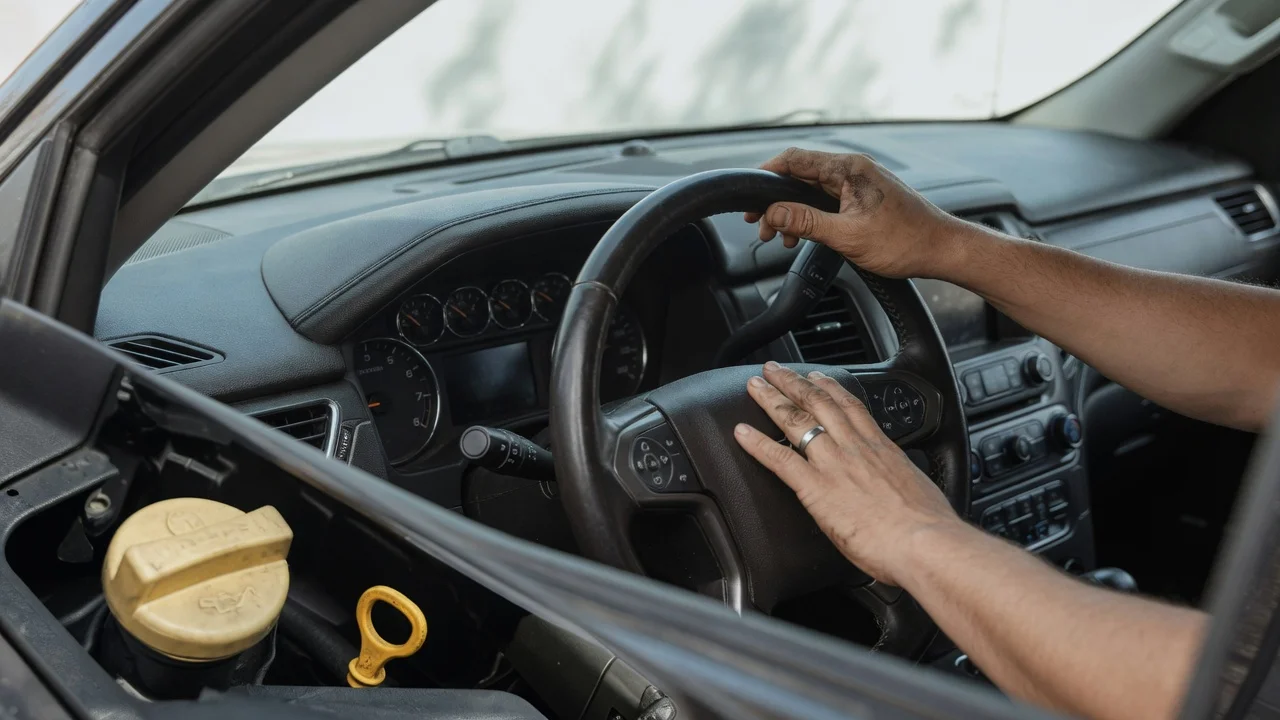
After an oil and filter change, the Dodge Durango oil-life reminder is reset from the instrument cluster, not by adding oil. The exact button sequence depends on generation. On 2011 and newer third-generation Durango models, turn the ignition to RUN without starting the engine, open the vehicle-info or oil-life screen with the steering-wheel controls, and hold OK until the display returns to 100 percent. On many 2004–2009 second-generation models, the reminder is cleared with an ignition-on, engine-off pedal sequence. Completing an oil change does not clear the message by itself, and resetting the monitor does not replace a change.
What the oil-life number is measuring
The oil-life display is a calculated remaining-life estimate, not a dipstick reading and not a lab oil analysis. Chrysler-group oil monitors typically count engine run time, temperature, and related operating conditions, then light a change-oil message when the calculated life is low. The percentage can fall faster in short-trip, extreme-temperature, or severe-duty use than in steady highway driving. Resetting tells the computer that fresh oil is in the engine so the countdown can start again.
2011 and newer Durango
Third-generation Durango models (2011 through current, including later Uconnect clusters) use steering-wheel menu buttons and an OK or select control. Screen labels vary by year and cluster, but the path is the oil-life or vehicle-information page. Place the transmission in Park on vehicles so equipped.
Switch the ignition to ON or RUN without starting the engine. On keyless models, press the start button twice without applying the brake. Use the up and down arrows on the steering wheel to reach Vehicle Info, Oil Life, or the equivalent information screen. Highlight Oil Life when a submenu is shown. Press and hold OK until the oil life reads 100 percent and the change-oil message clears. Cycle the ignition off, then back to RUN, and confirm the new reading.
Some later clusters place the same function under a vehicle settings or maintenance menu rather than a dedicated oil-life page. If a hold-OK prompt appears on screen, follow that prompt. Do not start the engine during the reset; a running engine is a common reason the percentage does not change.
2004–2009 Durango
Second-generation Durango models often use a cluster oil-change reminder that is reset with the accelerator, a method shared with several Chrysler, Dodge, and Jeep vehicles of that period. Confirm the steps in the owner’s manual for that model year, because cluster software and available buttons are not identical across 2004–2009.
Sit in the driver’s seat with the engine off and the transmission in Park. Turn the ignition to ON without starting the engine. Fully depress the accelerator pedal slowly three times within about 10 seconds. Turn the ignition off, then back to ON, and check that the oil-change message is gone.
If the cluster has menu buttons instead of relying only on the pedal method, use those buttons to open the oil-life item and hold the reset or right-arrow control until 100 percent is shown. When the two methods disagree, the procedure printed for that year in the owner’s manual takes precedence.
1998–2003 Durango
First-generation Durango models do not use the same percentage-based oil-life monitor found on later trucks. Maintenance reminders, when fitted, follow that year’s cluster design. Use the owner’s manual for 1998–2003 rather than applying the 2011-and-newer hold-OK sequence.
If the reading stays below 100 percent
Confirm the ignition is in RUN and the engine is not running. Hold OK long enough for the cluster to accept the reset; a short press often only opens the screen. Repeat the sequence after a full ignition-off cycle. On push-button start trucks, avoid pressing the brake, which starts the engine and can block the reset. If a wrench, service, or oil-pressure warning remains after a successful 100 percent reset, that is a separate fault and is not cleared by the oil-life procedure.
A scan tool or dealer-level diagnostic interface can also reset the oil-life parameter when the cluster will not accept a manual reset. That path is useful after a cluster replacement or when the message returns immediately with no change in driving conditions.
Reset only after the oil is actually changed
Clear the monitor after the oil and filter have been replaced with the viscosity and specification the engine requires for that model year and climate. Resetting early hides the reminder without restoring lubrication. Leaving the old percentage in place after a change causes the next reminder to arrive too soon. Record the mileage and date of the change; the oil-life percentage is a reminder system, not a complete service history.