Pay or look up the Dash highway toll
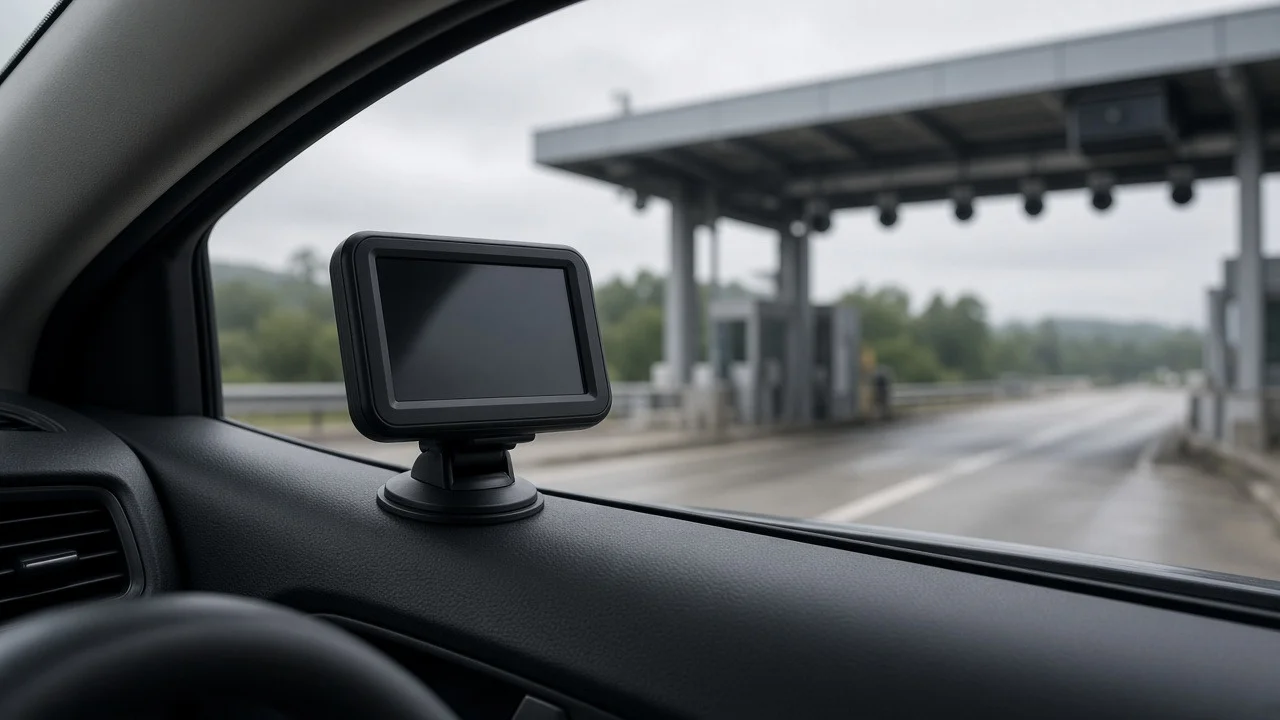
When a driver encounters a reference to the Dash highway toll, the immediate question is usually whether an amount is owed, how to pay it, or how to find the billing record behind a charge. Toll roads are operated electronically today, so a charge can appear days after a trip without a toll booth stop. The wording “Dash highway toll” suggests a route section or toll account inquiry rather than a single universal fee. Because road operators set tolls by vehicle class and payment method, the useful first step is to identify which toll authority issued the charge and what account or license plate was involved before assuming the amount is correct.
Essential answer
Paying or looking up the Dash highway toll means locating the responsible road operator and matching the charge to a specific trip, toll account, or vehicle. A toll is not a single national fee; it is tied to a route section and the class of vehicle that used it. If a toll account exists, the billing record should show the crossing time and charge. Without an account, the operator may identify the vehicle by plate and send an invoice to the registered owner. The essential answer is to confirm the authority, the vehicle, and the payment method before acting on a balance.
Looking up a toll also requires distinguishing a live electronic charge from a paper or mailed notice. Road operators may group crossings by day, vehicle, or transponder, so one amount can represent more than one route section. A driver who sees an unexpected Dash highway toll should therefore treat the label as a search term used by the operator or a toll app, not as proof of a specific road. Checking the transaction detail is the practical way to verify when the toll was incurred and whether the vehicle class matches the one that was billed.