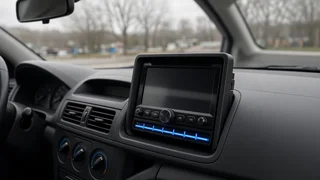
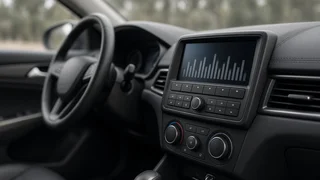
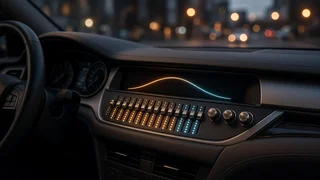
JVC Car Stereo Equalizer Settings
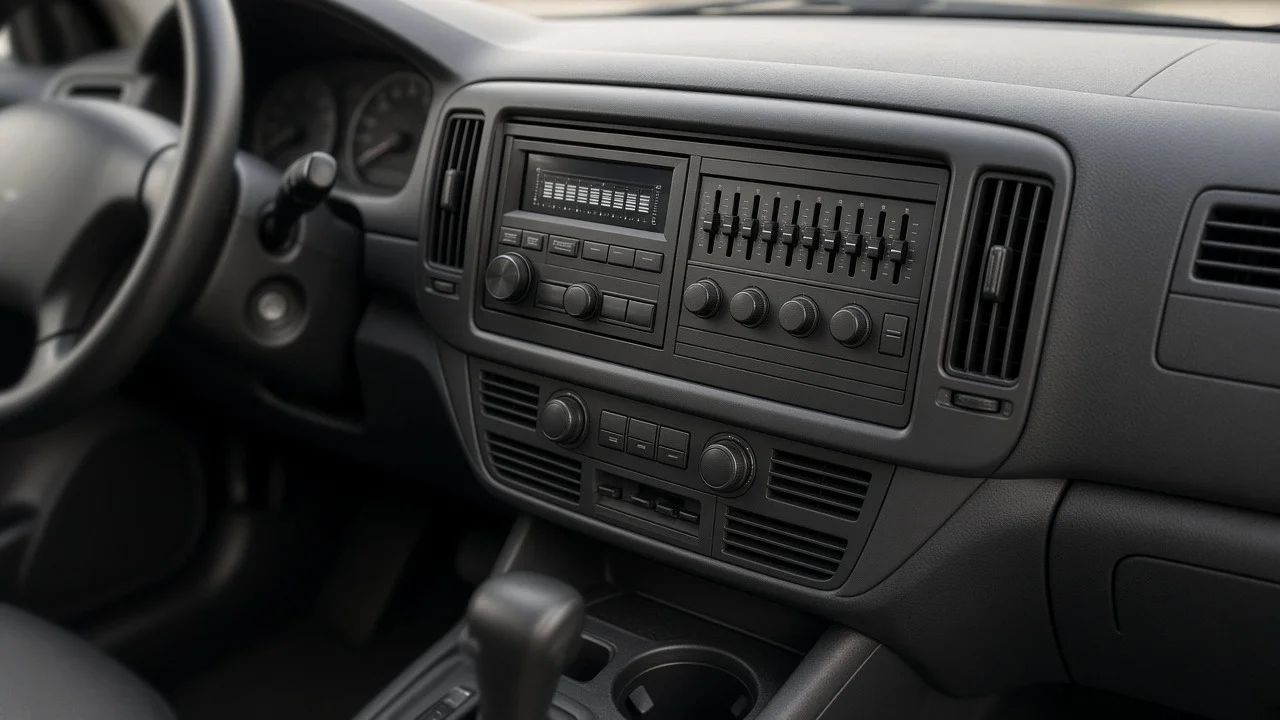
Tuning a JVC car stereo begins with the equalizer, but the right settings depend on how the head unit is installed, what audio source is playing, and how the speakers interact with the cabin. A flat curve is not always neutral once road noise, speaker placement, and signal reception issues enter the picture. Instead of chasing one magic preset, drivers should treat the equalizer as a correction tool for the acoustic problems created by their specific vehicle, listening material, and speaker wiring.
Essential answer
JVC car stereo equalizer settings are user-adjustable tone controls built into many JVC head units. They typically include preset curves such as Rock, Pop, Jazz, Flat, or Custom, plus bands that can be boosted or cut manually. The essential answer is that no single setting works for every vehicle. The best result comes from starting near flat, then making small cuts rather than large boosts, because boosting can push an underpowered built-in amplifier into distortion more quickly.
The setting also changes meaning with the audio source and vehicle integration. A strongly compressed internet stream, a clean USB file, or a weak FM signal each arrives with different tonal balance. Likewise, speaker wiring and antenna condition affect what the equalizer must correct. If reception is noisy or one channel is weak, equalizer adjustment will not repair it. Treat the controls as fine-tuning for a healthy signal path, not as a repair for a broken one.