Lost Nissan Armada Key Replacement
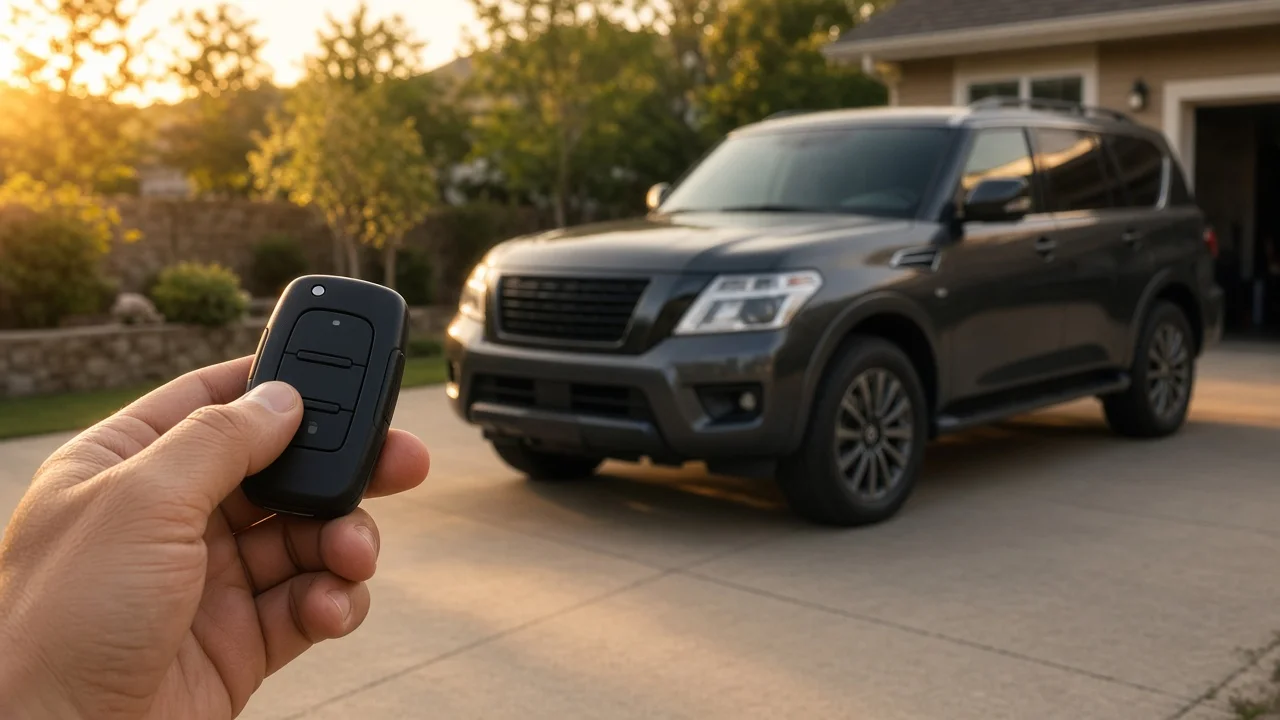
Losing the key to a Nissan Armada turns a routine trip into a sudden access problem. Replacement involves the vehicle's entry system, the ignition lock or push-button start, and a theft-deterrent signal that must all recognize the new key. Depending on the model year, the solution can involve cutting a mechanical backup blade, pairing a remote transmitter, and completing an immobilizer programming step. Confirming the Armada's configuration and gathering proof of ownership before dispatch helps reduce wasted trips and cost.
Essential answer
A lost Nissan Armada key is replaced by creating a new key, adding its remote functions, and syncing it with the vehicle's security system so the engine will start. The exact process depends on the year and whether the Armada uses a traditional ignition key, a fob with a separate start function, or a smart access fob that remains in a pocket or bag. Without the new key's transponder or smart signal being accepted, the immobilizer will block normal starting even if a cut blade turns the lock.
Roadside assistance and automotive locksmith services often handle this on site, while some newer Armada models may require dealer-level programming because the security data is centralized. The owner should be prepared to show registration, identification, and the vehicle identification number. After the first replacement key is active, adding a second key promptly can make future lost-key events less costly, because some programming routines are simpler when a working key is still available.