Locked Out of a Land Rover Discovery: What to Do First
The Short Answer
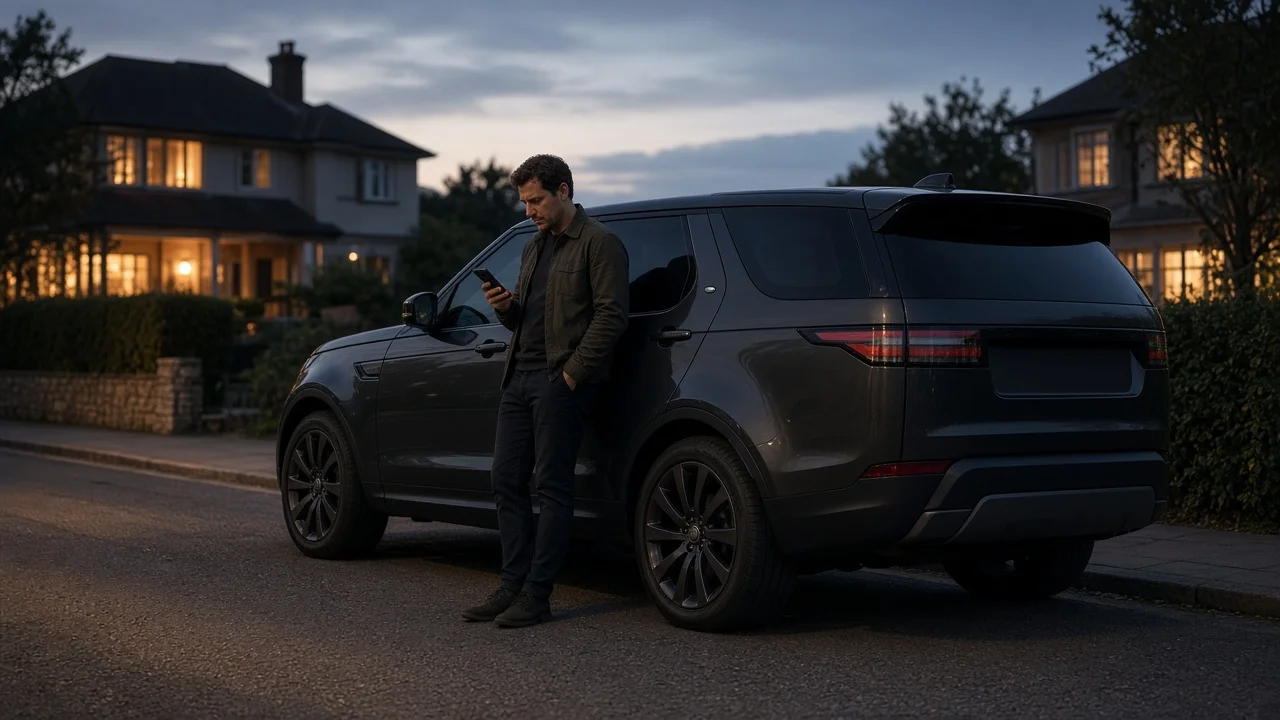
If you are locked out of a Land Rover Discovery, first work out why. The doors may have locked with the key inside. The key fob battery may be dead. The vehicle's own battery may be flat. Or the fob may be lost. Each cause has a different fix.
On many recent Discovery models, the key fob holds a physical emergency key blade. The driver's door has a matching lock cylinder, which is often hidden behind a cover on the door handle. That is usually the quickest way in when the fob or vehicle battery has failed. If the key is inside or lost, the practical options are a remote unlock (on equipped and subscribed vehicles), roadside assistance, an automotive locksmith or a Land Rover dealer.
If a child, a vulnerable person or a pet is locked inside, call emergency services right away. Do not wait to try other methods.
Why the Generation of Your Discovery Matters
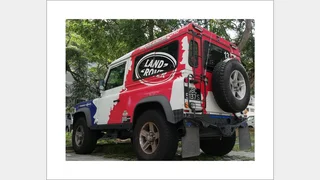
Locks and keys have changed a lot across the Discovery's history, so the right approach depends on which version you own. In the US, the name has also changed over time. The third- and fourth-generation vehicles were sold as the LR3 and LR4, and the Discovery name returned with the fifth generation. The Discovery Sport is a separate, smaller model, and its key and lock details may differ.
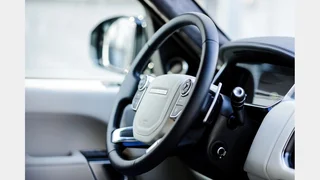
Early Discovery models (first generation and Series II): conventional metal keys and door lock cylinders, with remote locking on many examples. LR3 / Discovery 3 and LR4 / Discovery 4: remote key fobs. Keyless entry is available on some trims, and an emergency key blade is generally housed in the fob. Fifth-generation Discovery: keyless entry is widely fitted, and many vehicles support connected-car remote functions, depending on equipment and subscription status.
Features vary by model year, trim and market. Check your owner's handbook for the exact key type, the location of the emergency blade and the location of the door lock cylinder on your vehicle.
Matching the Fix to the Cause
Dead key fob battery: the remote and keyless entry may stop working. Release the emergency blade from the fob and use the driver's door lock cylinder. Flat vehicle battery: the central locking may not respond at all. The emergency blade and door cylinder are again the usual way in. Opening the door this way may set off the alarm until the vehicle recognises a valid key. Key locked inside: a remote unlock through the manufacturer's connected-car app may work if your vehicle has it and the service is active. Otherwise, contact roadside assistance or a locksmith. Key lost or damaged: you will likely need a locksmith with suitable equipment or a dealer to gain entry and to supply and program a replacement key.
Why Forced Entry Is Usually a Bad Idea
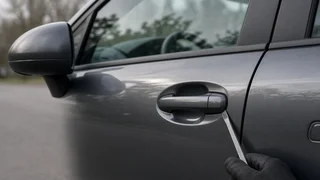
Improvised entry methods carry real risks on a modern Discovery. Wedging the door or pushing tools past the window can damage paint, door seals, wiring and window mechanisms. Doors on modern vehicles may also contain side-impact sensors and airbag components. A professional locksmith or dealer is generally the safer choice.
What to Have Ready Before You Call for Help
Locksmiths and dealers typically require proof that you own the vehicle before they will open it or cut a new key. Proof might include identification that matches the registration or title. It also helps to know your model year, generation and the vehicle identification number, since key type and programming requirements vary. If you have roadside assistance through a warranty, insurer or motoring club, check whether lockouts are covered.
What This Guide Cannot Confirm
Specific costs, response times, roadside assistance coverage terms and connected-service subscription details were not available for this guide. These vary by provider, location, model year and ownership status. Confirm them directly with your dealer, roadside provider or insurer, and use your owner's handbook for exact emergency key and lock procedures for your vehicle.