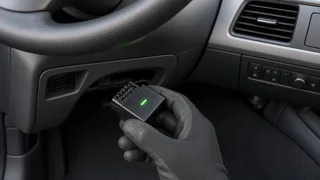
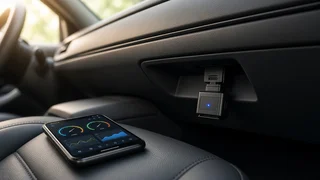
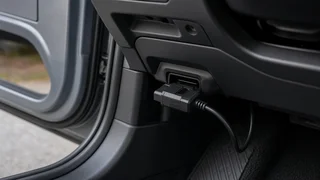
Kobra Bluetooth OBD2 Scanner Adapter
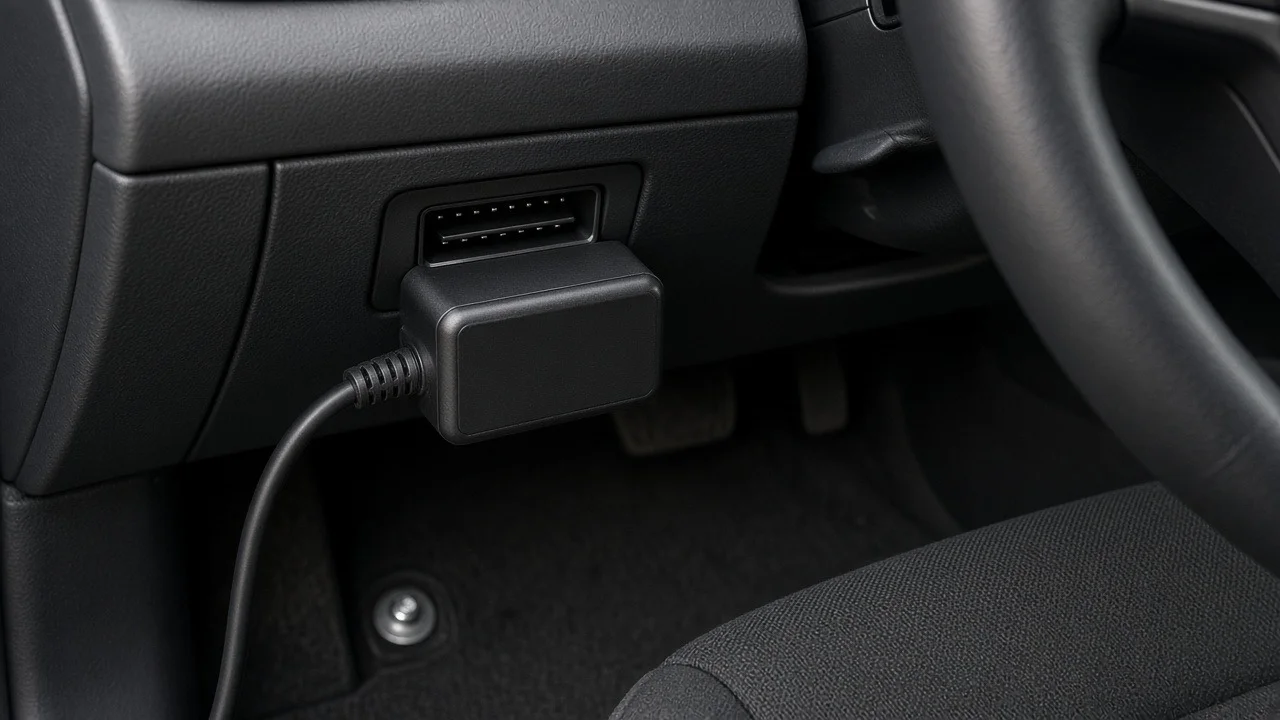
The Kobra Bluetooth OBD2 scanner adapter is designed to bridge a vehicle's diagnostic port and a smartphone or tablet, giving you a practical way to read powertrain information without a standalone scan tool. Before buying, the useful question is not only whether it pairs, but whether the connection settings, software compatibility, and vehicle integration match your intended use. Because wireless interface adapters depend on both the phone and the diagnostic app, the purchase decision should focus on how the device behaves with the vehicle and software you already own.
The direct answer
The direct answer is that a Kobra Bluetooth OBD2 scanner adapter can be a suitable low-cost interface for reading generic OBD2 data, provided the vehicle is OBD2 compliant and the software supports the adapter's communication profile. The adapter's job is to convert the vehicle's diagnostic signals into a Bluetooth data stream that an app can display. The material condition is compatibility: a generic Bluetooth ELM-style adapter will handle many emissions-related parameters, but it will not automatically unlock manufacturer-specific modules, body systems, or advanced service functions without app and vehicle support.
For most buyers, the practical distinction is between reading basic powertrain information and performing deeper diagnostics. A wireless adapter allows live data such as coolant temperature, rpm, vehicle speed, and stored fault codes to appear on a phone. However, a fault code is evidence to interpret, not proof that a particular part has failed. If the requirement is only to view standard OBD2 data and check why a check-engine light is illuminated, this type of scan tool adapter is a reasonable starting point, but the final value depends heavily on app pairing and connection stability.