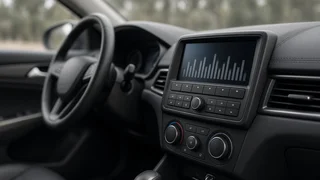
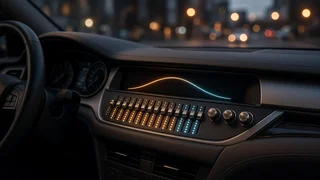
Kenwood Car Stereo Equalizer Settings
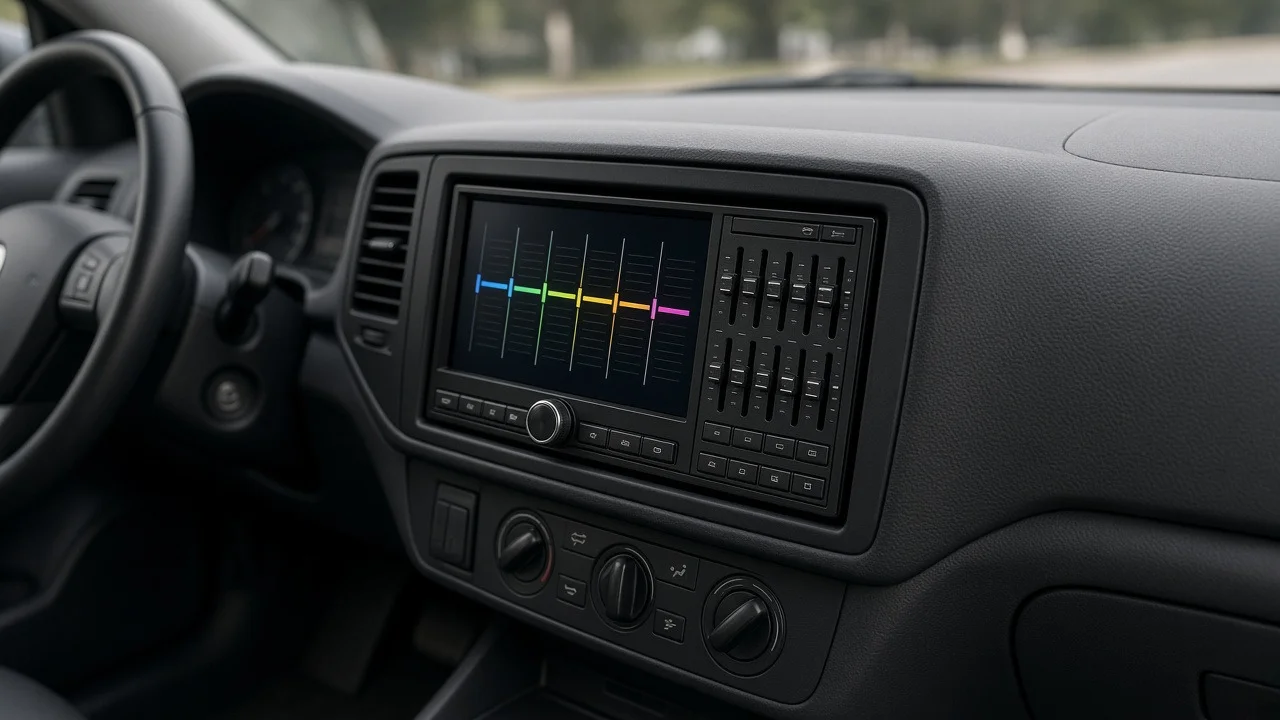
A Kenwood car stereo equalizer shapes the frequency response of the head unit so music sounds balanced inside a particular vehicle. Without adjustment, cabin reflections, speaker location and road noise can exaggerate some notes and bury others. The equalizer settings let a listener correct that acoustic imbalance by boosting or cutting bands across the audio spectrum. The goal is not a single universal curve; it is a repeatable starting point matched to the audio source, speaker wiring and listening position.
Essential answer
Kenwood car stereo equalizer settings are user-adjustable tone controls built into many Kenwood head units. They typically include preset curves such as Flat, Rock, Pop, Jazz or Vocal, along with a manual or custom mode that changes individual frequency bands. The essential answer is that the best setting depends on the music, the speakers and the cabin, so a slight cut is often more useful than an aggressive boost. Start with a neutral curve, then make small changes to reduce harshness or restore lost midrange.
Preset equalizer curves offer a quick way to compare how the head unit interprets different genres, but they may not fit every vehicle integration. A rock curve can make door speakers sound muddy if the low-frequency boost overlaps cabin resonance. A vocal curve may thin out an audio source that already lacks bass. For most listeners, the practical approach is to select Flat, set the fader and balance for the driver seat, then adjust only the bands that clearly need correction before changing the loudness or bass boost features.