How to Find EV Charging Stations Near You: Maps, Apps and Route Planners
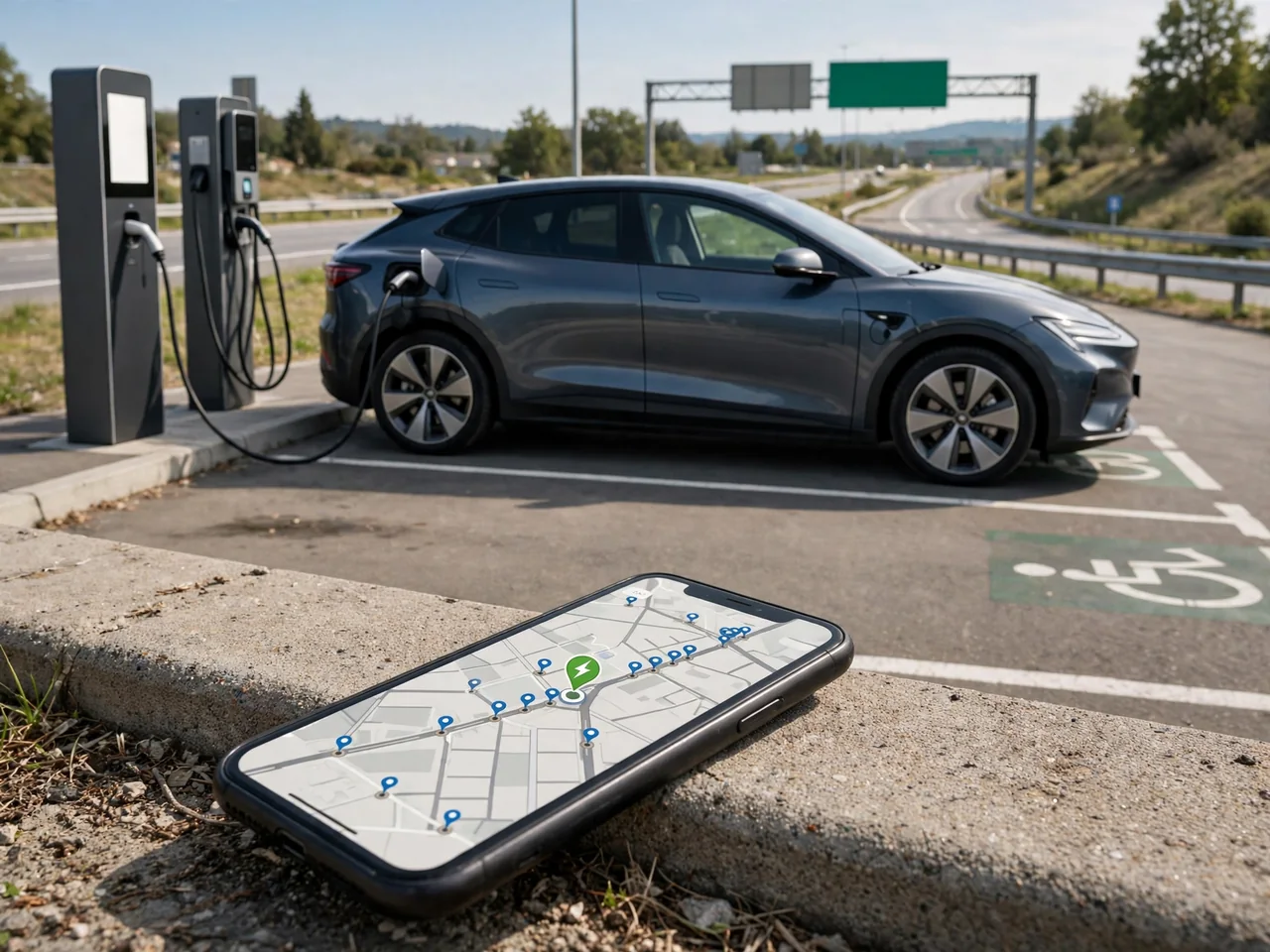
Finding a public charger is easier when you know what each tool does best. Maps show where stations are. In-car navigation estimates whether you can reach them. Network apps show port status and payment rules, and route planners link stops together for a longer trip. Using them together helps you pick a charger that fits your car, is open to you and is likely to be working when you arrive.
Where to Look for Public EV Charging Locations
Public chargers tend to be where drivers already park for a while. Common hosts include shopping centers, grocery stores, public parking garages, hotels and highway travel plazas. Level 2 charging is typical where people stay an hour or more. DC fast charging is more often found near highways and busy retail sites where a quick stop makes sense. How many stations you'll find depends heavily on the area, so a dense urban neighborhood and a rural stretch can look very different on a map.
A charger at a business is not always open to everyone. Some hotels reserve units for guests, some garages charge a parking fee on top of the energy cost, and chargers in private lots may close after business hours. Maps also group several charging ports under one station pin, so one listing could mean two ports or a dozen. A pin alone does not confirm that the connector fits your car, that the public can use it or that the equipment works.
Find Charging Stations on Google Maps
Searching Google Maps for EV charging usually shows stations around your current position. You can also search around a destination to see what exists before you leave. A station listing may show connector types, rated power, the charging network, access hours and user photos. Photos and reviews are especially useful for finding the actual entrance, because chargers inside a large parking structure or at the back of a lot can be surprisingly hard to spot.
Depending on the app version and your region, you may be able to filter results by connector type or charging speed. That removes stations your car cannot use. During navigation, searching for chargers along the route shows options that don't require a long detour, and you can usually add a selected station as a stop. Treat listed availability and hours with some caution. The data comes from different sources and can be incomplete, delayed or out of date.
Use In-Car Navigation to Find a Reachable Charger
Many EVs have a charging search in the built-in navigation that lists stations near the vehicle or along the active route. The advantage over a phone map is context: the car knows its battery level and can often estimate your arrival charge at each station. The closest pin on the map is not always the best choice. Driving distance, one-way streets, highway exits and gated lots can make a station that looks nearby much farther away in practice.
If your system supports it, set connector or network preferences so the results match what your car can accept. Then open the station details before you commit. Check the power level, any access notes and whether the estimated arrival charge leaves a comfortable margin. Some vehicles also use a charging destination entered in the navigation to prepare the battery for charging, often by warming it in cold weather. This varies by model, so check your owner's documentation to see how your car handles it.
Check Station Details in Charging Apps and Locators
A charging network's app covers only its own stations, but it usually gives the most detailed view of them, including port status, site information and what you need to start a session. Independent station locators cover multiple networks and let you search an area broadly. Their value often lies in input from other drivers. Recent check-ins can reveal a broken unit or a confusing gate, and photos show where the chargers sit relative to the street. Recent successful check-ins are a good sign.
Before relying on any listing, confirm that the connector matches your car's charging port. If it doesn't, make sure you have an adapter approved by both your automaker and the charging provider for that use. Check payment options too. Some sites take cards at the charger, while others require an app account set up in advance. Your final bill can differ from the charging and parking fees shown in the app. Live status and user reports are helpful, but they can't guarantee that a session will start or charge at full speed.
Confirm a Nearby Charging Stop Before Driving There
When you need a charger soon, pull over somewhere safe before searching. Note your remaining charge and estimated range, then consider only the stations you can reach with room to spare. Narrow the list to compatible connectors and suitable power. A Level 2 unit close by may be more useful than a fast charger at the edge of your range. Among the remaining options, choose the one with the most complete and most recently confirmed details.
Before you drive off, check the access hours, whether the site is for customers only and its reported operating status. Look at photos or satellite view to find the actual driveway or garage entrance so you don't end up circling the block. Pick a reachable backup and keep enough extra charge for detours, occupied ports or a broken unit. If no station is safely within reach, call roadside assistance early. Displayed range is only an estimate and can drop quickly.
Build Charging Stops Into an EV Route Plan
To use an EV route planner, you enter your vehicle model, starting battery charge, destination and how much charge you want left when you arrive at each stop. Some planners also let you adjust for speed, cargo, temperature, wind or elevation, which improves the energy estimates. Cold weather and sustained highway speeds usually increase energy use, which can add stops or lengthen charging time. Realistic settings produce a more reliable plan than optimistic defaults.
Review each proposed stop instead of accepting the plan as is. For each one, confirm that the connector is compatible, the station is open to the public and currently available, and there is a reachable backup if it is crowded or down. Charging time depends on battery temperature, battery level and the charger's actual output, so treat the planner's durations as estimates. As the trip goes on, compare your actual arrival charge with the forecast and recalculate. Real energy use often changes where later stops make sense.
Check Highway Charging Coverage Before Departure
Charger coverage varies from one highway to the next, so don't assume stations appear at regular intervals. Some interstates have frequent fast chargers, while secondary highways and remote regions can have long gaps. Check your actual route on a map or planner, and look for chargers at travel plazas, rest areas and businesses near exits. Note how far each one is from the highway. A station a few miles off the route costs time and energy getting there and back.
Look for stretches with no suitable DC fast chargers and plan to enter them with enough charge to get across, plus extra for headwinds, cold or detours. For each highway stop, check the number of ports, current status, site access and amenities such as restrooms and food. Sites with more ports reduce the chance of a long wait. Holiday traffic and busy weekends can still create lines, though, so keep an alternative nearby.