EV Charging Apps: What They Do and How to Choose One
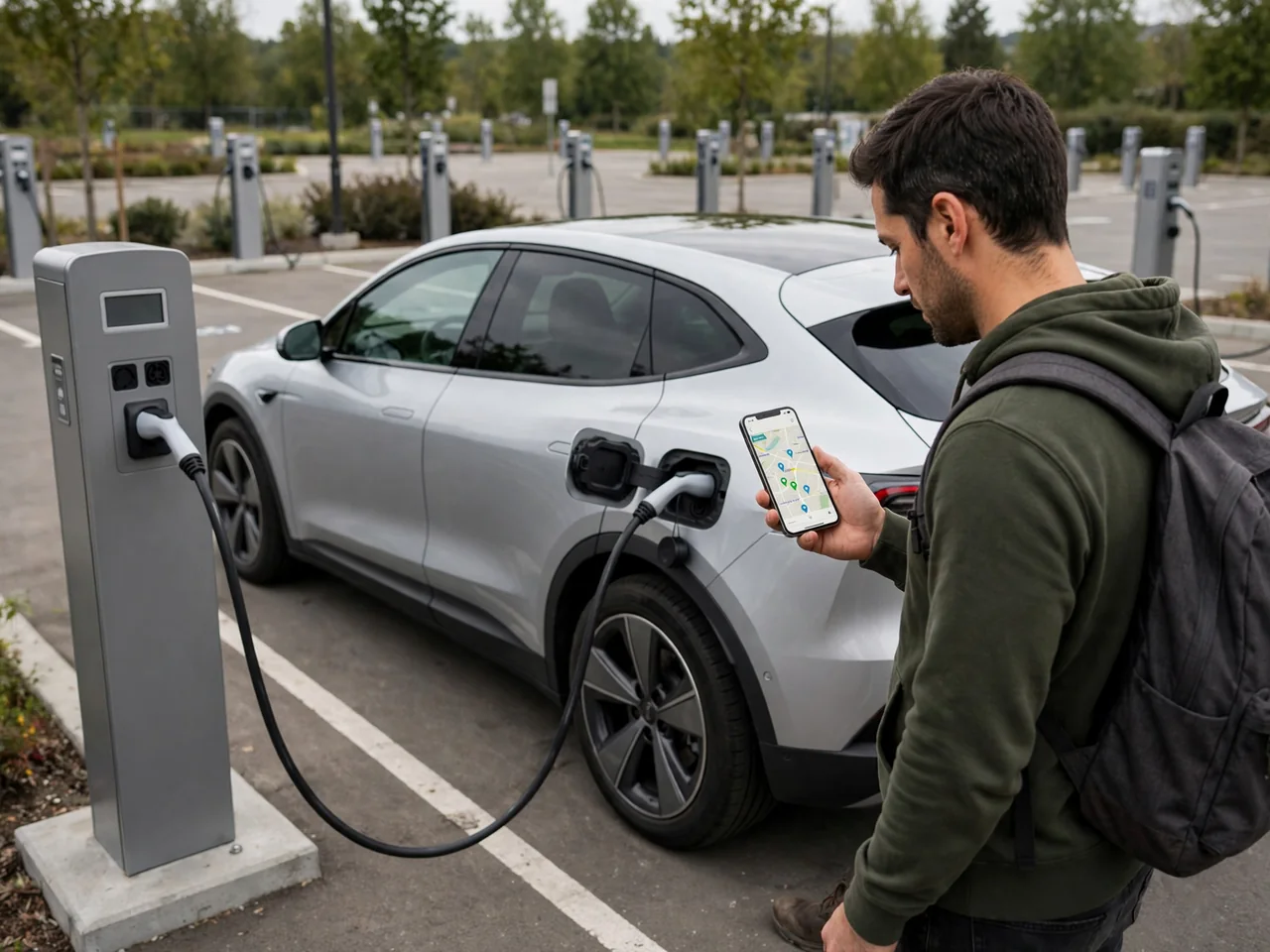
Choosing an app for electric car charging is less about downloads and more about matching features to how and where you drive. A good electric car charging app can locate stations, show live charger availability, handle session payment, and help with route planning, but capabilities differ widely. This guide explains what these tools do, how to read their data, and how to pick one that fits your routes.
What an EV Charging App Can Help You Do
Electric car charging apps generally fall into a few types. A station locator maps public chargers across many networks, while a charging network account app comes from one operator and starts and bills sessions on its own equipment. Automakers may also offer vehicle-linked tools that show state of charge, suggest stops, and send charging session notifications. These features overlap, but no app has all of them. An app to find electric car charging stations may have excellent maps but no way to pay, and a network app may show only its own sites.
That difference matters once you reach the charger. If a station appears in an electric car charging station app, that doesn't mean the app can activate or bill that unit. Before relying on it, check whether the listing says the app supports payment there or simply refers you to the operator. You also don't always need an app. Some stations accept a contactless card, a network RFID card, or payment on the charger's screen, and some Level 2 chargers at workplaces or hotels are free or limited to guests. The instructions posted at the station are the final word.
Find Stations That Match Your Vehicle and Stop
Set the connector filters first. In the US, public chargers may use J1772 for Level 2, CCS1 or the NACS (SAE J3400) connector for DC fast charging, and CHAdeMO at some older sites. Filter for the connections your vehicle actually supports. Add a power filter if you need a quick stop rather than an overnight top-up. A map listing can't confirm compatibility, so check the owner's manual or the automaker's guidance, including whether you need an adapter and which ones the manufacturer approves.
Location alone isn't enough to choose a stop. Station access hours, garage parking fees, height limits, gated lots, and customer-only rules can all rule out a charger that looks convenient on the map. Restrooms, food, and good lighting matter when you'll be waiting a while. Treat listed power as a maximum, not a promise. What your vehicle actually receives depends on its own charging limit, battery temperature, and state of charge. It also depends on whether the station splits its output between ports, so a high-power listing may deliver much less on a given day.
Read Live Availability Without Treating It as a Guarantee
Live charger availability is useful but imperfect. Apps usually label ports as available, occupied, offline, or unknown, though the exact wording varies by app. Unknown often means the operator doesn't share real-time data with that app, not that the charger is broken. Check whether a status refers to an individual charging port or to the whole station listing. A site shown as available might have only one working connector out of several, and it may not be the type your vehicle uses.
Look for clues about how fresh the information is. Update timestamps, recent check-ins from other drivers, and notes about damaged cables, payment problems, or blocked spaces help you judge whether a listing is reliable. Even accurate data can change before you arrive. A port shown as open may be blocked by a parked car, taped off, or faulty in a way the network hasn't detected. Before committing to a stop, pick a backup within your remaining range, especially when your state of charge is already low.
Understand Payment and Charging Session Controls
Set up payment before your first charging visit. Network apps typically need an account and a stored card or digital wallet, and some also require a prepaid balance. Some send a verification code, which can be hard to receive where cell signal is weak. Check how the operator shows pricing. Rates may be per kilowatt-hour, per minute, or per session, and parking charges or idle fees may apply after charging ends. Because rates can vary by location, time of day, and membership plan, confirm the displayed terms before plugging in.
Roaming access can let one charging network account start sessions on other participating networks, so you need fewer apps. Coverage is partial, and billing terms may differ from the host network's own pricing, so confirm both before counting on it. During a session, notifications can report progress, tell you when charging is done, and warn you before idle fees begin. Afterward, compare the receipt against the energy delivered and the amount charged. If a session won't start or stop from the app, call the support number posted on the charger instead of retrying over and over.
Choose an App Around Your Routes and Charging Needs
The best electric car charging app for you depends on your own routes, not on a ranking. Make sure it covers the stations you actually pass and has connector and power filters that fit your vehicle. It should also show status timestamps and support payment where you plan to charge. Accessibility matters too, including readable maps, screen reader support, and listings for accessible parking spaces. Review the privacy settings, because location history and vehicle data may be shared. An app that works well for one driver can be a poor fit for another.
Route planning tools, where available, ask for your vehicle, starting state of charge, desired arrival charge, and planned stops, then suggest charging points along the way. Treat the results as estimates. Speed, temperature, elevation, wind, cargo, and cabin heating all change how much energy the vehicle uses, and a slow or underperforming charger can make a stop take longer. Accurate inputs improve the estimates, but keeping a safe margin still helps. Before a long trip, test the app on a familiar route, compare its predictions with what the car reports, and save backup stations.
Check Regional Coverage Before Using an App in the UK
This guide focuses on the US, but some readers will want the best app for electric car charging in the UK or will be comparing electric car charging apps used there. Being able to install an app on your phone abroad doesn't mean it covers stations, accepts payment, or supports roaming in that country. A US account may not work overseas, and a network that operates in both countries may still use separate apps or account systems. Before you leave, confirm the supported local networks, billing currency, account eligibility, and accepted payment methods.
Your vehicle settings don't carry over automatically either. UK public charging commonly uses Type 2 connectors for AC and CCS2 for DC rapid charging, which differ from typical US hardware. For a rental, check that vehicle's actual charging connection and cable instead of assuming your saved US filters still apply. Also confirm local access details such as parking rules, time limits, and whether the charger itself takes contactless payment. That way you aren't depending on one app to start every session.