How to Find a Chevrolet Build Date
Finding the assembly date on a Chevrolet usually means decoding the vehicle identification number and then checking a secondary label that carries month and year information. The VIN alone can reveal the model year and assembly plant, but it does not contain a day-level calendar date. A Chevy build date is generally expressed as a month/year code or an MDH sequence, and the exact format changes by generation, platform, and factory. The same process helps owners confirm original factory equipment, market specification, and production timing before ordering parts or evaluating a vehicle.
Direct answer
The essential answer is that a Chevrolet build date is found primarily on the certification label or VIN sticker, not inside the VIN itself. The VIN identifies the vehicle and encodes attributes such as model year, engine series, and assembly plant, but the calendar month of production typically appears on a separate placard. Depending on the era and factory, that date may be printed as month/year or as a three-character code showing month, day, and hour.
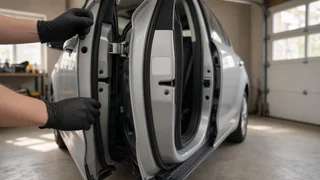
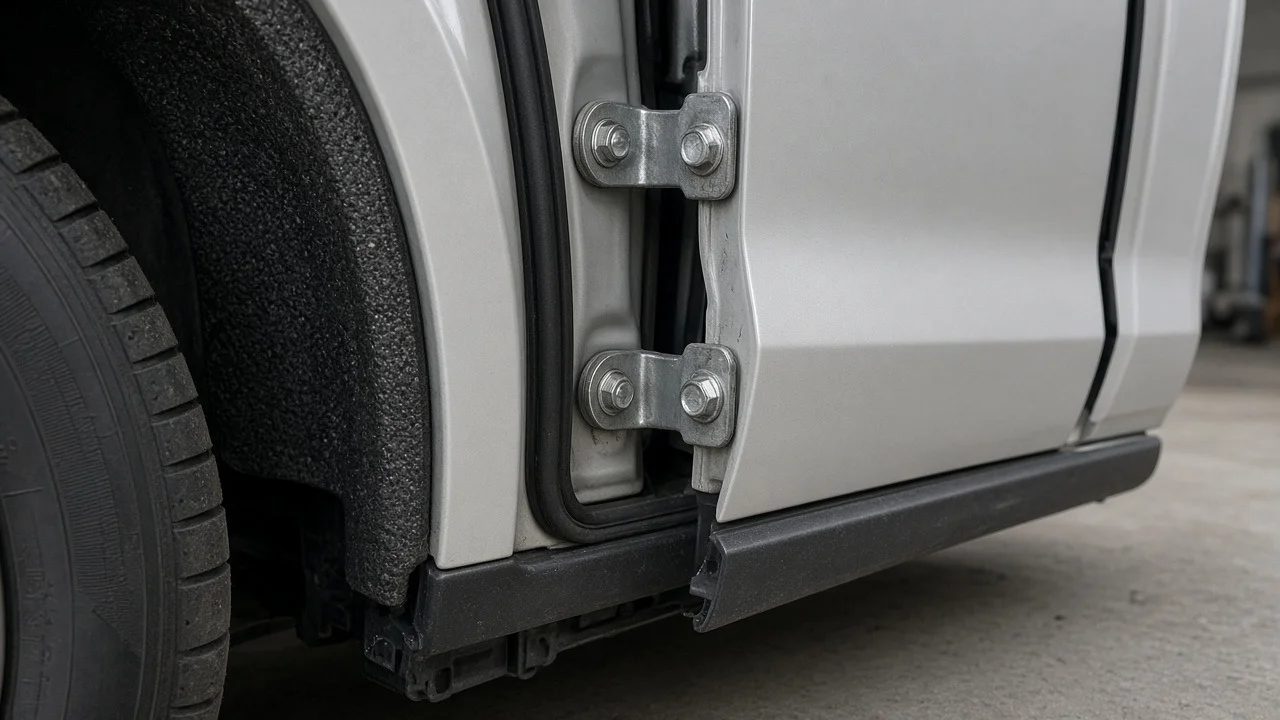
For many modern Chevrolet cars and trucks, the driver door jamb label is the fastest source. It usually includes gross vehicle weight information, tire pressure data, and a date at the top or bottom edge. If the label is missing, damaged, or repainted, a certification label in the glovebox, on a B-pillar, or under the hood may still provide the production date. On older models, the date may appear only as a body build plate or trim code, so the exact location must be confirmed for the specific vehicle.
Identification and location
Identification starts with the 17-character vehicle identification number. The tenth character is normally the model year, while the eleventh character identifies the assembly plant. That pairing narrows the production window but does not give the month. A truck built in Flint during a model year may have the same VIN plant character as another truck from a different month, so the VIN alone cannot settle a specific Chevy build date question.
The production date label is the stronger identifier because it ties a particular vehicle to a specific point on the assembly line. On many vehicles the format looks like a month and year printed on the certification label, while some plants also stamp a separate sequence listing month, day, and hour of final assembly. Distinguishing between these formats prevents confusing the model year on a VIN with the calendar date on the label. When a label is hard to read, checking the trim code and comparing available factory equipment can support the identification.
How to proceed
To proceed correctly, first record the full VIN and confirm that the tenth character matches the expected model year. Then open the driver door and inspect the edge of the door or the matching jamb surface for a certification label. Good lighting helps because the date is often printed in small type near other regulatory information. If the label is not visible, check the passenger door jamb, glovebox door, or underhood surface, depending on the vehicle generation and body style.
After locating the date, write the month and year exactly as shown rather than trying to convert symbols. If additional production detail is needed, look for a separate sequence with three pairs of numbers or letters. Those characters may identify month, day, and hour where the factory included that format. A body shop, parts supplier, or registration form may ask for a Chevy build date, so keeping a clear photo of the label with the VIN visible makes future verification easier.