Honda pilot bluetooth adapter
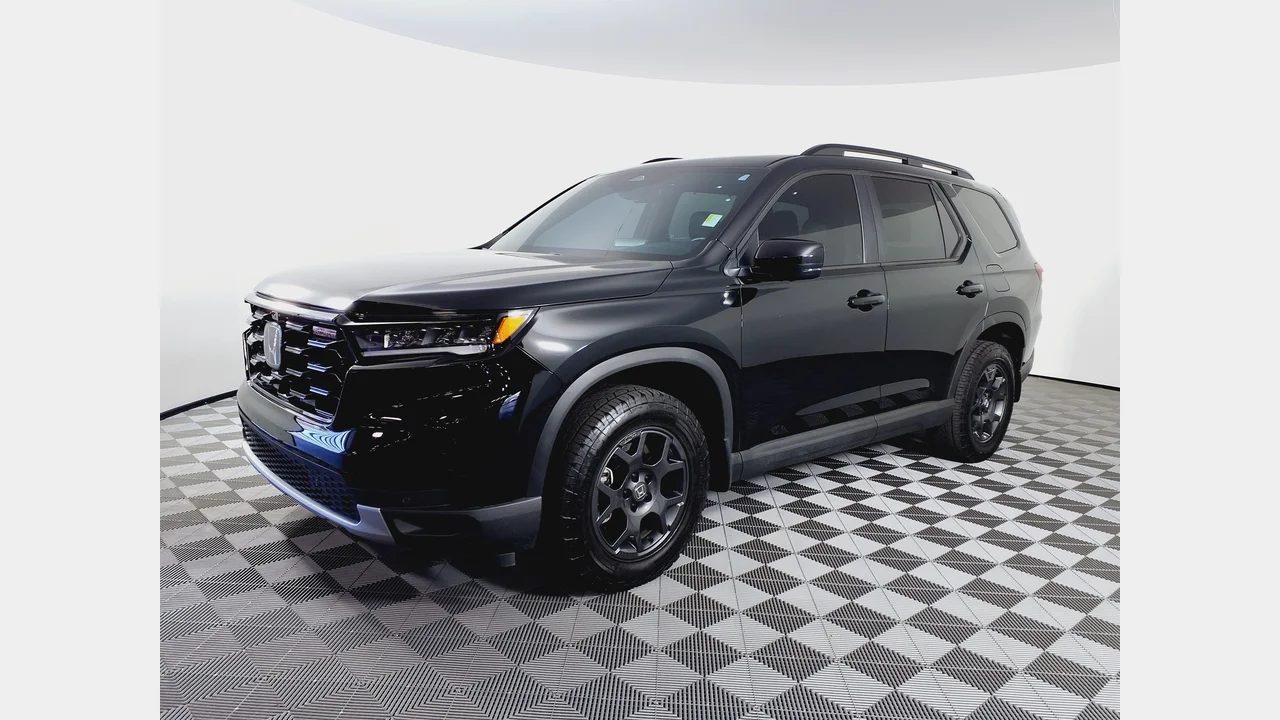
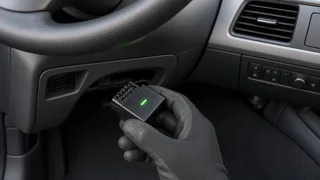
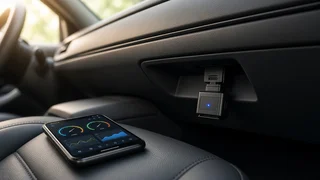
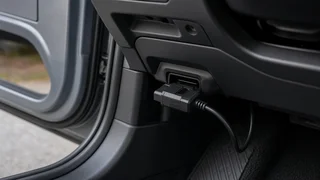
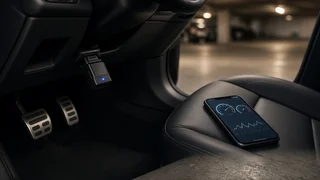
A Bluetooth adapter for a Honda Pilot can add wireless audio and hands-free calling when the factory radio lacks that function or has stopped pairing reliably. The right choice depends on the model year, radio type, existing USB or auxiliary input, and whether you want simple music streaming or deeper vehicle integration such as steering wheel controls and on-screen track information. This guide explains what to check before buying so the adapter works with your Pilot’s connection settings and daily driving habits.
The direct answer
Choose a Honda Pilot Bluetooth adapter that matches the physical input and power layout of your factory radio. The most common paths are an auxiliary-in adapter, a USB-powered receiver, or an interface module that connects through the CD changer or satellite radio port. The direct answer is conditional: a basic 3.5 mm or USB adapter is usually sufficient for streaming music from a phone, while hands-free calling and clean sound may require a model designed for your Pilot’s radio connection, especially on older vehicles without native Bluetooth.
Look for an adapter that supports the device pairing method your phone uses and can reconnect automatically when you start the vehicle. In many Pilots, a factory auxiliary jack or USB port gives the simplest installation, but not every port carries audio. If the radio has no auxiliary input, an interface adapter may be the more practical route because it feeds audio directly into the head unit. Vehicle integration also matters: some units let the existing buttons change track, while others rely only on the phone, which affects convenience and safety.