Buying an OBD2 Scanner at Costco: What to Compare
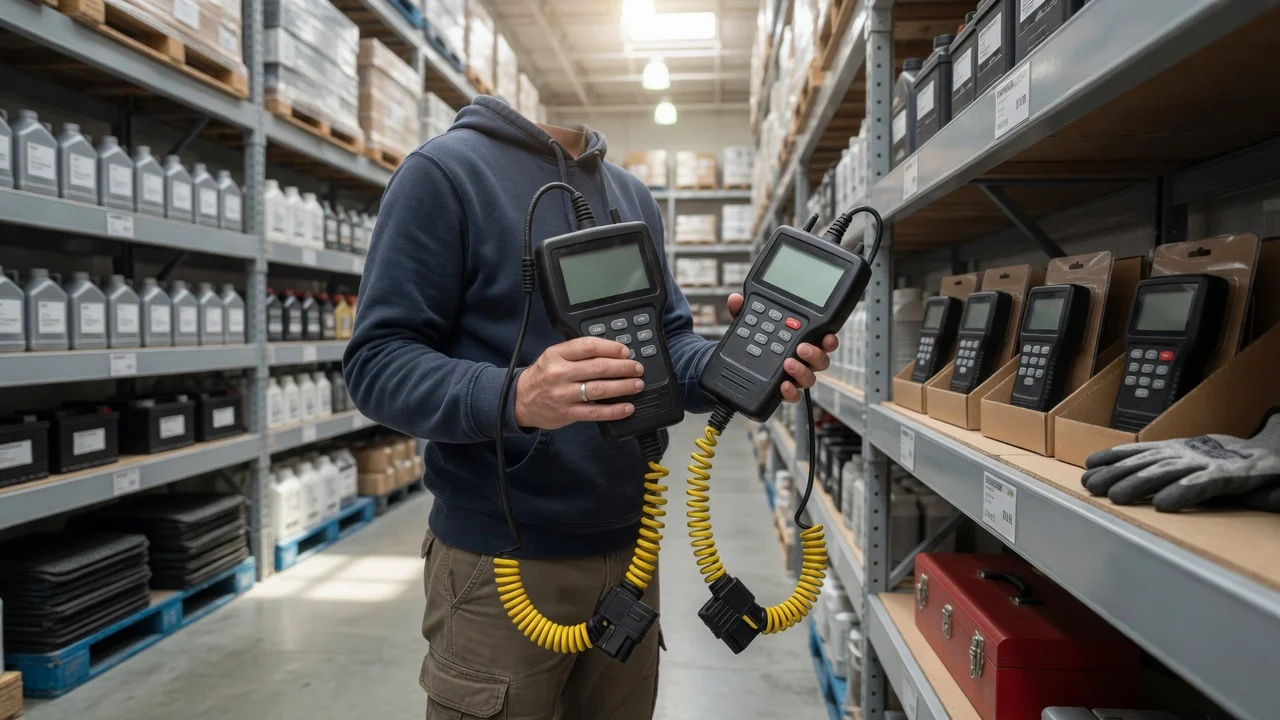
The short answer
An OBD2 scanner from Costco works the same way as one from any other retailer. What matters is whether the specific model supports your vehicle, reads the systems you care about, and comes with software and update terms you accept. Costco's selection changes over time and can differ between warehouses and its website. No current product listings were supplied for this article, so it does not compare specific models, prices or bundle contents. Use the criteria below to judge whatever is available when you shop, and confirm each claim against the product packaging or listing.
What an OBD2 scanner does
OBD2 stands for On-Board Diagnostics, second generation. It is a standardized system that lets a vehicle's computers report emissions-related faults and operating data through a common connector. In the United States it has been required on cars and light trucks since the 1996 model year. In Europe, the equivalent EOBD standard applied to petrol cars from 2001 and to diesel cars from around 2004. The connector is a 16-pin socket, usually under the dashboard near the steering column.
When a monitored system detects a fault, the engine computer stores a diagnostic trouble code (DTC) and may turn on the check engine light. Depending on the model, a scanner plugged into the port can show some or all of the following:
Stored and pending trouble codes, with the option to clear them; Freeze-frame data: a snapshot of conditions such as engine speed and coolant temperature at the moment a code was set; Live data: sensor readings shown while the engine runs; Readiness monitors: whether the vehicle's emissions self-tests have completed, which matters for inspections; Vehicle information, such as the VIN
Generic codes that begin with P0 have standardized meanings across makes. Codes in other ranges are often manufacturer-specific. So are faults in systems such as ABS brakes, airbags (often labeled SRS), the transmission and body electronics. Basic scanners may not read these at all.
This has two practical consequences. First, a code identifies the circuit or condition the computer flagged, not necessarily the failed part, so a code alone does not prove a component needs replacing. Second, clearing codes also resets the readiness monitors. A vehicle that was cleared shortly before an emissions inspection may be rejected as not ready until it has been driven enough for the monitors to run again.
Types of scanner you may find
Scanners sold at general retailers usually fall into four broad categories. Capabilities within each category vary by brand and model.
Type | Typical capabilities | Tradeoffs; Basic code reader | Reads and clears generic engine codes; may show readiness status | Inexpensive and simple; little or no live data; usually no ABS or airbag access; Handheld scanner with screen | Codes, freeze frame, live data and readiness; some models add ABS, SRS or transmission | Self-contained, no phone needed; screen size and menu quality vary; updates may require a computer; Bluetooth or Wi-Fi adapter with app | Depends largely on the app; ranges from basic codes to extended systems and graphing | Uses your phone; some features may need a paid subscription; may contribute to battery drain on some vehicles if left plugged in; Advanced or bidirectional tool | Extended systems, service resets, and commands that operate components for testing | Higher cost and complexity; more than most owners need to read a check engine light
What to compare before buying
Vehicle compatibility
Check the supported model years and communication protocols. Since the 2008 model year, US vehicles have been required to use the CAN protocol. Older OBD2 vehicles may use J1850 PWM, J1850 VPW, ISO 9141-2 or KWP2000. Many current scanners claim support for all of these, but confirm it if your vehicle is older. For anything beyond generic engine codes, look for a coverage list by make, model and year. Owners of hybrids and electric vehicles should confirm explicit support: generic emissions-focused functions may tell them little, and manufacturer-specific coverage varies widely.
Systems covered
Decide whether you need only engine and emissions codes, or also ABS, airbag, transmission or other modules. Packaging that says a tool reads all systems may still mean only for certain makes, so check the coverage detail rather than the headline claim.
Data features
Live data, freeze frame, a readiness display and on-screen code definitions make a scanner far more useful than code numbers alone. Graphing live data helps when you need to watch a sensor change over time. Some tools also include service functions, such as maintenance-light or battery-registration resets, which matter only if you do that work yourself.
Software, updates and subscriptions
Check whether updates are free and for how long, whether any features require a paid subscription, and whether an app needs an account to work. For adapter-style scanners, the app largely determines what the tool can do, so the real cost may include ongoing fees.
Usability
On handheld units, screen readability, button layout and cable length all affect how easy the tool is to use in the driver's footwell. On adapters, the plug's size and shape matter if the port sits near your knee or a panel.
Return terms and warranty
Costco's return policy is widely regarded as generous. However, terms differ by product category and country, and some electronics carry a shorter return window. Confirm the current terms at purchase, including which category a scanner falls under. The scanner manufacturer's own warranty and support are separate from the retailer's return policy and are worth checking as well.
Matching the scanner to your use
If you mainly want to know why the check engine light is on, or to check readiness before an inspection, a basic reader or an entry-level handheld with live data and a readiness display is generally enough. If you do your own maintenance and repairs, or want to read ABS or airbag warnings, choose a tool that explicitly lists those systems for your make, model and year. If you prefer using your phone, an adapter with an app can work well. Check the app's vehicle coverage and its full cost, including any subscriptions. A bidirectional or advanced tool makes sense only if you plan more involved diagnostic work that requires commanding components or running service procedures.