Why Remote Start Stops Working: Common Causes and Safe Checks
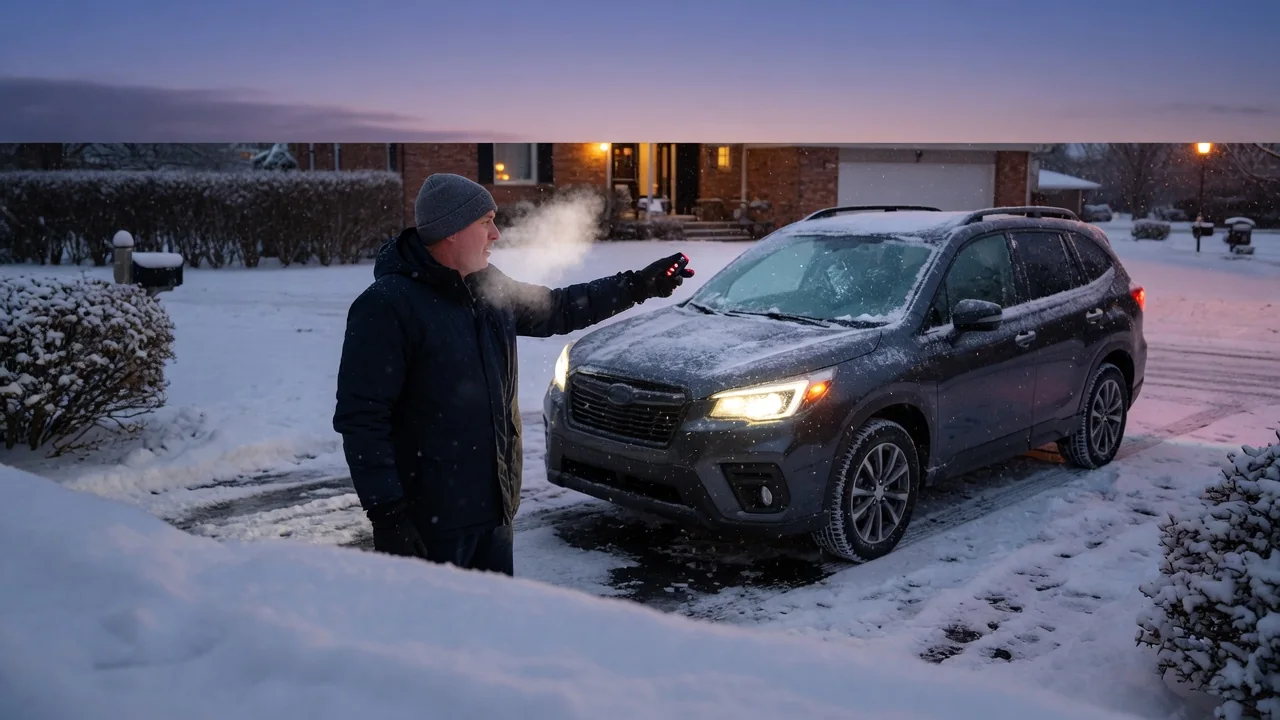
When your remote start is not working, the cause is often simpler than a failed component. Factory systems, connected car apps and aftermarket starters all check conditions before cranking the engine, and each reports problems in its own way. This guide explains why remote start stops working, how to read light and chirp feedback, and which safe checks to try before calling a dealer or installer.
Common Reasons Remote Start Won't Engage
Most remote start systems run through a list of start conditions before they crank. Doors, hood and trunk usually must be closed, the transmission must be in Park, and no key can be in the ignition. One unmet condition can block the start, so a car remote start not working one morning may simply mean a trunk lid that didn't fully latch. Depending on the vehicle, the system may also stop after a set number of attempts, when the check engine light is on, or when fuel runs low. Your owner's manual lists the rules for your system.
Power and signal come next. A weak key fob battery shrinks range long before the buttons stop working entirely, while low vehicle battery voltage can make the system refuse to start or shut the engine off seconds later. Distance, concrete walls, parking garages and radio interference also weaken the command, so try again closer to the car with a clear line of sight. After a battery change, jump start or failed attempt, some systems need to be reset or re-armed, and that procedure differs by vehicle.
Lights Flash but the Engine Doesn't Start: Reading the Feedback
When remote start isn't working but the lights flash, the system usually received your command and then stopped because a condition wasn't met. That parking light flash is diagnostic feedback, but its meaning depends on the manufacturer or installer. A pattern that signals an open hood on one system could mean low voltage or active valet mode on another. No single pattern means the same thing on every system, so look up the flash or horn sequence in your own manual before guessing at the cause.
With the manual open, make a few safe observations. Check that the hood is fully latched, because a hood pin switch may read a partly closed hood as open. Look for a door or trunk ajar warning on the instrument cluster, and note any warning lights on the dashboard. Keep the limits in mind: flash feedback narrows the possibilities but does not confirm a failed part. If attempts keep failing with no consistent pattern, professional testing makes more sense than replacing parts on a hunch.
Factory Remote Start on Specific Models: What to Check First
Factory remote start behavior, requirements and feedback differ by make, model, year and trim. If the remote start on your Tiguan, Atlas, Camaro, Equinox, Tacoma, Tundra or Jaguar F-Pace isn't working, start with the owner's manual for that exact vehicle. Also confirm that the vehicle actually came with factory remote start or has it enabled. Key fobs and features vary across trims and model years, and a fob that looks similar may lack the remote start function or the matching programming.
Next, run the general factory-system checks. Replace the fob battery, then try a second fob to rule out a single bad remote. Confirm the hood, doors and liftgate all read as closed, and look at any open warning messages on the display. If remote start still fails after these basics, contact a dealer service department. These integrated systems may need a scan tool or a software check to diagnose, and only vehicle-specific testing can show whether a module, sensor or setting is responsible.
Connected Car App Remote Start Problems
App-based remote start, such as FordPass, HondaLink, AcuraLink or Blue Link, adds more links to the chain. The command depends on an active connected services subscription, cellular coverage at the vehicle, and the app's connection to your account. Start with checks on your end: sign out and back in, update the app, confirm the vehicle is still linked to your profile, and see whether a subscription or trial period has expired. A problem with any one of these can stop the command before it reaches the car.
Even when the app says the command was sent, the vehicle's own start conditions still apply. An open door, low battery or active warning can still block the start, because a sent command doesn't guarantee the vehicle will accept it. Parking garages, underground lots and remote rural areas can also block the vehicle's cellular link, leaving the app waiting with no response. If problems continue after the account checks, contact the automaker's connected services support or a dealer, who can check the vehicle's telematics connection.
Aftermarket Remote Starter Issues: Installation, Bypass and Programming
When an aftermarket remote start isn't working, the immobilizer bypass or interface module is a common suspect. That module lets the starter work with the vehicle's security system. If it loses its programming or isn't compatible with the vehicle's current software, the starter may flash or chirp normally but never crank the engine. Repairs, a battery replacement, software updates or a dealer visit can sometimes disrupt this integration, so call the original remote starter installer first when trouble starts after recent work.
There are a few things you can safely check yourself before that visit. Replace the fob battery, and make sure valet or service mode wasn't switched on by accident, since that mode intentionally disables remote starting. Confirm the hood is closed and the other start conditions are met. Beyond that, diagnosing installation or bypass problems takes the installer's tools and the system documentation. Guessing at wiring behind the dash can damage vehicle electronics, set off security faults or create real safety risks.
Brand-Specific Aftermarket Remotes: Fobs, Pairing and Error Signals
Avital, Python, Clifford, Code Alarm, Excalibur, Arctic Start, AstroStart, Auto Mate, Silencer, Pursuit, NuStart, Cool Start, StartX, 12 Volt Solutions and FlashLogic each have their own fob pairing method, valet mode and error signals. Even within one brand, an Excalibur X433 or an Automate 7115A may behave differently from other models in the lineup. Find your exact model number, which is often printed on the fob or the control module label, and use the manual for that system.
Common fob problems include dead or weak batteries, lost pairing, a damaged antenna or receiver, and short range caused by where the vehicle is parked. Smartphone add-on modules, such as Drone systems, need their own subscription, network connection and app account, separate from the basic remote. To read an error signal, count the flashes or chirps and compare them with the chart for your model, since meanings vary by model and firmware. If pairing or resetting doesn't help, contact an authorized dealer or the original installer.
When to Stop Troubleshooting and Get Professional Help
Stop troubleshooting and get professional testing if the system keeps failing after basic checks, warning lights come on, you notice a burning smell, or the engine cranks but won't stay running. Immobilizer, starter and electrical faults can look like a remote start problem, and a stored fault code is evidence to interpret, not proof that a part has failed. Diagnosis with the right equipment tells a remote start fault apart from a deeper charging, security or starting system problem.
Never disable safety switches such as the hood pin or neutral safety interlocks to force a start. They keep the engine from starting while someone is working under the hood or when the vehicle could move. To speed up diagnosis, give the technician or installer the system brand and model, when the problem started, any recent work on the vehicle, and the exact light or chirp feedback you saw. These details often lead to the cause faster than pressing the button again.