Why Does Music Sound Quieter From One Phone Than Another?
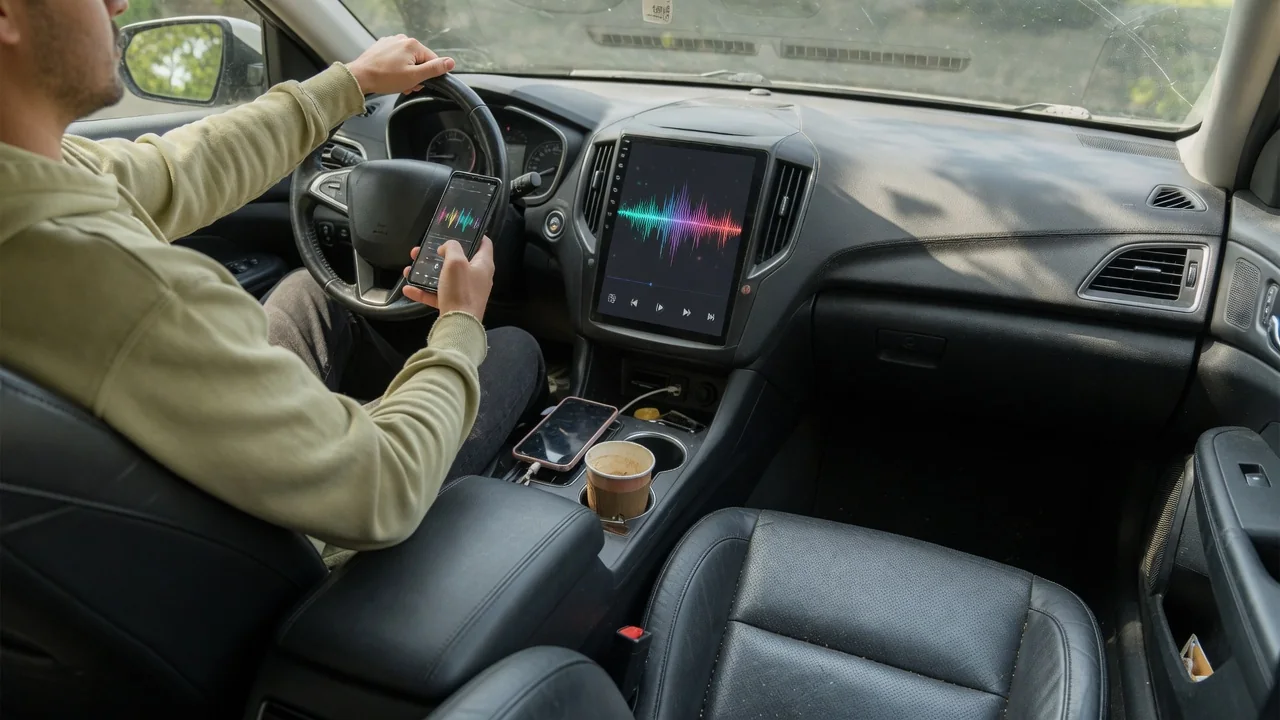
Two phones playing the same song through the same car stereo can land at noticeably different loudness. If you have wondered why does music sound quieter from one phone than another, the answer usually sits in a chain of settings: the phone's own output level, the streaming app's processing, the connection type, and how the vehicle's head unit treats each source.
Phone output
Each phone sends audio at a level shaped by its media volume, its hardware, and any software limits. Over a wired auxiliary input, the phone's headphone amplifier or adapter sets the signal strength, and those differ between handsets and between adapters, so one device may drive the car's input harder than another at the same slider position. Some phones also apply hearing-protection limits when they believe headphones are attached, which can leave the car stereo working with a weaker signal than the driver expects.
Over Bluetooth, the picture changes. Many phones synchronize their volume with the head unit, a feature often called absolute volume, so one control moves both. Others keep a separate media volume that may be sitting at half while the car's knob does the rest. A driver can check this by pressing the phone's volume buttons while music plays. If the phone's level and the car's display move independently, the phone slider is a hidden second stage. This behavior varies with phone software and infotainment generation.
App normalization
Streaming apps commonly offer loudness normalization, which adjusts tracks toward a common target so a quiet acoustic recording and a heavily compressed pop song play at similar levels. When that setting is enabled on one phone and disabled on another, the same playlist can sound distinctly quieter from the first device, especially with loudly mastered modern music, which gets turned down the most. Some apps also provide several loudness targets, and a phone left on the quietest option will widen the gap further.
Equalizers add another variable. A preset that cuts bass or lowers overall gain to prevent distortion reduces perceived loudness, and phone-level sound enhancements can stack on top of app settings. On a road trip, when passengers take turns connecting, the jump in level between phones often traces to these differences rather than to the vehicle. Playing the same track in the same app, with normalization and equalizer settings matched on both phones, is a fair way to see how much the software contributes.
Car source level
The vehicle contributes its own layer. Many head units treat Bluetooth audio, USB, the auxiliary jack, smartphone projection, and radio as separate sources, and some store a different volume or input level for each one. A few systems also remember settings per paired device, so one phone may reconnect at a lower stored level than another. Where a source level or input gain adjustment exists, it is usually found in the audio settings menu, though naming and availability depend on the make, model, and infotainment version.
Smartphone projection adds separate volume channels for music, navigation prompts, and phone calls. Turning the knob while a prompt is speaking usually changes only the prompt level, which can leave media quieter than intended and make one phone seem weak. Speed-sensitive volume, offered on many vehicles, also raises and lowers output with road speed, so a comparison made in a driveway may not match one made on the highway. The owner's manual is the reliable reference for how a particular system stores these levels.
Everyday Use and Observations
Patterns in daily driving help narrow the cause. If a phone sounds quiet over Bluetooth but normal through a USB connection, the wireless volume handling is the likely difference. If it is quiet in one music app yet normal in another, the app's normalization or equalizer deserves attention. If every app on that phone is quiet on every connection, the phone's own media volume, limiter, or accessibility audio settings are the better place to look. Each observation removes part of the chain from suspicion.
Other clues appear in the sound itself. With an auxiliary cable, a low phone level forces the car's amplifier to work harder, which can raise background hiss, while a phone set too high may sound harsh or distorted. A worn cable or a dirty port can weaken or drop one channel, making music seem thin and quiet. Changes that arrive right after a phone software update or a fresh pairing often point to reset volume preferences rather than a fault in the vehicle's audio hardware.
Limits and Next Steps
Some differences cannot be fully erased. Phones vary in output hardware, recordings vary in mastering loudness, and not every head unit offers per-source adjustment. Matching levels closely is a realistic goal; making them identical may not be. Pushing a phone or stereo to its maximum to compensate tends to add distortion rather than clean volume, and sustained high levels are hard on hearing and make sirens and horns harder to notice. Any menu changes are best made while parked, not while the vehicle is moving.
When the comparison points away from the phones, the vehicle deserves a closer look. Low output from every device and every source, sound missing from certain speakers, or volume that fades and returns on its own suggests an issue in the audio system rather than a setting. Those symptoms can involve the head unit, amplifier, wiring, or speakers, and they call for vehicle-specific diagnosis by a qualified technician. Checking for infotainment software updates through the dealer or the manufacturer's guidance is a reasonable step before then.