Why Does an EV's Charging Port Get Warm?
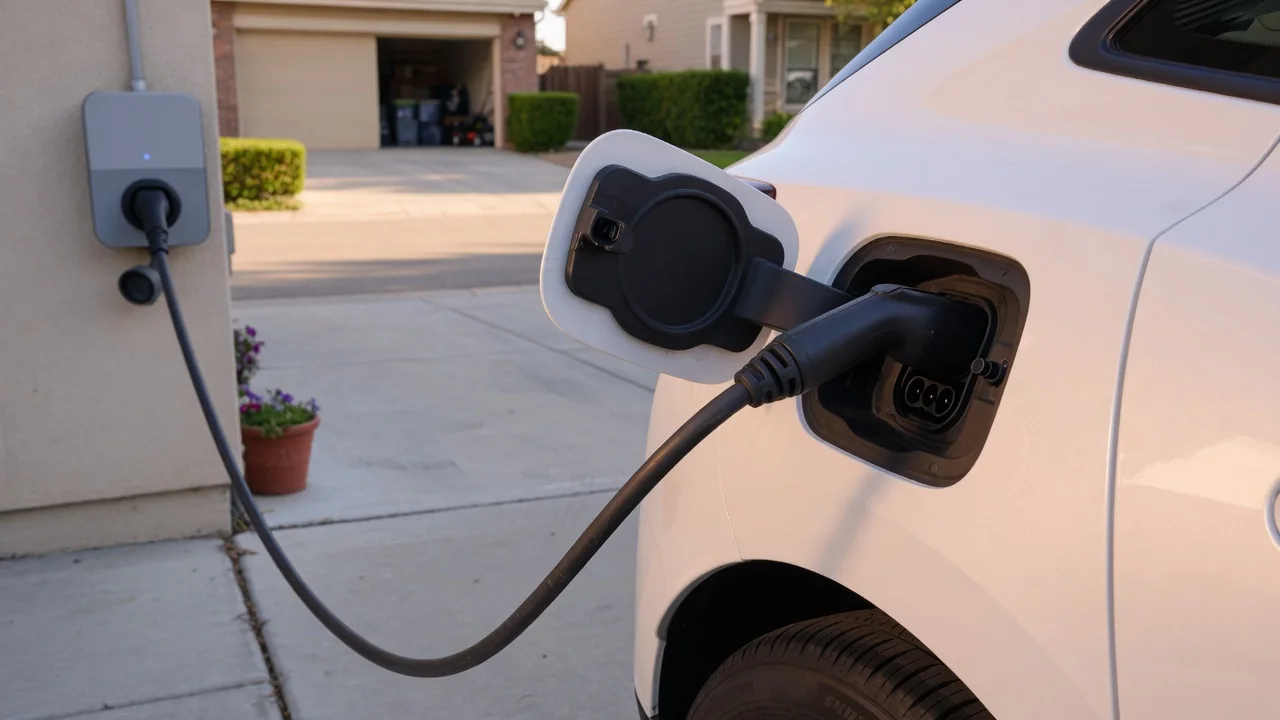
Drivers who unplug after a long session often ask why an EV's charging port gets warm. The short answer is that electrical current meeting resistance always produces some heat, and the connector is where the cable and the car physically meet. Mild warmth is expected, but certain signs suggest the heat deserves a closer look before the next charge.
Normal warmth
Every conductor resists the flow of electricity to some degree, and that resistance turns a small share of the energy into heat. The pins inside the charge inlet are a contact point rather than a continuous wire, so resistance there is slightly higher than in the cable itself. Because heating rises sharply as current increases, a session at higher amperage leaves the handle and the area around the inlet noticeably warmer than a slow overnight charge from a household outlet.
DC fast charging pushes far more current through the connector than home AC charging, which is why many high-power cables are liquid cooled and why warmth after a fast session is common. Ambient conditions matter too: a port that has sat in direct summer sun starts warm before any current flows. A handle that feels warm but is comfortable to hold, with no odor and no interruption to charging, generally fits the pattern of ordinary operation, though designs differ between vehicles.
Inspect damage
Heat becomes a concern when something raises resistance at the contact surfaces. Dirt, moisture, corrosion, or pins that have worn or lost their spring tension reduce the area through which current passes, concentrating heat in a small spot. With the vehicle unplugged, a visual check of the inlet can reveal a lot: look for discoloration or browning of the plastic around a pin, melted or deformed edges, greenish or white deposits on metal contacts, and debris lodged in the openings.
The connector on the charging cable deserves the same attention, since a damaged plug can overheat a perfectly healthy inlet. Cracked housings, bent or pitted pins, and a latch that no longer holds the plug firmly are all worth noting. A connector that wobbles or seats loosely may make intermittent contact, which generates more heat than a tight fit. Avoid inserting tools or fingers into the inlet; if anything looks burned or distorted, leave it for a qualified technician to assess.
Stop on alert
Many electric vehicles and charging stations monitor temperature at or near the connector and respond when readings climb. The response might be a quiet reduction in charging rate, a message on the instrument display or mobile app, a change in the port's indicator light, or a session that ends early. The exact wording, colors, and behavior depend on the manufacturer, so the owner's manual is the right reference for interpreting what a particular car is communicating.
When a warning appears, or when you notice a burning smell, visible smoke, buzzing or crackling sounds, or a handle too hot to hold comfortably, end the session through the car or the charger controls rather than simply pulling the plug under load. Let everything cool before handling the connector. Any stored fault code should be read as evidence pointing toward a condition, not as proof that a specific component has failed; a hot day, a faulty station, or a worn cable can produce similar alerts.
Everyday Use and Observations
Paying attention over several sessions gives you a baseline that makes changes easier to spot. If the port has always been slightly warm after an hour at a fast charger, that is simply how your car and that equipment behave together. What matters more is a trend: a port that used to stay barely warm on home charging and now feels distinctly hot, or charging speeds that taper earlier than they once did under similar weather and battery conditions.
Comparing equipment is a useful everyday test. If the heat appears only at one public station or only with one portable cable, the charging equipment is the likelier source, and reporting the station to its operator helps other drivers. If the inlet runs hot with every charger you try, attention shifts toward the vehicle side. Simple habits help as well: push the plug fully home until it latches, keep the port door or cap closed when not charging, and keep the cable off the ground.
Limits and Next Steps
Touch is a crude measuring tool, and there is no universal temperature that separates normal from abnormal across all vehicles and connector types. Inlet design, cable cooling, charging power, and software thresholds all vary, so a description that fits one model may not fit another. For that reason, general explanations can tell you why heat occurs and which symptoms deserve respect, but they cannot confirm whether a particular port is within its intended operating range.
If warmth is accompanied by visible damage, repeated warnings, or interrupted sessions, stop using that port or cable until it has been checked. A dealer or technician trained in high-voltage systems can inspect the inlet, review stored data, and test the charging equipment against the manufacturer's specifications. For home setups, a licensed electrician can evaluate the outlet, wiring, and wall unit. Noting when the heat occurs, which charger was used, and any messages displayed will make that diagnosis faster and more accurate.