Why Does a Car Stereo Have a Fader Control?
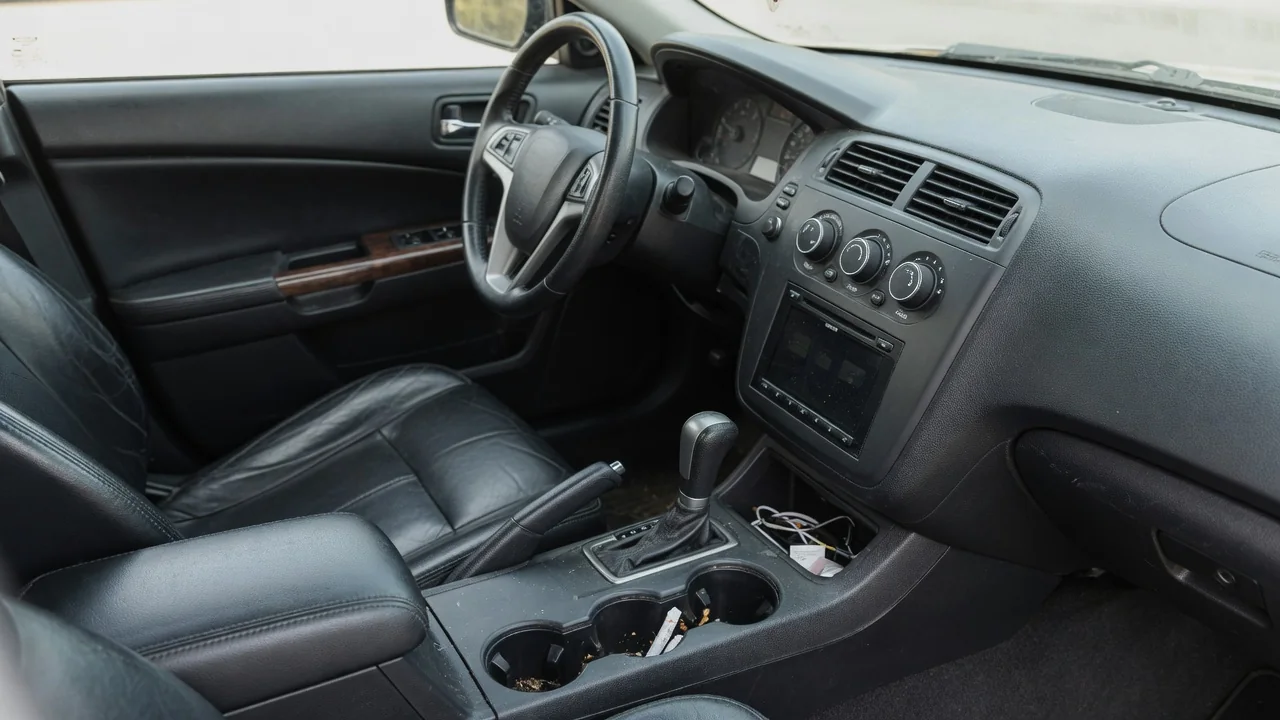
Drivers often ask why does a car stereo have a fader control when the volume knob already seems to do the job. The fader shifts sound between the front and rear speakers, letting you decide where the music sits in the cabin. Understanding it helps with comfort, sound quality, and even basic speaker diagnosis.
Balance versus fader
Balance and fader are sibling controls that work on different axes of the cabin. Balance moves sound left or right, favoring the driver's side or the passenger's side. Fader moves it forward or backward, favoring the dashboard and front door speakers or the speakers in the rear doors, rear deck, or cargo area. Volume raises or lowers everything together, while these two controls change how that output is shared among the speaker locations, which is why they are usually grouped in the same audio settings menu.
You can hear the difference with a simple test while parked. Slide the balance fully to one side and the music collapses toward that door. Return it to center, then move the fader fully rearward and the sound seems to come from behind your head. Older radios may use a dedicated knob or a push-and-turn ring, while touchscreen systems often show a cabin diagram with a movable dot that combines both adjustments. Vehicles with only two speakers, such as some pickups and compact cars, may have no fader at all.
Passenger preferences
A car cabin is an awkward listening room because nobody sits in the middle of it. Front occupants are close to the dash and door speakers, while rear passengers sit near a different set entirely. The fader lets the driver adapt to who is actually riding. With a sleeping child in the back seat, shifting the sound forward keeps the rear quieter without silencing the radio. On a road trip with adults in back, nudging it rearward helps them hear a podcast without the front becoming uncomfortably loud.
Preferences also differ when the driver is alone. Many people favor a slightly forward setting because it places vocals and instruments ahead of them, similar to a stage, with the rear speakers adding only a sense of fill. Others like an enveloping sound and keep the fader centered. Speaker size matters too, since rear speakers in some vehicles are larger and produce more bass, so fading forward can make the music seem thinner. The right position depends on the cabin layout and the factory speaker arrangement in your vehicle.
Troubleshooting clues
The fader doubles as a handy listening tool when something sounds wrong. If music is distorted, buzzing, or missing detail, fade fully forward and then fully rearward to learn which end of the car the problem comes from. Combining that with the balance control narrows it to a single corner. A speaker that rattles at moderate volume, crackles, or stays silent while the others play normally becomes much easier to identify when it is the only one receiving the signal.
What you hear is a clue rather than a verdict. Silence from one corner could point to a damaged speaker, but it could also come from a loose connector, a broken wire in the door hinge area, an amplifier channel, or the head unit itself. A rattle may be a loose door panel or an object in a storage pocket vibrating in sympathy. It is also worth checking that the fader was not simply left off center, since a setting pushed fully forward is a common reason rear speakers seem dead.
Everyday Use and Observations
In daily driving, the fader is mostly a set-and-forget adjustment, but small changes can be useful. Phone calls through the hands-free system and navigation prompts typically play through the front speakers on many vehicles, regardless of the fader position, so you may notice that spoken guidance does not follow your music setting. Road noise is another factor. On coarse pavement at highway speed, rear tire noise can mask the rear speakers, and some listeners compensate with a slight rearward shift.
It helps to notice how the setting behaves after routine events. A battery disconnect, a software update, or a switch between driver profiles can return audio settings to their defaults on some vehicles, leaving the sound different from what you remember. Some systems store separate tone and fader settings for each audio source, so the radio and a paired phone may not match. If the sound suddenly seems front-heavy or distant, checking the fader and balance positions takes a few seconds and often explains the change.
Limits and Next Steps
The fader has clear limits. It only redistributes the signal among the speakers already installed, so it cannot add bass, clarity, or loudness that the system lacks. In many vehicles a subwoofer or center speaker is fed separately and does not respond to the fader in the way the door speakers do. Premium factory systems with surround processing may also blend channels so that fading fully to one end never produces complete silence at the other. The owner's manual describes how the control behaves in your particular audio system.
If the fader test reveals a silent or distorted speaker and the settings are confirmed to be centered, the next step is a proper inspection rather than a guess at parts. A technician or car audio shop can check the speaker, wiring, and amplifier output to find the actual cause. If everything works but the sound is simply unsatisfying, experimenting with fader, balance, and tone settings together costs nothing and is easily reversed. Make those adjustments while parked so your attention stays on the road when driving.