Why Does a Car Forget a Bluetooth Phone?
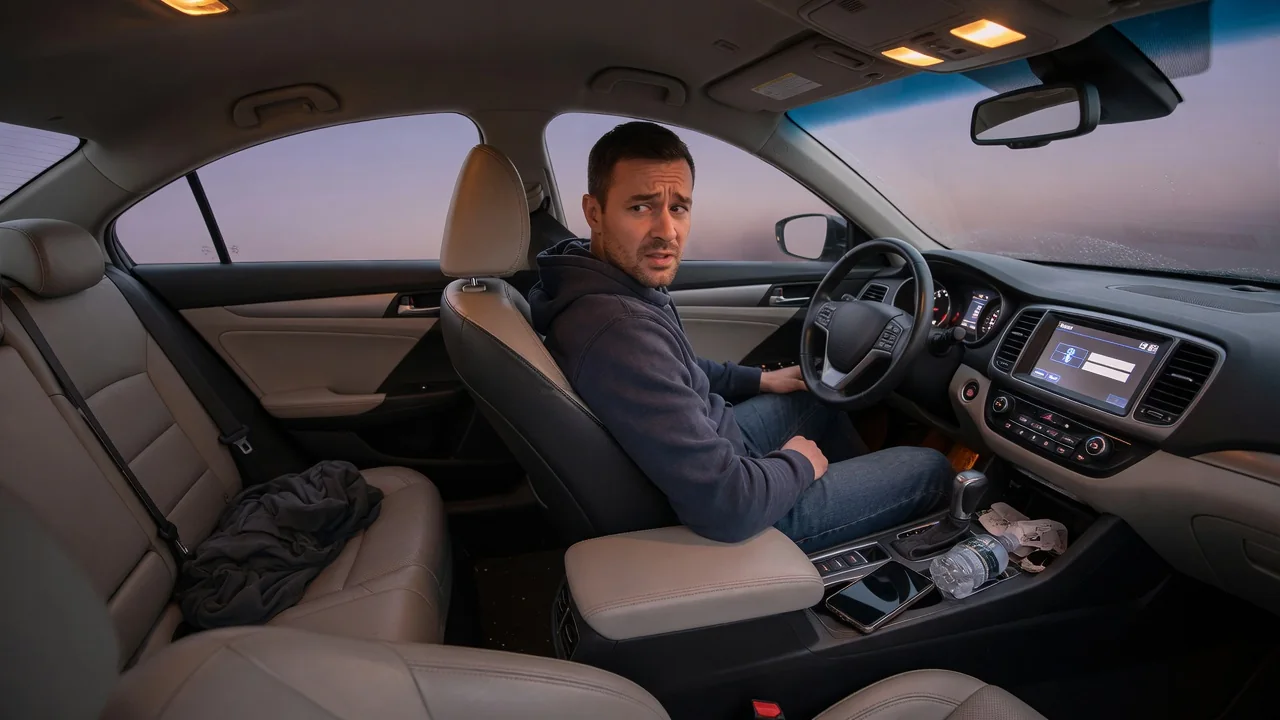
Why does a car forget a Bluetooth phone that connected flawlessly yesterday? The answer usually lies in how the infotainment system stores pairing records, how software changes on either side, and how the two devices recognize each other every time the ignition is switched on. Most causes are mundane, and patient observation often narrows them down without any tools.
Device memory
Pairing creates a matching record on both sides: the head unit stores the phone's identity and a shared security key, and the phone stores the same for the car. If either record is lost or altered, the connection fails even though the other device still lists its partner. Many infotainment systems also hold only a limited number of paired devices, and some quietly drop the oldest or least-used entry when a new phone is added, which can look like random forgetfulness in a household with several drivers.
Where the record lives matters too. Head units keep the pairing list in nonvolatile memory, but a disconnected or deeply discharged 12-volt battery, a module reset, or a storage fault can corrupt or clear it on some vehicles. Driver profiles add another layer: a phone paired under one profile may be invisible under another, so the car appears to have forgotten it when a different key or profile is active. Checking the paired-device list on the screen shows whether the entry is truly gone or simply not connecting.
Updates
Phone operating system updates are a frequent trigger. An update can reset Bluetooth permissions, change how the phone presents its address for privacy reasons, or revise the way it handles contacts, messages, and audio profiles. The car then sees a device that does not quite match its stored record and either refuses the link or asks to pair again. A clue is timing: if the trouble began within a day or two of a phone update, the software change deserves suspicion before any hardware does.
The vehicle side changes as well. Over-the-air infotainment updates or dealer-installed software can rebuild the Bluetooth stack and, on some models, wipe stored devices as part of the process. App updates for smartphone projection or the automaker's companion app may also alter connection behavior. Whether an update preserves pairings, and how it is delivered, varies by manufacturer and model year, so release notes in the vehicle's settings menu or the owner's documentation are worth reading when a previously stable connection suddenly stops being remembered.
Re-pair carefully
A half-deleted pairing is a common reason re-pairing fails. If the car's entry is removed but the phone still holds its old record, the two devices try to use mismatched keys and the link drops again. The cleaner approach is to delete the phone from the vehicle's list and forget the vehicle in the phone's Bluetooth settings, then restart the phone and cycle the infotainment system before starting fresh. Doing this while parked keeps attention off the screen and satisfies systems that block pairing while moving.
During the new pairing, watch the prompts carefully. Confirm that the passkey matches on both screens, and accept the requests for contacts, call history, and message access if those features are wanted, because a declined permission can leave a partial connection that behaves unpredictably. Many phones also offer per-device toggles for calls and media audio; both should be on for normal use. If the car's list is crowded with old phones, rental handsets, or former owners' devices, clearing unused entries first leaves room and reduces confusion over priority.
Everyday Use and Observations
Not every failure to connect means the pairing was erased. With two paired phones in the cabin, many systems connect to whichever one they have ranked first or whichever answers first, leaving the other apparently forgotten. A phone already linked to a headset, a smartwatch, or a speaker in the garage may be slow to hand over. Battery-saver modes, airplane mode, and restrictions on background activity can also keep the phone from answering the car's request at startup.
Patterns reveal a lot. Note whether the phone still appears in the car's list, whether calls work but music does not, and whether the problem follows one phone or affects every device. A single phone misbehaving in several vehicles points toward the handset; every phone dropping from one vehicle points toward the head unit or its power supply. Also notice if the clock, radio presets, or seat memory reset alongside the pairing list, since that combination suggests the system lost power or rebooted rather than a Bluetooth fault alone.
Limits and Next Steps
Home troubleshooting has boundaries. Older head units may not fully support newer phone software, and no amount of re-pairing fixes a genuine compatibility gap; automakers often publish supported-device information for exactly this reason. A factory reset of the infotainment system can clear corrupted data, but it also erases navigation favorites, profiles, and other settings, so it is worth recording those first and following the procedure in the owner's manual rather than improvising with fuses or battery disconnection.
If the pairing list keeps vanishing after a clean re-pair and current software on both devices, a professional look is reasonable. A dealer or qualified shop can check for available infotainment updates, technical bulletins, and battery or charging system health, and can scan modules for stored communication or voltage codes. Any code found is a lead to interpret alongside the symptoms, not proof that a head unit has failed, and its meaning can be manufacturer-specific. Bringing notes on when the dropouts occur makes that diagnosis faster and more accurate.