Why Does a Car Display Album Art Incorrectly?
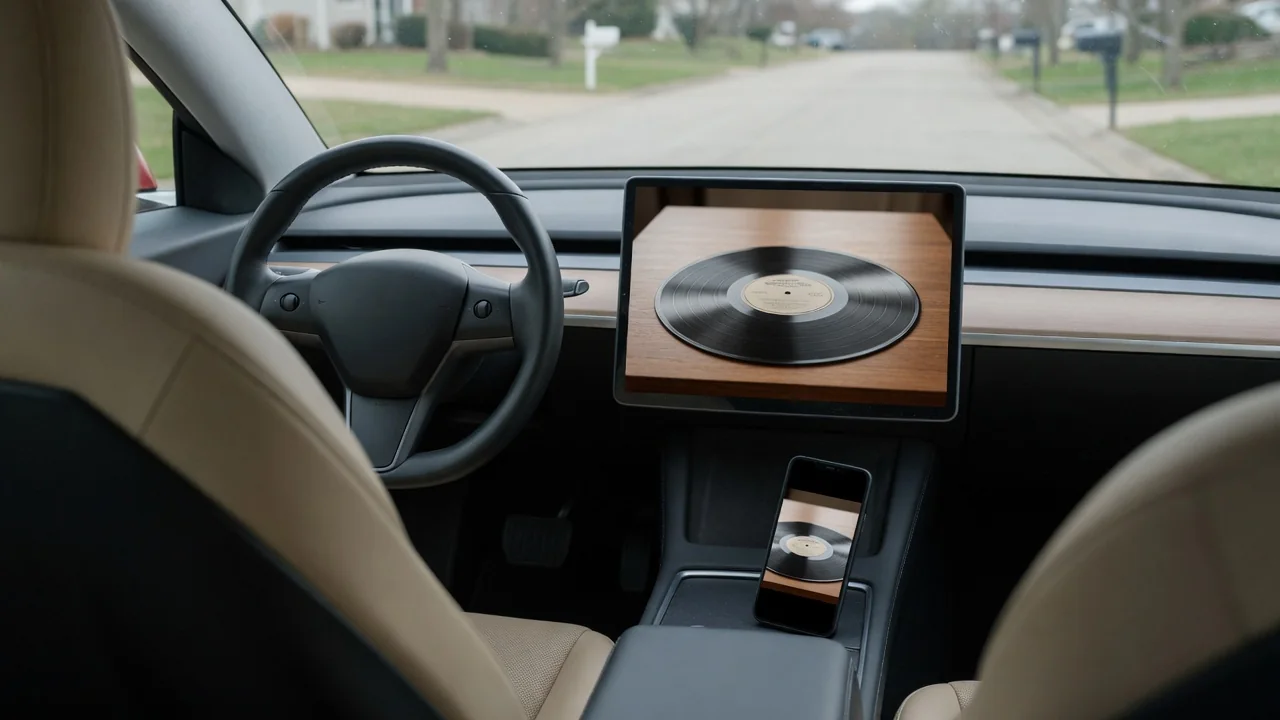
A wrong, missing or mismatched cover image on the infotainment screen rarely means anything is physically broken. Drivers who ask why a car displays album art incorrectly are usually looking at a data problem: the picture depends on the metadata attached to the music, the images the system has stored in its cache, and the connection format linking the phone or drive to the dashboard.
Source metadata
Cover art begins as information attached to the music itself. A downloaded file may carry an embedded image in its tags, while a streaming app supplies the picture from its own catalog as each track starts. When the tags on a USB drive are incomplete, inconsistent or absent, the head unit has nothing reliable to show. It may fall back to a generic icon, or it may attempt a lookup in an onboard or online music database and return a similarly named but different release.
Compilations, live recordings and reissues are frequent troublemakers because album titles and artist names overlap, so one cover can end up applied to several unrelated tracks. Image characteristics matter as well. Some systems accept only certain file types or dimensions, so an oversized or unusually encoded picture may be ignored even though it looks fine on a computer. What a particular vehicle accepts differs by manufacturer and infotainment generation, which makes the owner's manual the right place to confirm supported media formats.
Software
Three layers of software handle every image: the phone's operating system, the music app and the head unit's firmware. Over Bluetooth, artwork is not part of the basic audio stream. It travels through a separate remote control profile, and only later versions of that profile can pass cover images, with both devices needing to support the feature. That is why the same phone may show full artwork in one vehicle and only text for title and artist in another.
With phone projection such as Apple CarPlay or Android Auto, the phone draws most of the interface, so an incorrect cover there usually traces back to the app rather than the car. Caching adds another variable. Head units and apps store thumbnails to speed up browsing, and a stale stored image can linger after a library has been edited. Timing also plays a part, since the track name may update immediately while the picture arrives late, leaving the previous song's cover on screen.
Reset
Because pairing records and stored images persist between drives, refreshing them is the logical first response. Removing the phone from the car's device list, removing the car from the phone's Bluetooth settings and pairing again forces both sides to renegotiate which features they share. For USB media, unplugging the drive and letting the system rebuild its index can replace outdated thumbnails. Many infotainment units can also be restarted, although the method varies by vehicle and should be taken from the owner's manual.
The phone side deserves the same attention. Clearing a music app's cache, or downloading offline tracks again, can replace a corrupted or outdated image at the source. A full factory reset of the infotainment system is a much bigger step, since it typically erases paired devices, radio presets and saved navigation destinations, so it belongs at the end of the sequence. Making one change at a time with the vehicle parked, then checking the result, shows which layer was actually responsible.
Everyday Use and Observations
Patterns seen during normal driving point toward the cause. When one album consistently shows the wrong cover while everything else looks right, the metadata for that album is the likely culprit. When every track played over Bluetooth lacks artwork but the same songs display correctly from a USB drive, the connection format is the limiting factor. A cover that always trails one song behind suggests a synchronization delay, especially when skipping quickly through a playlist.
Comparisons sharpen the picture further. Trying a second phone, or a different music app on the same phone, separates a vehicle issue from a device issue. If the image is correct on the handset but wrong on the dash, the transfer or the car's cache deserves suspicion. Streaming artwork may also load slowly or not at all in weak cellular coverage. Some vehicles show media in the instrument cluster as well as the center screen, and the two displays may not refresh together.
Limits and Next Steps
Some causes sit beyond an owner's reach. An older head unit may never support artwork over a wireless link, and a built-in music recognition database may be outdated with no practical way to refresh it. Incorrect cover art is generally a display quirk rather than a monitored fault, so a warning light or stored trouble code would not normally be expected, and it does not affect how the vehicle drives. Recognizing these limits prevents hours spent chasing a hardware capability that was never there.
Sensible next steps start with updates for the phone, the music app and the infotainment system. Some vehicles receive software over the air, while others need a dealer visit or a manual download, so the process should be confirmed for the specific model. If the problem persists across several phones and sources, noting which tracks and connections are affected gives a service department something concrete to investigate. Any troubleshooting on the screen is best saved for when the vehicle is parked.