Why Do Some Car Displays Show Large Numbers?
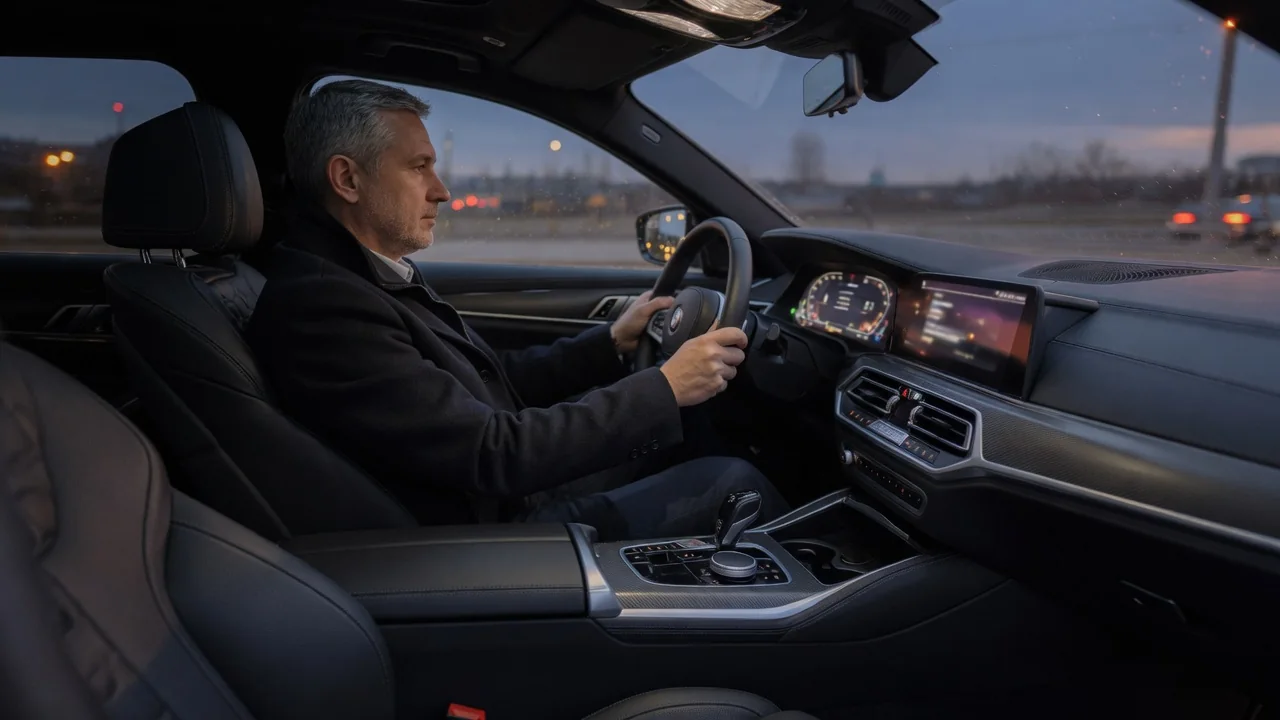
Many modern instrument clusters and head-up displays show the current speed in oversized digits, often larger than anything else on the screen. This is not only a styling choice. Large car speed display design follows from how drivers actually read information: in short glances, under changing light, from a fixed distance. This article explains why some car displays show large numbers, focusing on glance readability, contrast, and the role driver preference plays in how a display is set up.
Glance readability
Driving is a visual task centered on the road ahead, so the instrument display is read in brief glances rather than studied. Each glance involves moving the eyes down, refocusing from distant traffic to a nearby screen, recognizing the information, and returning to the road. Ergonomic design generally aims to keep that off-road time short. Large numerals help because a big, simple shape can be recognized quickly, with less need to fixate on it or read it twice.
What matters for legibility is not the physical size of a digit alone but how large it appears from the driver's eye position. A character that is easy to read on a phone held close may be harder to read on a cluster behind the steering wheel, especially while the car is moving and vibrating. Larger digits also stay recognizable when the eyes are not perfectly focused on the screen. This matters for drivers whose near focusing ability has declined with age, and for those wearing glasses optimized for distance vision.
Size also creates hierarchy. Speed is usually the value drivers check most often, so designers give it the most visual weight and make secondary items such as trip data, range, or temperature smaller. A digital number gives an exact value but has to be read, while an analog needle conveys position and rate of change that can be sensed at a glance or in peripheral vision. Some displays combine both, pairing a large central number with a gauge or bar around it.
Contrast
Size and contrast work together. Legibility depends heavily on the difference in brightness between the characters and their background. Large, bold numerals with thick strokes present more lit area, so they hold up better when effective contrast drops. That happens when sunlight falls directly on the screen, when reflections from the windshield or clothing appear on the display surface, or when some polarized sunglasses interact with certain screen types and make them look dimmer. Thin, small text is usually the first to become hard to read in these conditions.
Night driving creates the opposite problem. A display that is too bright can produce glare and interfere with the eyes' adaptation to the dark road, so displays are typically dimmed automatically or through a brightness control. As overall brightness goes down, small characters fade before large ones, which is another reason the most important value is often the biggest. Many night layouts use light digits on a dark background to limit the total light the screen emits. Very bright, thin strokes can also appear to bloom or blur, particularly for drivers with certain vision conditions, so stroke weight and spacing matter as much as height.
Typeface design is part of the picture. Digits need clearly distinct shapes so that pairs such as 3 and 8, or 1 and 7, are not easily confused at a glance, and characters need enough spacing to avoid running together. A large number in a poorly chosen font is not automatically more readable than a moderately sized number in a clear one. Effective displays balance size, weight, shape, and contrast rather than relying on size alone.
Driver preference
Not every driver wants the same layout. Many digital clusters offer selectable views or themes: some emphasize a large digital speed readout, others recreate traditional round gauges, and others give more space to navigation or driver assistance information. Whether a particular vehicle offers these choices, and what they are called in its menus, varies by model and equipment, so the owner's manual is the reliable reference for any specific car.
Preferences often reflect vision, habit, and driving context. Drivers who learned on analog gauges may find a needle more intuitive, while others prefer a single clear number they can check instantly. People with reduced visual acuity may favor the largest available digits. Drivers who spend long periods on highways may want a minimal screen, whereas others prefer more data in view. Where a head-up display is available, some drivers like having the speed projected closer to their line of sight, which reduces how far the eyes need to move.
It is worth noting that preference and performance are not always the same thing. A layout that looks clean or attractive does not necessarily support the fastest or most accurate reading, and a familiar layout can feel easier simply because it is familiar. Ergonomic evaluation tries to separate how a display feels from how well it supports quick, correct reading, which is one reason large, high-contrast speed readouts are a common default choice.
Practical implications and limits
For owners, the most useful step is to explore the settings their vehicle actually provides. Try any layout with a prominent speed readout for a few drives, adjust brightness for day and night, and check whether automatic dimming behaves the way you want. Seat height and steering wheel position also matter: if the wheel rim or your hands cover part of the display, even a large number becomes harder to read. Keeping the screen clean helps, and adding films or covers not designed for the display can introduce glare or reduce clarity.
There are limits to what large numbers can do. They shorten the effort of reading but do not remove the need to look away from the road, so the safest habit is still a quick check rather than a long look. Screen area is finite, and enlarging one value means shrinking or hiding others, which may not suit every driver or trip. A digital readout may also smooth or delay small speed changes so the number does not flicker, which makes it steadier but can make gradual acceleration less obvious than a moving needle. Finally, display size says nothing about measurement accuracy: how closely the shown speed matches true road speed is a separate matter determined by the vehicle's speed sensing and calibration, not by the font.