Why Do Instrument Panels Dim When Headlights Turn On?
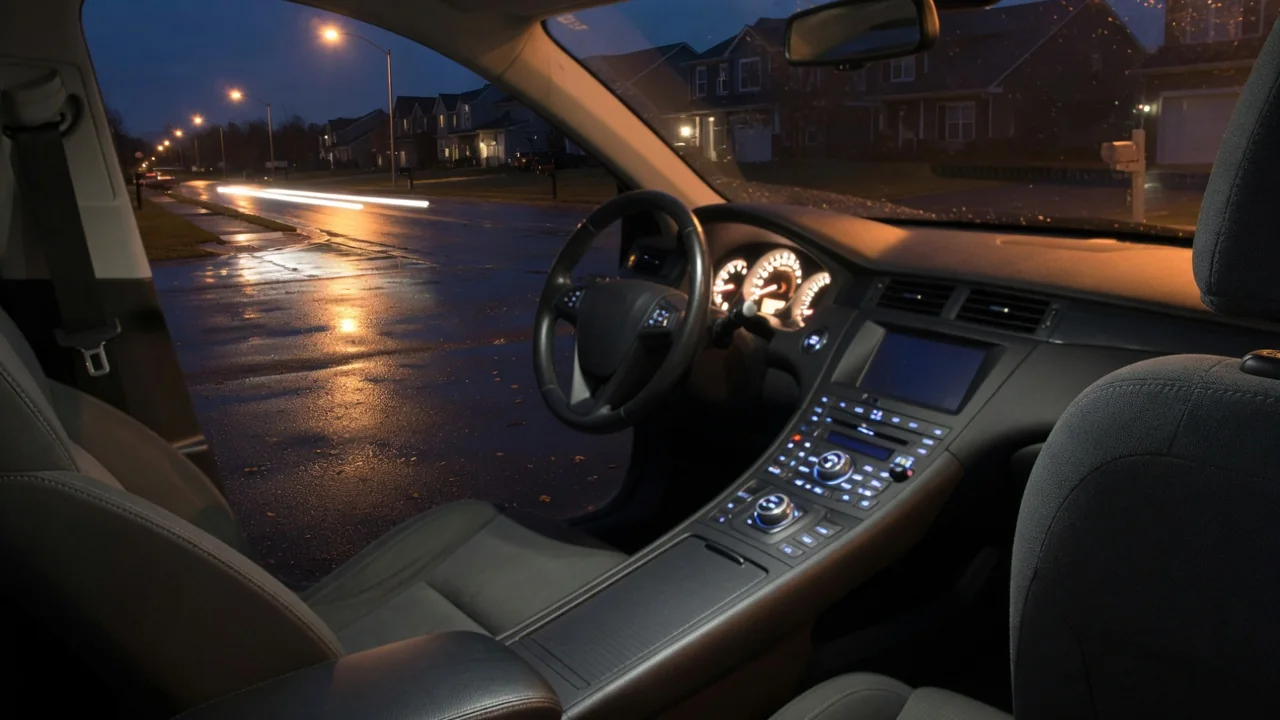
Many drivers wonder why do instrument panels dim when headlights turn on, especially when the change happens in daylight and the gauges suddenly look washed out. The behavior is usually intentional: the vehicle assumes that headlights mean darkness and lowers cluster and switch illumination to protect night vision. Understanding that logic makes it easier to adjust the settings or recognize a real fault.
Day versus night mode
Most vehicles run their interior illumination in two states. In day mode, the gauge cluster, infotainment screen and climate displays run at or near full brightness so they stay readable against sunlight coming through the windshield. When the headlights or parking lights are switched on, the lighting circuit signals the cluster and other modules to enter night mode, which drops display brightness and, on many vehicles, lights up the switch backlighting on the doors, steering wheel and center stack that stays off during the day.
The reasoning is about the human eye. In darkness, pupils open wide, and a full-brightness display becomes a source of glare that makes the road ahead harder to see and reflects in the windshield and side glass. Dimming the panel keeps the eyes adapted to the dark. The catch is that the trigger is often the headlight switch rather than actual ambient light, so turning lights on in rain or at dusk can dim the gauges while it is still bright outside. Some vehicles avoid this by using a light sensor instead.
Dimmer control
Night mode brightness is rarely fixed. Most vehicles provide a dimmer control, which may be a thumbwheel beside the headlight switch, a rotating stem or button in the cluster, or a menu setting in the driver display or touchscreen. This control sets how bright the panel becomes once the lights are on. If the gauges seem too dark with the headlights lit, the dimmer has often simply been turned down, sometimes accidentally by a knee, a cleaning cloth or a previous driver.
Many dimmers also have a position at the top of their travel that overrides night dimming and returns displays to full daytime brightness, which is useful when driving with headlights on in daylight. On some designs, turning the wheel past a detent also switches on the dome lamps. Other vehicles store separate day and night brightness values, so an adjustment made with the lights off does not carry over. Because the layout and behavior differ by manufacturer, the owner's manual is the reliable reference for where the control lives and what each position does.
When to troubleshoot
A steady, repeatable drop in brightness the moment the lights come on is normal operation and needs no repair. Troubleshooting makes sense when the behavior does not match that pattern: a cluster that goes completely dark with the headlights on and does not respond to the dimmer, illumination that flickers or pulses, a single dark section of the gauges, or brightness that changes with bumps, turn signal use or engine speed. Those symptoms suggest something other than the designed night mode.
Possible causes range from a worn dimmer switch or a blown illumination fuse to failing backlight components, a poor ground connection or a charging system that is not holding steady voltage. If the headlights and interior lamps all fade together at idle and recover with engine speed, the battery and alternator deserve attention before the cluster does. Where a scan tool shows stored codes in the body or instrument modules, treat them as clues that need interpretation for that specific vehicle, since they point to a circuit or signal rather than proving a particular part has failed.
Everyday Use and Observations
In daily driving, the situation that confuses people most is daytime headlight use. Rain, fog, tunnels and laws requiring lights with wipers all lead drivers to switch lamps on while the cabin is still bright, and the panel responds as though night has fallen. The speedometer and screen then look faint against the daylight. Vehicles with automatic headlights can behave the same way under an overpass or in a parking garage, briefly dimming and then brightening again once the sensor sees daylight.
A useful check is to watch what changes at the moment the switch is turned. If the gauges dim smoothly, the button backlighting comes on and the navigation map changes to a darker color scheme, the vehicle is switching modes as designed. Vehicles with daytime running lamps add another wrinkle, because on some of them the cluster stays brightly lit while only the front lamps are on, which can leave a driver believing the full headlights and tail lamps are active after dark when they are not.
Limits and Next Steps
There are limits to what the settings can do. A dimmer usually adjusts brightness only within the range the manufacturer programmed, and it may not affect every display equally, so a central touchscreen can need its own day and night setting in a separate menu. Automatic brightness systems depend on a sensor, often on top of the dashboard, that can be fooled if it is covered by a parking pass, a phone mount or a dash mat. Tinted glass and polarized sunglasses can also make a properly working display look dim.
The sensible sequence starts with the simple items: run the dimmer through its full travel with the headlights on, look for a separate display brightness menu, and clear anything resting over the dashboard sensor. If the panel still stays dark, flickers or behaves differently from one drive to the next, note when it happens and what else changes at the same time, then have the lighting and charging circuits tested. Electrical diagnosis behind the dashboard involves airbag wiring and delicate connectors, so that work is best left to a qualified technician.