Why Do Car Touchscreens Lag After Startup?
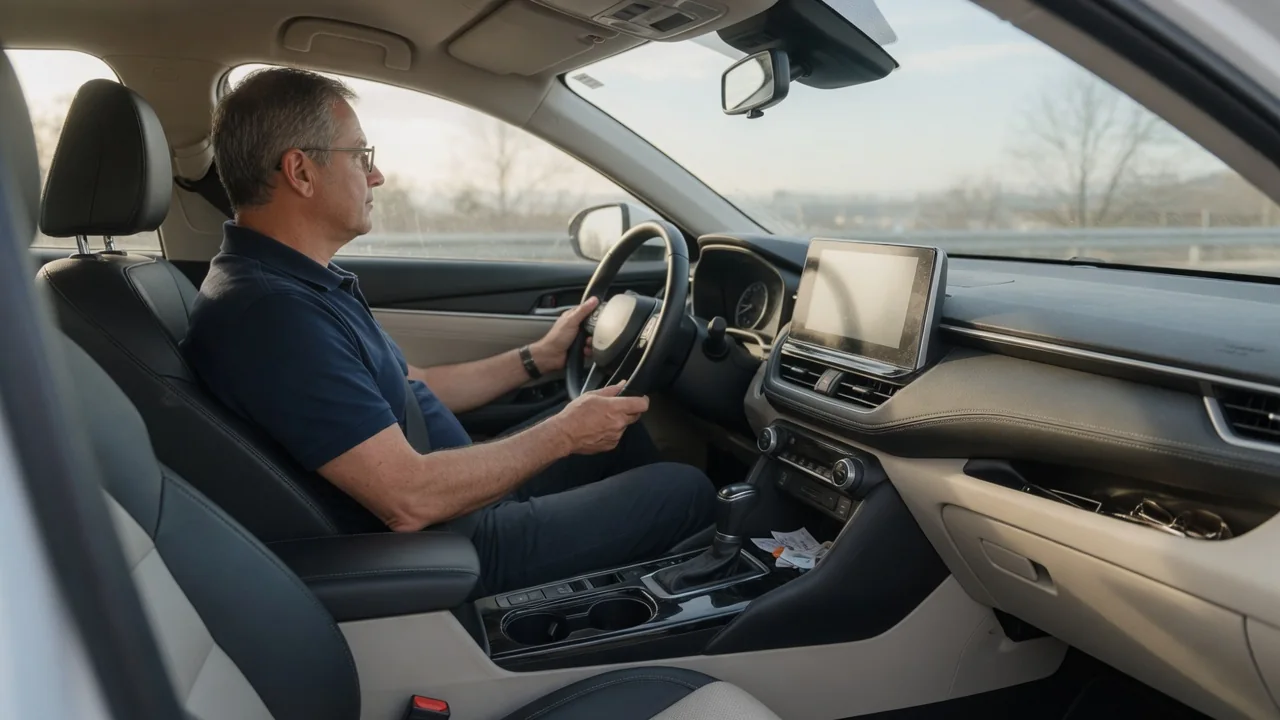
Many drivers wonder why do car touchscreens lag after startup, especially when the rest of the vehicle seems ready the moment the engine fires or the drive system wakes. The short answer is that an infotainment unit is a small computer, and it must boot its software and finish several background tasks before it can respond smoothly to every tap and swipe.
Startup sequence
When you unlock the door or switch on the ignition, the infotainment unit begins loading its operating system from storage into memory. Many systems show a logo or a rearview camera image early, because those functions are given priority, while the full interface arrives a little later. The screen can therefore look ready before the software behind it has finished starting. Taps made during this window may be queued, delayed, or ignored, which is what most people experience as lag.
Once the main interface appears, the processor is still busy. The system may be reconnecting to a paired phone over Bluetooth, starting navigation and acquiring a satellite position, indexing music from a USB device, restoring the last audio source, and loading driver profiles or climate settings. Each task competes for the same limited processor time and memory. How these jobs are ordered differs between manufacturers and software versions, so one vehicle may open maps quickly while another prioritizes audio or phone projection.
Normal wait
A short period of sluggishness right after startup is generally expected behavior rather than a fault. Automotive hardware is chosen to survive heat, cold, vibration, and many years of service, and it is often less powerful than a current smartphone. Some vehicles keep the system in a low-power sleep state between short stops, so it wakes quickly, then perform a full cold boot after the car has sat for a longer time. That is why the delay can vary from one drive to the next.
Temperature also plays a part. In very cold weather, displays can respond more slowly and storage may read data less quickly, while a cabin baked by summer sun may cause the unit to limit its performance to protect itself. A normal wait usually has a recognizable pattern: the screen is slow at first, improves steadily, and then behaves consistently for the rest of the trip. Exact timing depends on the vehicle, so the owner's manual or the dealer is the best reference for what is typical.
Persistent issue
Lag that continues well into a drive, or that grows worse over weeks, deserves closer attention. Signs include frozen menus, a screen that restarts on its own, audio that cuts out, a backup camera image that arrives late, or touches that register in the wrong place. These symptoms point toward something beyond ordinary boot activity, though they don't identify a single cause. Software faults, nearly full storage, a troublesome phone connection, and hardware wear can all produce similar behavior.
Electrical supply is another possibility worth keeping in mind. Infotainment modules are sensitive to voltage, and a weak 12-volt battery can lead to slow or erratic startup behavior, sometimes alongside other electrical oddities. If a scan tool shows stored fault codes related to the display or communication network, treat them as evidence to interpret rather than proof that a part has failed. Many such codes are manufacturer-specific, so their meaning needs to be confirmed against information for the exact vehicle.
Everyday Use and Observations
Paying attention to patterns makes the problem easier to understand. Notice whether the delay follows every start or only the first one of the day, whether it appears with a phone connected, and whether it changes with a USB drive plugged in. A large music library or a phone with thousands of contacts gives the system more to sync and index. Wireless phone projection adds its own handshake, which can make the screen feel busy for a short time after the connection is established.
Simple habits can reduce frustration without any repair. Giving the system a moment to settle before entering a destination avoids missed inputs, and setting climate or audio through physical controls or steering wheel buttons often works while the screen catches up. Removing old paired devices and unused profiles lightens the load in some systems. It is safer to complete setup while parked than to repeat taps on a slow screen while moving, since repeated presses can trigger unintended selections once the system responds.
Limits and Next Steps
There are limits to what an owner can change. Processor speed and memory are fixed by the hardware, and no setting will make an older unit behave like a newer one. Software updates can improve responsiveness in some cases, and they may arrive over the air or through a dealer visit depending on the vehicle. A restart of the infotainment system, performed as described in the owner's manual, can clear a temporary glitch, but the method differs widely and should not be guessed.
If the lag persists, record what happens, when it happens, and what was connected at the time, and a short video can help. This gives a technician something concrete to work with, since intermittent problems are hard to reproduce in a workshop. A dealer or qualified shop can check for available software updates, test the battery and charging system, and read module data with the proper equipment. Disconnecting power or opening the dash at home risks lost settings and damage, so leave deeper diagnosis to trained hands.