What Is Over-the-Air Software Updating in a Car?
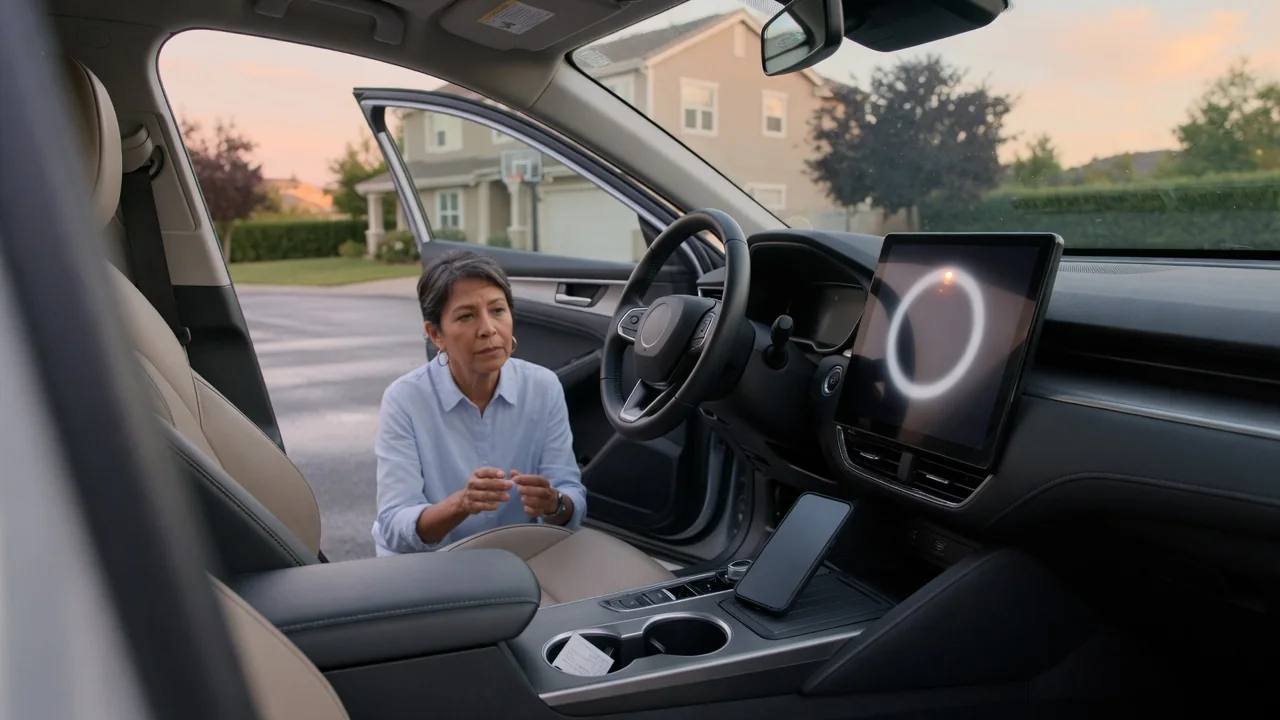
Anyone asking what is over the air software updating in a car is really asking how a vehicle receives new code without a visit to the service bay. The process works much like a phone update: the automaker sends a software package wirelessly, the car stores and verifies it, and installation happens later under controlled conditions. Each phase behaves differently.
Download
The download phase moves the update package from the automaker's servers to the vehicle through its built-in cellular modem or a Wi-Fi connection. The telematics unit receives the file and stores it in memory while the existing software keeps running normally. Because nothing is being rewritten yet, many vehicles allow downloading in the background during ordinary driving, so the owner may not notice anything beyond a small status icon or a progress message in the infotainment menu.
Package size shapes the experience. A small fix for a single control module may arrive quickly over a cellular link, while a large navigation map or infotainment release can take much longer and may wait for Wi-Fi at home. Once the file arrives, the car checks its digital signature and integrity before accepting it, which guards against corrupted or tampered data. Whether downloads continue with the vehicle parked and switched off depends on the manufacturer's design and battery management strategy.
Install conditions
Installation is the phase where the new software is actually written to one or more electronic control units, and it carries more risk than downloading. For that reason the vehicle usually demands specific conditions before it starts. Commonly these include being parked with the transmission in park, having enough charge in the twelve-volt battery or the high-voltage pack, and sometimes having doors closed and the vehicle locked. If a condition is not met, the system typically postpones the install rather than proceeding.
The reason for these safeguards is that a module being reprogrammed cannot do its normal job. An interruption caused by low voltage midway through writing could leave a controller unable to start up properly. Many vehicles therefore make the car undrivable for the duration and display an estimated time beforehand, letting the owner start immediately or schedule an overnight slot. Some designs keep a backup copy of the previous software so the module can revert if the new version fails its checks.
Release notes
Release notes are the automaker's summary of what an update changes, and they are the owner's main window into the contents of the package. They usually appear on the center screen before or after installation and often in the companion phone app as well. A typical entry might describe a revised menu layout, improved voice recognition, updated charging behavior on an electric vehicle, or refinements to a driver assistance feature, alongside a version number identifying the release.
The level of detail varies considerably between brands. Some notes explain each change in plain language with illustrations, while others simply mention stability improvements and bug fixes. Reading them matters because an update can alter how a familiar control behaves, relocate a setting, or change a warning chime. Noting the version number is also practical: if a question arises later, a dealer or support line can confirm quickly whether the car is running the latest software available for it.
Everyday Use and Observations
In daily use, the sequence usually begins with a notification on the dashboard screen or phone saying an update is ready. The owner accepts, picks a time, and leaves the car parked. During installation the screens may go dark, restart several times, or show a progress bar, and clicks from relays or brief fan noise are not unusual as modules power down and wake up. Afterward a confirmation message reports success and offers the release notes.
After the first drive following an update, some small differences are normal. Saved settings such as radio presets or display preferences occasionally reset, and an infotainment system may feel slower for a short while as it rebuilds stored data. It helps to confirm that phone pairing, cameras, and driver assistance features respond as expected. A warning light or fault message that appears after updating is information worth investigating, not proof that a component has failed, since software can simply be awaiting a completed restart.
Limits and Next Steps
Wireless updating has clear limits. It changes software only, so worn brakes, a failing sensor, or damaged wiring still need hands-on repair. Not every car can update every module remotely either; some vehicles refresh only infotainment and maps over the air, while others can reach powertrain, battery management, and chassis controllers. Certain recall remedies and deeper reprogramming jobs may still require dealer equipment, and coverage can depend on model year, trim, and an active connectivity subscription.
When an update stalls or fails, the sensible first step is following the on-screen instructions, which often suggest retrying once the conditions are satisfied. Keeping the vehicle connected to a strong signal and ensuring a healthy battery improves the odds on the next attempt. If the car reports repeated failures, will not start, or shows persistent warnings, contacting the dealer or the manufacturer's support line is the appropriate route, since technicians can read the installation logs and complete the update with workshop tools.