What Is a Vehicle Digital Key? Phone Credentials, Access, and Backup
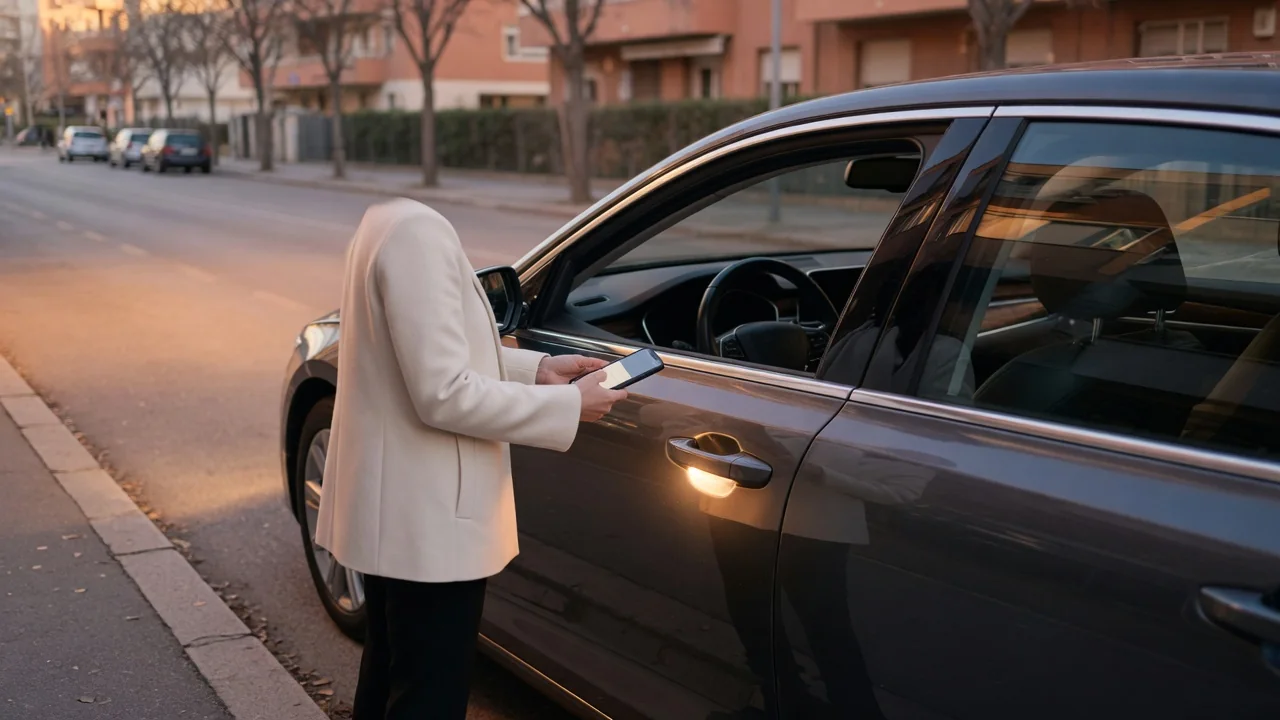
A vehicle digital key is a secure credential stored on a smartphone or smartwatch that lets the device act as a car key. Instead of carrying a fob, you use the phone to prove to the vehicle that you are authorized to unlock it and, on supported systems, start it and drive away. The car digital key concept rests on three ideas: how the credential lives on the phone, how the car grants access, and what backup exists when the phone cannot help.
Phone credential
At its core, a digital key is cryptographic data, not just a button in an app. When a key is added to a phone, the vehicle and the device exchange information that pairs them, and the phone stores a private secret that does not need to leave the device during normal use. On many phones this secret is kept in dedicated security hardware, often called a secure element or a protected area of the processor, which is designed to resist copying even if the phone's regular software is compromised. The car keeps the matching information it needs to verify that the phone's responses are genuine.
Getting the key onto the phone, a process usually called provisioning, typically involves the vehicle manufacturer's app, the phone's built-in wallet, or both. The owner generally signs in to an account linked to the vehicle and confirms ownership, sometimes with a step performed inside the car, such as placing the phone on a reader or approving the request on the infotainment screen. The exact steps differ by manufacturer, phone platform, and region, so the owner's manual and the official app are the authoritative guides for any specific vehicle.
Industry groups have developed shared specifications so that digital keys follow consistent rules across phone platforms and car brands; the Car Connectivity Consortium's Digital Key specification is a widely referenced example. A common standard does not mean every phone works with every car, though. Compatibility still depends on the vehicle's hardware and software, the phone model, and its operating system version.
Access
When you approach or touch the car, the phone and vehicle run a short cryptographic exchange. The car issues a challenge, and the phone answers using its stored secret. Because the challenge changes each time, a recorded exchange cannot simply be replayed later to open the car. Three short-range radio technologies commonly carry this conversation. Near Field Communication (NFC) works only at a distance of a few centimeters, so the phone is tapped against a reader on the door area and, for starting, placed on a designated reader or pad inside the cabin. Bluetooth Low Energy (BLE) works over a longer range and can enable passive entry, where the doors unlock as the owner walks up. Ultra-wideband (UWB), where the car and phone both support it, measures how long radio signals take to travel, allowing a more precise estimate of distance and position. That precision helps the vehicle judge whether the phone is truly nearby, and whether it is inside or outside the cabin, and it is intended to make relay attacks, in which thieves try to extend a key's signal, considerably harder.
In practice, access usually covers locking and unlocking, opening the trunk or liftgate, and enabling the engine or electric drive system to start. Some phone platforms allow the key to work without unlocking the phone or opening an app, which makes the experience closer to a conventional fob. Which functions are available, and whether they work passively or require a tap, varies by vehicle and phone.
A major difference from a physical key is sharing. Many systems let the owner send a key to a family member or another driver through the wallet or manufacturer app, and the recipient adds it to their own compatible device. Depending on the system, the owner may be able to set permissions, such as allowing unlock only or restricting driving, and can revoke a shared key without getting anything physically returned.
Backup
A phone can run out of charge, break, or go missing, so a digital key should never be your only way into the car. Vehicles that offer digital keys commonly also come with a physical fob, an NFC key card, or both. Keep that backup somewhere you can reach it, such as in a wallet or at home, but not inside the vehicle itself.
Some phones can keep NFC-based keys usable for a limited time after the phone shuts down because of a low battery. This is a helpful safety net, but it depends on the phone and platform, it typically covers only tap-based access rather than passive entry, and it should not be treated as a substitute for a charged phone or a physical backup.
If a phone is lost or stolen, the key can usually be suspended or removed through the phone platform's remote device-management tools, the manufacturer's account, or the vehicle's settings menu. When moving to a new phone, expect to transfer or re-add the key rather than assume it will reappear automatically from a regular phone backup, since the secret is tied to the original device's security hardware. Following the manufacturer's documented removal and transfer steps avoids leaving an orphaned key active.
Practical implications and limits
Digital key capability is largely determined by the hardware built into the car. If the vehicle lacks the required readers, antennas, or control modules, an app update cannot add the feature, and retrofitting is generally not practical. Availability can also vary by model year, trim, and market, and some manufacturers link connected features to an account or service plan. Before relying on the feature, confirm in the owner's documentation what your particular car supports and whether any subscription applies.
In most designs, the everyday unlock and start exchange happens locally over short-range radio, so a parking garage without cellular signal is not normally a problem for basic access. Account-related tasks are different: initial setup, sending or revoking shared keys, and remote management usually need an internet connection on the phone, the car, or both. Plan key changes for times when you have reliable connectivity.
Ownership changes deserve particular attention. Before selling a car, remove your own key and any keys you have shared, and reset the vehicle's key list if the manufacturer provides that option. When buying a used vehicle, ask for every physical key and make sure all previous digital keys have been removed, ideally with dealer help if the process is unclear. For service visits, decide in advance whether to hand over a physical key or share a restricted digital key, so you are not forced to leave your phone behind.