What Is a Car Wi-Fi Hotspot?
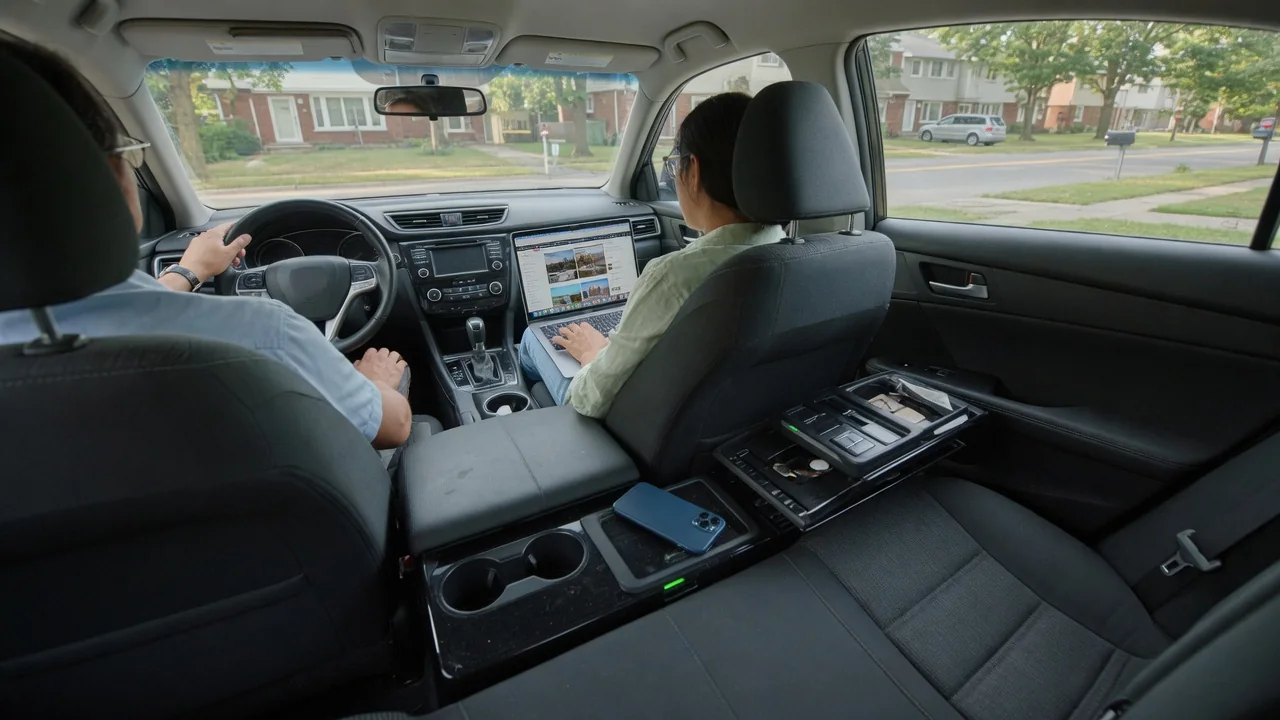
A car Wi-Fi hotspot turns a vehicle into a rolling wireless network. People asking what is a car Wi-Fi hotspot are usually looking at a feature that takes a cellular data signal and shares it with phones, tablets and laptops inside the cabin. This overview explains how the connection works, how devices join, and what coverage and data plans mean for daily use.
Data connection
The hotspot begins with a cellular modem, either built into the vehicle's telematics unit or housed in a separate device that plugs into a power outlet or diagnostic port. That modem holds a SIM or embedded SIM and connects to a mobile carrier's network just as a smartphone does. A small router function then rebroadcasts the connection as Wi-Fi inside the cabin, so the car is not creating internet access itself; it is relaying mobile data over a short-range wireless signal.
Factory systems often route the cellular signal through a roof-mounted antenna, which is larger and better positioned than the one inside a handset, and this can help hold a connection in fringe areas. Drivers can usually see evidence of the link on the infotainment screen, such as signal bars or a network-type indicator. Whether the hardware supports older or newer cellular generations depends on the model year and trim, so the owner's manual or connected-services menu is the place to confirm what a specific vehicle carries.
Device setup
Setup typically starts in the infotainment settings, where a menu labeled something like Wi-Fi, hotspot or connections shows the network name and password. Passengers then pick that network on a phone, tablet or laptop and enter the password as they would at home. Many vehicles let the owner rename the network and change the password, which is worth doing so the credentials are not the factory defaults. Some brands also manage these settings through a companion smartphone app.
Before any device can get online, the data service itself usually has to be activated, often through the automaker's connected-services account or a participating carrier. Some new vehicles include a trial period, after which a subscription is needed. Menu names, the number of devices allowed at once, and whether the hotspot works with the ignition off or only in accessory mode differ between manufacturers. Plug-in aftermarket units follow a similar pattern but are configured through their own app or web page.
Coverage and plan limits
A car hotspot works only where the carrier behind it has coverage. On an interstate near a city, streaming and video calls may run smoothly, while a mountain pass, a rural valley or a parking garage can slow the connection or drop it entirely. Because the vehicle is moving, the modem hands off between cell towers constantly, and brief pauses during those transitions are normal. The carrier a vehicle uses is set by the automaker's agreement, so it may differ from the driver's phone carrier.
Data plans shape the experience as much as signal strength. Some are sold with a fixed monthly allowance, others are marketed as unlimited but may reduce speeds after heavy use, and terms vary by carrier and brand. Video streaming consumes far more data than music, navigation or email, so a family streaming on several tablets during a long road trip can use an allowance quickly. Checking remaining data in the vehicle's menu or app helps avoid surprises, and travel across borders may involve separate roaming terms.
Everyday Use and Observations
In everyday driving, the hotspot mostly serves passengers. Children can stream shows on tablets in the back seat, a passenger can join a work call on a laptop, and travelers can save their phone data and battery on long trips. Some vehicles also use the same cellular link for their own functions, such as live traffic, streaming apps in the infotainment system or over-the-air software updates, though those features may be billed or bundled separately from the passenger hotspot plan.
Owners tend to notice a few patterns. Speeds change with location and time of day, since the cell network is shared with everyone nearby. Connected devices may reconnect automatically each time the vehicle starts, and a phone that joins the car's network will route background updates and cloud backups through it unless told otherwise, quietly using data. The hotspot generally shuts down some time after the vehicle is switched off, a behavior designed to protect the 12-volt battery, with timing that varies by vehicle.
Limits and Next Steps
A car hotspot has clear limits. It cannot outperform the cellular network it depends on, and it is not a replacement for home broadband when heavy, constant use is expected. Older vehicles may contain modems built for networks that carriers have since retired, leaving the feature unavailable regardless of subscription. Security also deserves attention: a strong, unique password keeps strangers in neighboring cars or parking lots from joining, and drivers should leave device handling to passengers while the vehicle is moving.
The sensible next step is to confirm what a particular vehicle actually offers. The owner's manual, the infotainment connectivity menu and the automaker's connected-services account will show whether a hotspot is installed, which carrier supports it and what plans are available. Comparing that cost against simply using a phone's own tethering feature is worthwhile, since a phone plan may already cover occasional needs. When buying a used vehicle, it also helps to reset the hotspot settings and remove the previous owner's account.