Toyota Tacoma Driveshaft Recalls: How to Check Your Truck
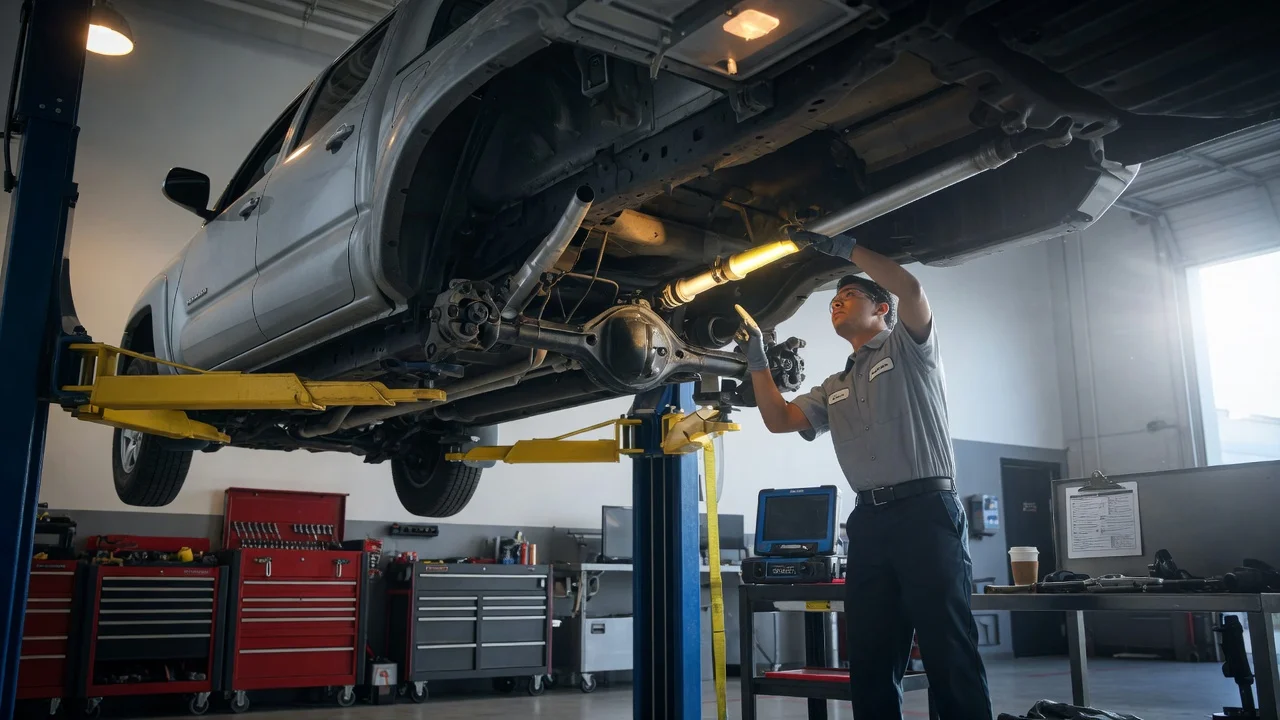
A driveshaft problem is not something to guess about on a pickup that tows, hauls or goes off pavement. If you have heard about a Toyota Tacoma driveshaft recall, the useful question is not whether Tacomas in general were affected. It is whether your specific truck is covered and whether the repair has already been done. This guide covers how to identify the campaign, confirm your vehicle, check its status and arrange the next step.
Identify the possible campaign
A recall is issued for a defined group of vehicles, not for a model name. A campaign involving the driveshaft or related driveline parts, such as the propeller shaft, slip yoke, universal joints, center support bearing or flange fasteners, is usually limited to certain model years, production date ranges or configurations. Drivetrain, cab style, bed length and transmission can all matter. Two Tacomas from the same model year can end up on opposite sides of the line, so do not assume your truck is included or excluded based on its year or trim alone.
Also consider where the information came from. A recall letter from Toyota addressed to you names the campaign and describes the condition. A news story, forum post or comment from a friend is only a lead. Symptoms that owners link to driveline trouble, such as a clunk when shifting into gear, a vibration that grows with speed or a squeak from under the truck, do not prove that a recall applies. Worn universal joints and other ordinary wear items can cause the same complaints. A truck with no symptoms at all can still be part of a campaign.
Confirm the exact vehicle
Start with the 17-character vehicle identification number. You can find it on the driver side of the dashboard through the windshield, on the label in the driver door jamb, and on your registration and insurance documents. Recall lookups are based on the VIN, so copy it carefully. Letters O and Q are not used, which helps you avoid mixing them up with zeros. The door jamb label also shows the month and year of manufacture. That date matters when a campaign is defined by a production window rather than a model year.
Write down the rest of your vehicle configuration too: two-wheel or four-wheel drive, engine, transmission, cab type, bed length and trim. Recall notices describe the affected population in these terms. These details help you understand a lookup result and spot mistakes, such as a mistyped VIN that returns the wrong truck. Coverage still depends on the VIN. If the original driveshaft has been replaced with an aftermarket unit, or the truck has a lift kit that changes driveline angles, tell the dealer. That affects what the technician will inspect and what the remedy can address.
Verify coverage and status
Enter your VIN in Toyota's owner recall lookup or in the federal recall database maintained by the National Highway Traffic Safety Administration. Both show safety recalls that are open for that VIN. A result of no open recalls can mean either that the truck was never included or that the work has already been completed, so it does not tell you which. Records can also lag. A newly announced campaign may take time to appear, and a repair done recently may not show as complete yet. Some public tools list only safety recalls and leave out other service campaigns.
For a complete picture, call the service department at a Toyota dealer and give them the VIN. Dealers can see the manufacturer's campaign records, including completed work and programs that are not safety recalls. Ask for the campaign code, whether it is open or complete, the completion date if it was done, and whether remedy parts are available. If you bought the truck used, this is the most reliable way to find out whether a previous owner already had the work performed, since earlier repair orders may not have come with the vehicle.
Understand the remedy
A safety recall means the manufacturer has determined that a defect poses a safety risk. The remedy is performed free of charge at an authorized dealer, regardless of mileage or how many owners the truck has had. The owner notice explains what the remedy involves. It might be an inspection, replacement of a component, or tightening fasteners to manufacturer specifications. Read your notice rather than assuming which applies, because the scope of work and the time it takes depend on the specific campaign.
Service bulletins and warranty extensions work differently. A technical service bulletin gives technicians repair guidance for a known condition. It is not a recall, and whether the repair is free depends on your warranty status and the dealer's diagnosis. A warranty enhancement or customer support program extends coverage on a particular component for a stated time or mileage. Those limits vary by program and are not the same as recall coverage. Do not treat a bulletin as an entitlement to free repair, and do not assume an extension stays open indefinitely. Confirm the terms that apply to your VIN.
If you already paid for a driveline repair that later turned out to be covered by a recall, check the owner notice for a reimbursement process and keep your original repair orders and receipts. Eligibility and conditions are set out in the notice itself, so rely on its terms rather than on general expectations.
Arrange the next step
When you schedule the visit, give the dealer your VIN and the campaign code and ask how long the work takes and whether parts are in stock. Remedy parts are not always available when a recall is announced. In that case owners may receive an interim notice first and a second notice once parts are ready. Ask about alternate transportation if the truck needs to stay overnight, since policies vary by campaign and dealer.
Until the repair is done, follow any interim instructions in the owner notification. That can include limits on towing or a warning not to drive the vehicle at all. Whatever the notice says, take new driveline vibration, clunking, grinding or anything hanging or rubbing under the truck seriously. A driveshaft that separates can cause loss of power to the wheels and damage nearby components. If symptoms appear, have the truck inspected promptly, and arrange a tow rather than driving it if the notice or your own inspection points to an unsafe condition. Severe operating conditions such as heavy towing or off-road use are good reasons not to wait.
After the work, get a repair order that lists the campaign code and shows it as completed, and keep it with your service history. Check the VIN lookup again later to confirm the record has updated. If the technician finds a separate issue during the inspection, such as a worn universal joint that is not part of the campaign, ask that it be listed separately. That repair falls under normal warranty or your maintenance schedule, not the recall.