Toyota Digital Key: What It Is, How It Works, and Which Phones Support It
Direct answer
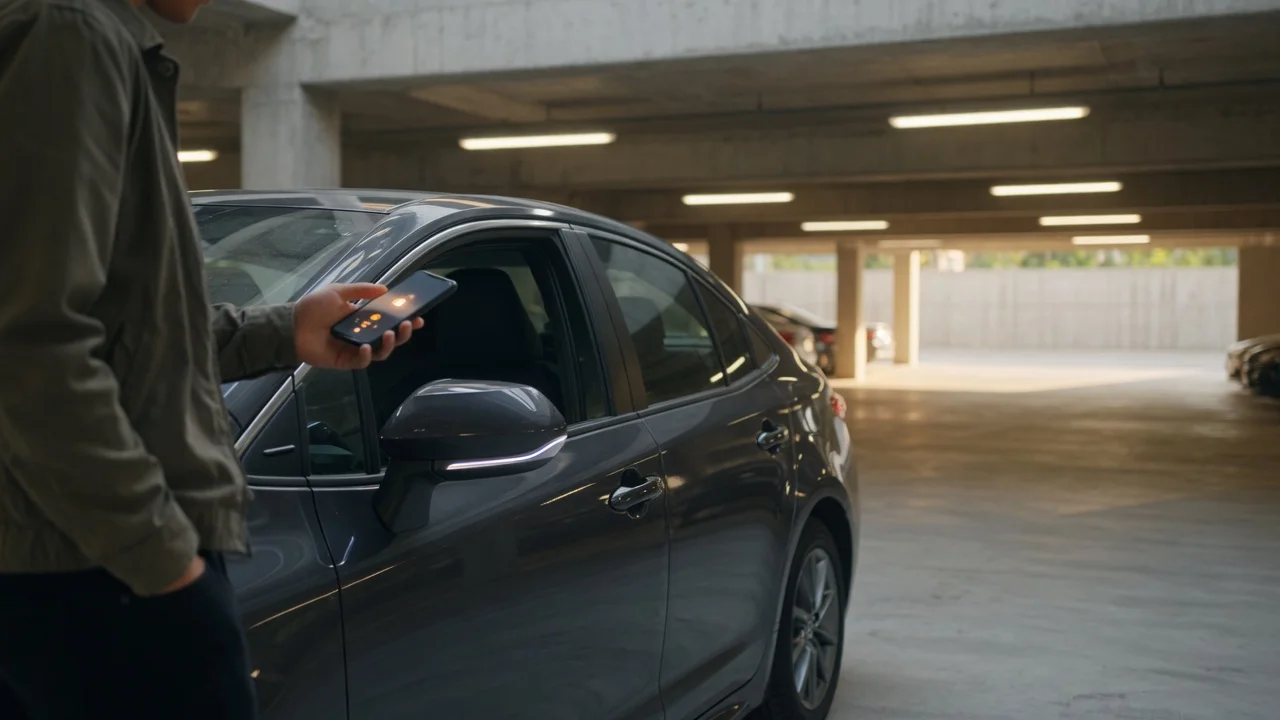
Toyota Digital Key is a smartphone-based vehicle access and starting feature available on select models. It lets you lock, unlock, and start the car using a compatible Android or Apple phone instead of a physical key fob. The feature is not universal across the Toyota lineup, and exact availability depends on the model, model year, trim, and market. In many cases it relies on an active connected service subscription, and phone support is limited to specific devices and operating system versions.
Scope and qualification
Toyota groups this capability under different names depending on region and platform. On Android it may appear as a digital key feature within the Toyota app or through a supported digital car key service. On Apple devices it can integrate with the Apple Wallet app where supported. Without a stated model year, generation, trim, or market, any claim about standard equipment or availability should be treated cautiously. The feature is documented on a limited set of newer models, and older vehicles generally cannot be retrofitted through a simple app update.
What Toyota Digital Key does
Once set up, a supported phone can perform the main functions of a passive key: locking the doors, unlocking the doors, and starting the vehicle. Some implementations allow sharing a digital key with another person temporarily, subject to subscription terms and regional support. The phone communicates with the vehicle using wireless technology such as Bluetooth or Ultra-Wideband where equipped. Because the implementation can vary by model family, a feature that works one way on one Toyota may not behave identically on another.
Android support
Android digital car key support for Toyota is limited to qualifying phone models and operating system versions. The phone generally must run a recent version of Android and support the required digital key framework. Even when the phone is compatible, the vehicle itself must have the necessary hardware and software. Toyota's connected services platform may also require an active Remote Connect subscription or an equivalent regional service for digital key enrollment and continued use.
Setup normally begins inside the Toyota app. The owner is guided through pairing the phone with the vehicle while the physical key fob is present. After enrollment, the phone can be used near the driver's door handle or interior start button, depending on the vehicle's sensor layout. Exact steps and on-screen labels vary by app version and region.
Apple support
On Apple devices, Toyota digital key support may be available through the Apple Wallet app when the vehicle and phone meet the required specifications. The phone stores the key in Wallet, and the user can hold the device near the door handle to unlock and place it in a supported location or use the start button to drive. Express Mode may be available on some implementations, allowing access without Face ID or Touch ID after the key is added.
Apple support is not implied for all Toyota models with a digital key feature. Availability depends on the iPhone model, iOS version, vehicle hardware, and market. Some Toyota vehicles may support Android digital key but not Apple Wallet, or vice versa, depending on the regional rollout.
Compatible Toyota models
Toyota has introduced digital key capability primarily on newer-generation vehicles with advanced connected hardware. Because Toyota does not publish one global compatibility list, and regional availability differs, a specific model and year must be checked against the owner's manual or the connected services description for that market. Material uncertainty remains for older trims or vehicles sold without the required communication hardware.
Subscription and service requirements
A digital key is typically tied to a connected services subscription. If the subscription lapses, digital key access may be suspended even if the feature was previously working. The physical key fob continues to operate normally, but phone-based locking, unlocking, and starting may no longer function until the service is restored.
Phone battery and failure considerations
A key limitation is reliance on the phone's battery. If the phone runs out of charge, the digital key may become unavailable unless the phone supports a reserve power mode for automotive access, which is not present on all devices. The physical key fob or a mechanical backup key should be kept available. Owners should not depend solely on a phone for access in areas with poor phone service or during long trips without charging.
Security notes
Digital key systems are designed with encryption and device binding to reduce the risk of unauthorized access. However, like any wireless system, they depend on the security of the phone, the vehicle's software, and the connected services account. Losing a phone with an active digital key should be treated as losing a key fob; the owner should suspend or remove the key through the Toyota app or contact the appropriate service support channel promptly.
Practical next steps
To determine whether a specific Toyota vehicle supports digital key, check the owner's manual and the connected services description for the exact model year, trim, and region. On the phone side, confirm the device appears in the supported list for the relevant operating system. Before relying on the feature, complete the pairing process while carrying the physical key, verify that lock, unlock, and start all work, and note the subscription status. If any of these requirements is missing, the digital key may not be available or may stop working.
Known gaps
The supplied evidence does not provide a complete list of supported Toyota models, model years, trims, or markets. It also does not state which exact Android phones or iPhone models are compatible, nor which subscription tiers are required in each region. Those details must be confirmed from Toyota's official model-specific documentation or the connected services terms for the owner's market.