How to Keep a Pickup Truck Maintenance Log
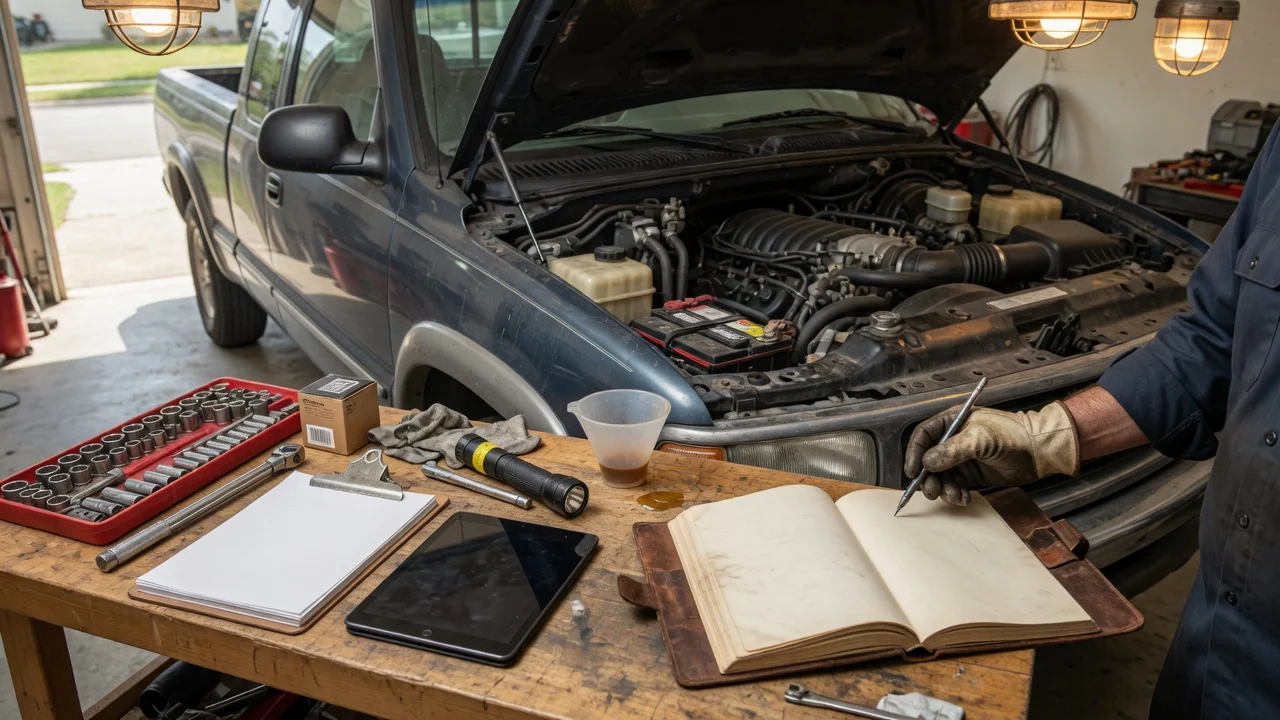
Before you start
A maintenance log works best when you decide where records will live and what detail you can maintain consistently. This can be handled locally in a notebook, a printed sheet in the glove box, a spreadsheet, or a vehicle-management app. You do not need an online service, but apps may require an account or sync settings. Have the truck's odometer reading, date, and basic service information available when you make an entry.
Step-by-step instructions
Use one log format for the truck so entries stay easy to compare. Start each record with the date, odometer reading, and service type.
Include enough information to make the entry useful later: parts installed, fluid type or capacity where known, cost, and any note about a reminder or follow-up. If the work was done at a shop or dealership, add the provider name and invoice or job number.
Record routine items such as oil and filter changes, tire rotation, brake inspection, air filter replacement, coolant service, and transmission service. For a pickup, also note items that may follow different schedules, such as transfer case fluid, differential fluid, chassis lubrication, and trailer-related checks if you tow.
If you are using a spreadsheet or app, mirror the same fields in each row or entry. If you prefer paper, keep a simple column layout so you can scan dates and mileage quickly. Store paper or receipts in the truck only as copies when possible; a home file or scanned copy can be more secure.
Check the output
After adding an entry, confirm that the date and odometer reading match the truck. Read the service note back and check that it includes the part or fluid changed and the next due point where relevant. For an electronic log, confirm that the entry saved and appears in the correct vehicle record.
A polished-looking log is not proof of accurate data. The test is consistency: a new entry should be complete enough that someone reading the log later can see what was done, when, and at what mileage.
Common problems and next steps
A common issue is missing mileage. If the odometer reading is not available during the service, write the estimate clearly or mark the field as pending and fill it in as soon as possible.
Another common issue is a log that mixes vehicles or drivers. Keep all entries under the pickup's identifier or VIN, especially when more than one vehicle uses the same notebook or account.
If you are switching from paper to a digital copy, start with the latest records first and then add older receipts as time allows. This makes continuing the log easier than trying to reconstruct the entire history at once.
For privacy, avoid keeping a full VIN or ownership documents with a log that may be visible in the cab. If a digital app handles your records, review the account or sharing settings before storing personal details.